## 1. Connectors
### Understanding Connectors
A connector is the underlying connection channel to a data source, used to connect to SaaS systems, business systems, and other third-party service systems
Connectors integrate with external receiving systems. Users create rule actions to provide connections for multiple data sources
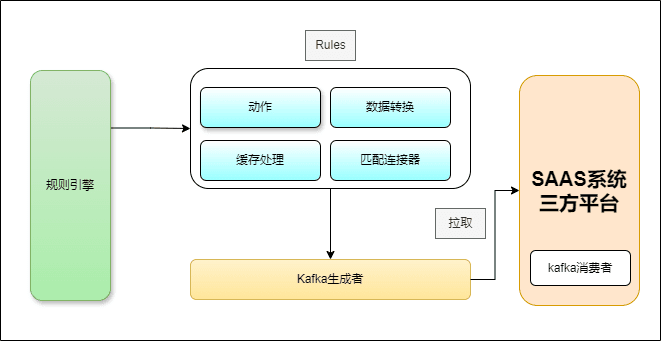
> Taking the KAFKA connector as an example, the relationship between the connector, actions, data mapping, and the external data system is shown in the figure below
 ### Connector Features
When creating actions and matching rules, you select an already-created connector without worrying about the details of the underlying connection. The advantages of this design are as follows:
* Connection configuration is separated from data processing and data mapping configuration, making the design of data processing flows more modular and flexible.
* Creating and configuring a connector does not affect the design of data processing flows. Connectors have low coupling with rules, achieving the goal of decoupling from data forwarding.
* When an external data system needs forwarding by multiple actions or rules, the channel of each action can be configured separately; they are independent of each other and do not interfere.
### Supported Connectors
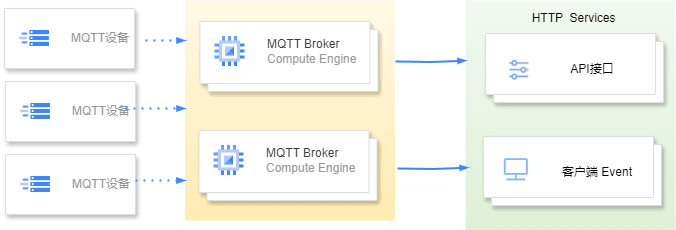
In the FBMQ system, there are currently 5 supported connectors, as follows:
> KAFKA connector
>
> RABBITMQ connector
>
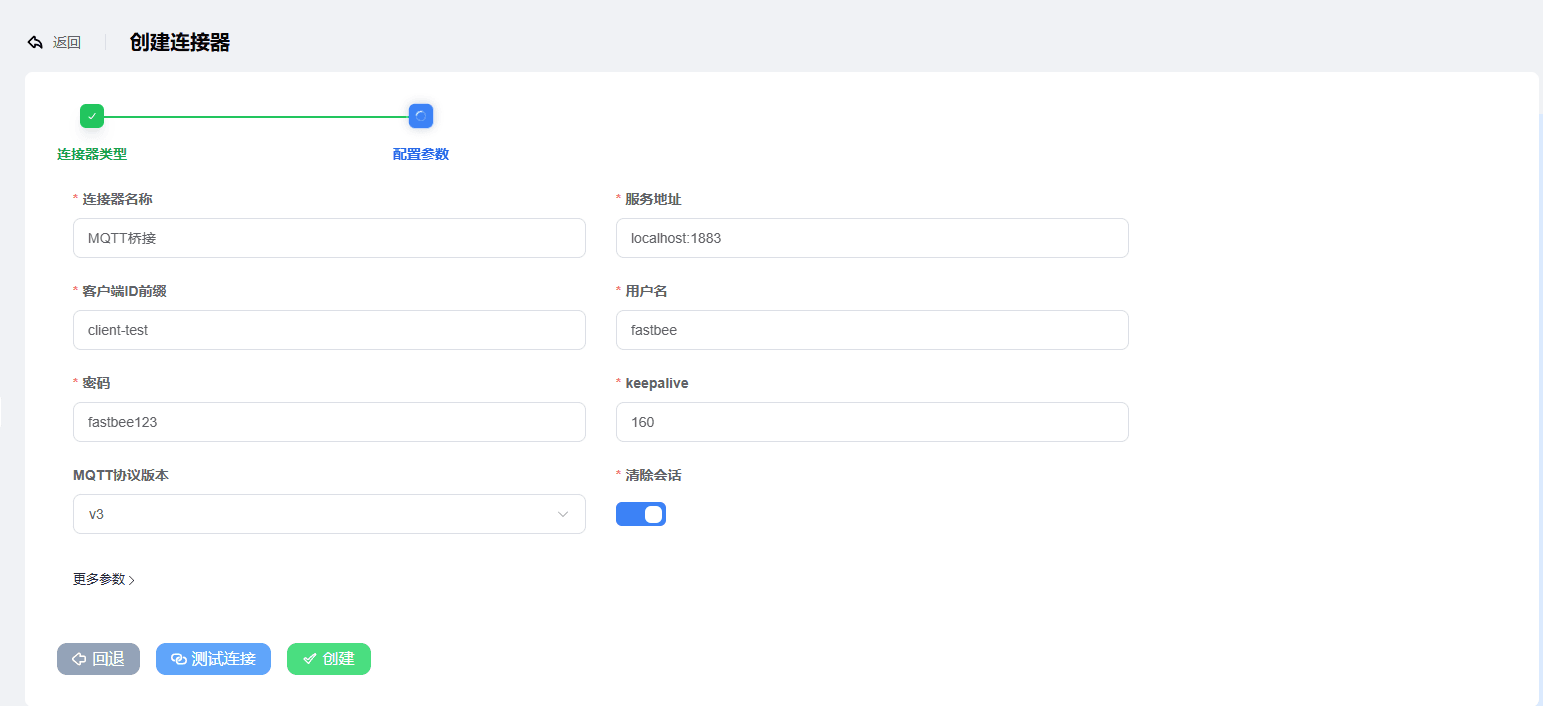
> MQTT connector
>
> ROCKETMQ connector
>
> WEBHOOK connector
### Creating a Connector
On the visual page, select `Integration - Connectors` and click `Create` to enter the connector creation process
On the connector page, select the required type to create it
### Creating a KAFKA Connector
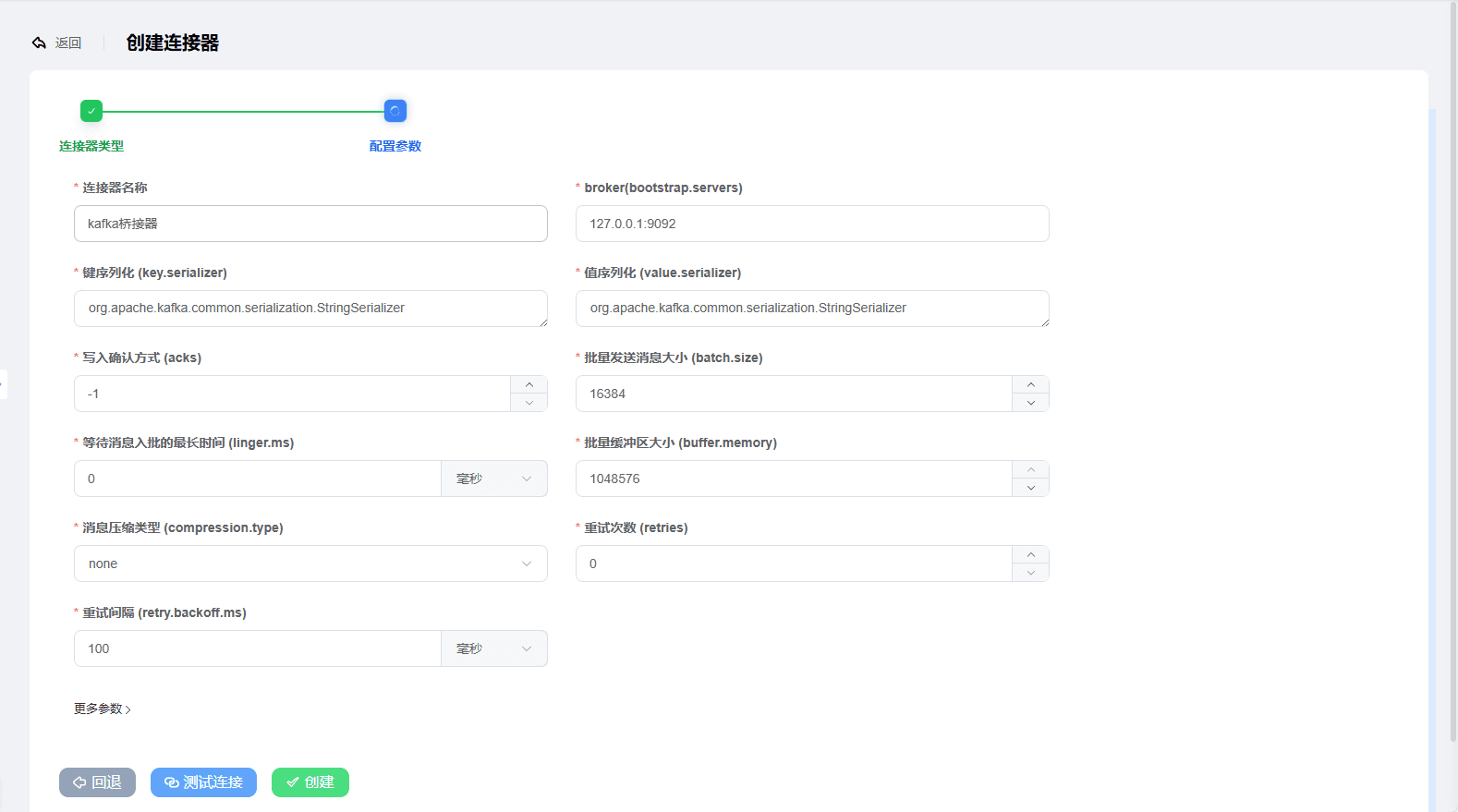
The parameters are as follows
> ```json
> broker(bootstrap.servers): 127.0.0.1:9092,127.0.0.2:9092
> Key serializer (key.serializer): org.apache.kafka.common.serialization.StringSerializer
> Value serializer (value.serializer): org.apache.kafka.common.serialization.StringSerializer
> Write acknowledgment (acks): -1
> Batch message size (batch.size): 16384
> Maximum wait time for messages to join a batch (linger.ms): 0
> Message buffer memory size (buffer.memory): 33554432
> Message compression type (compression.type): none
> Message retry count (retries): 0
> Retry interval (retry.backoff.ms): 100 (milliseconds)
> ```
 > Connector status
After creation, click the `Test Connection` button to verify
The connection status is divided into:
`Connected`: The connector configuration is correct and the connected external server is working normally
`Not connected`: The connector configuration is incorrect and it is in an unhealthy state; it will periodically retry connecting according to its configuration
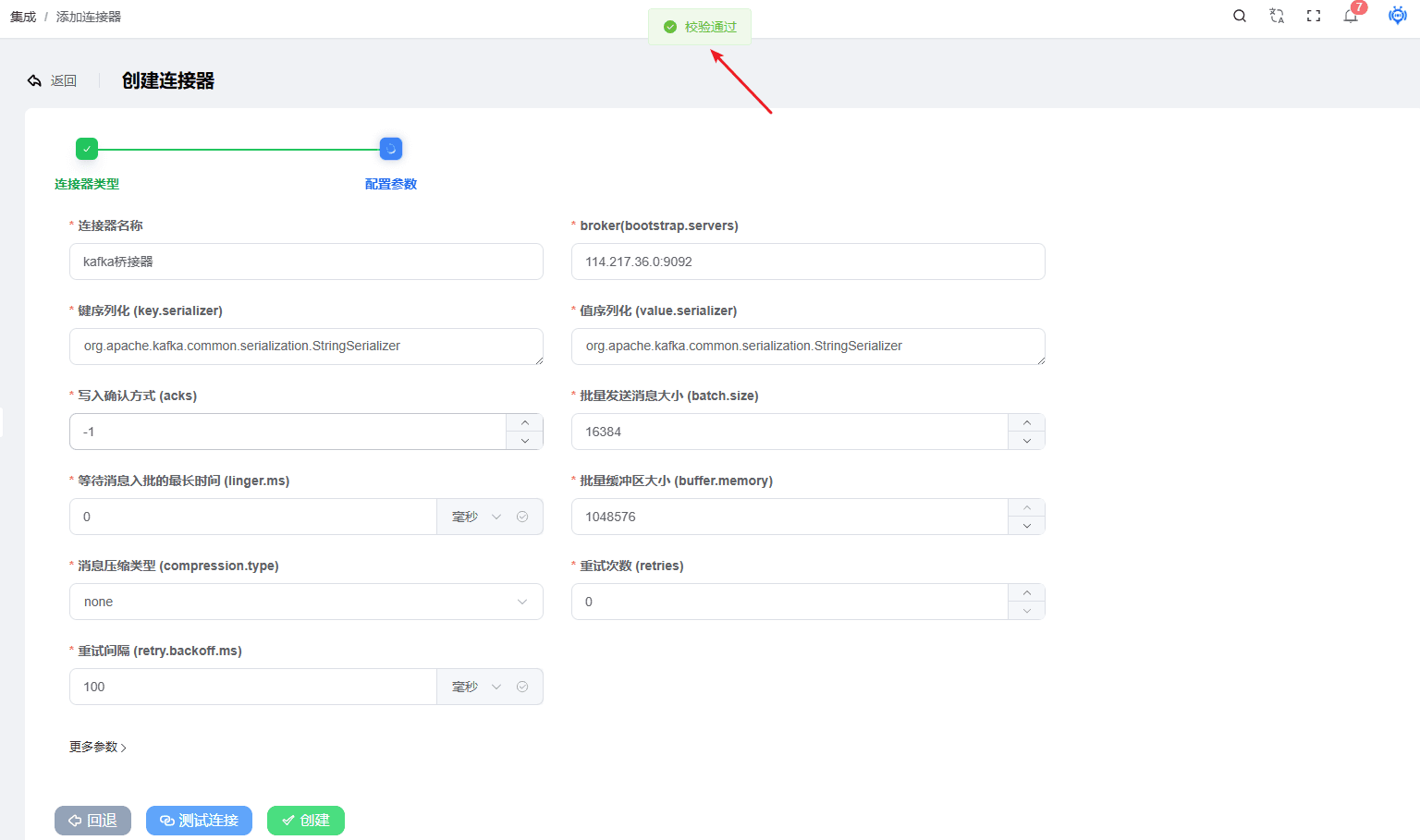
> Successful test example
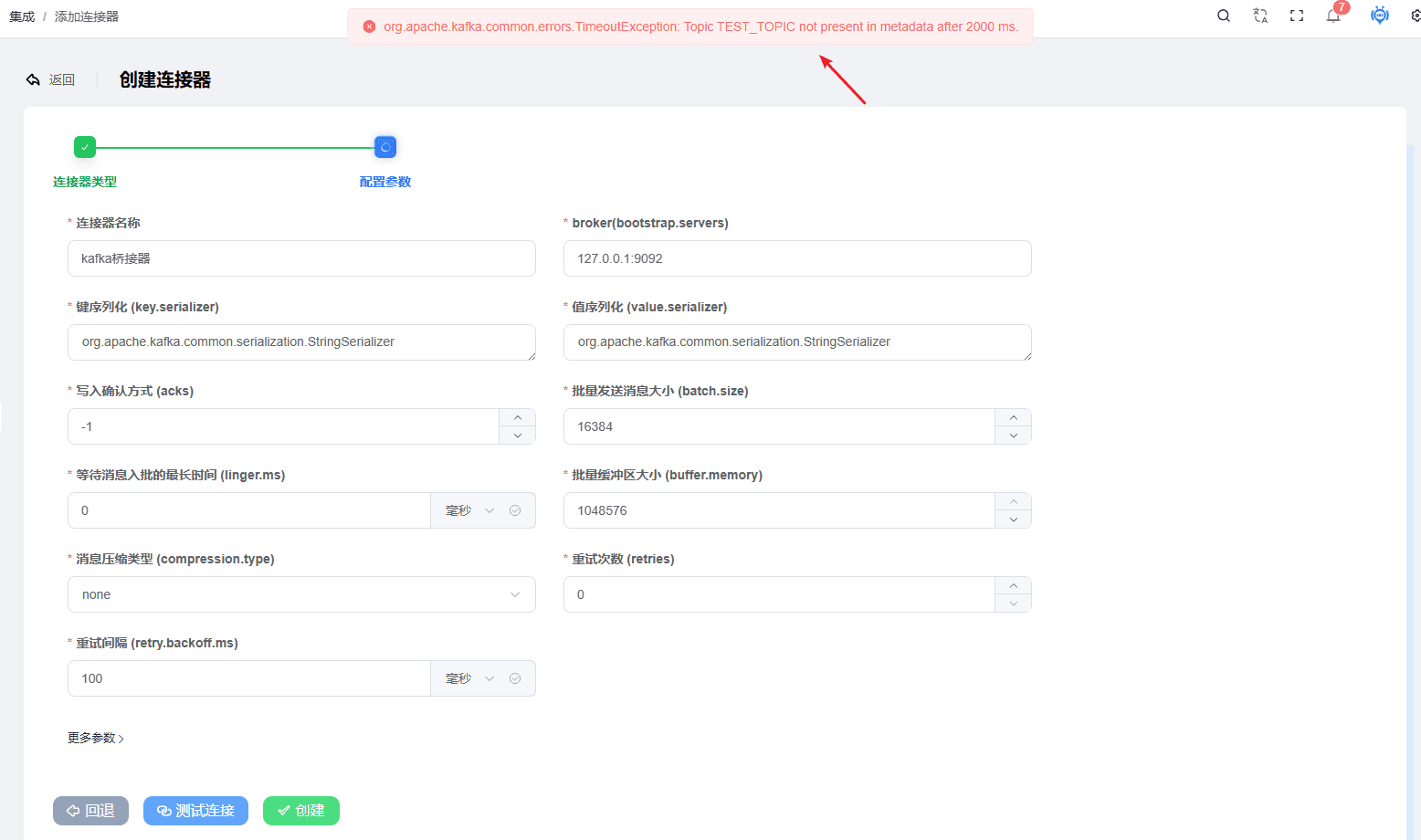
 > Failed test example
 ### Creating a ROCKETMQ Connector
RocketMQ as the connection channel
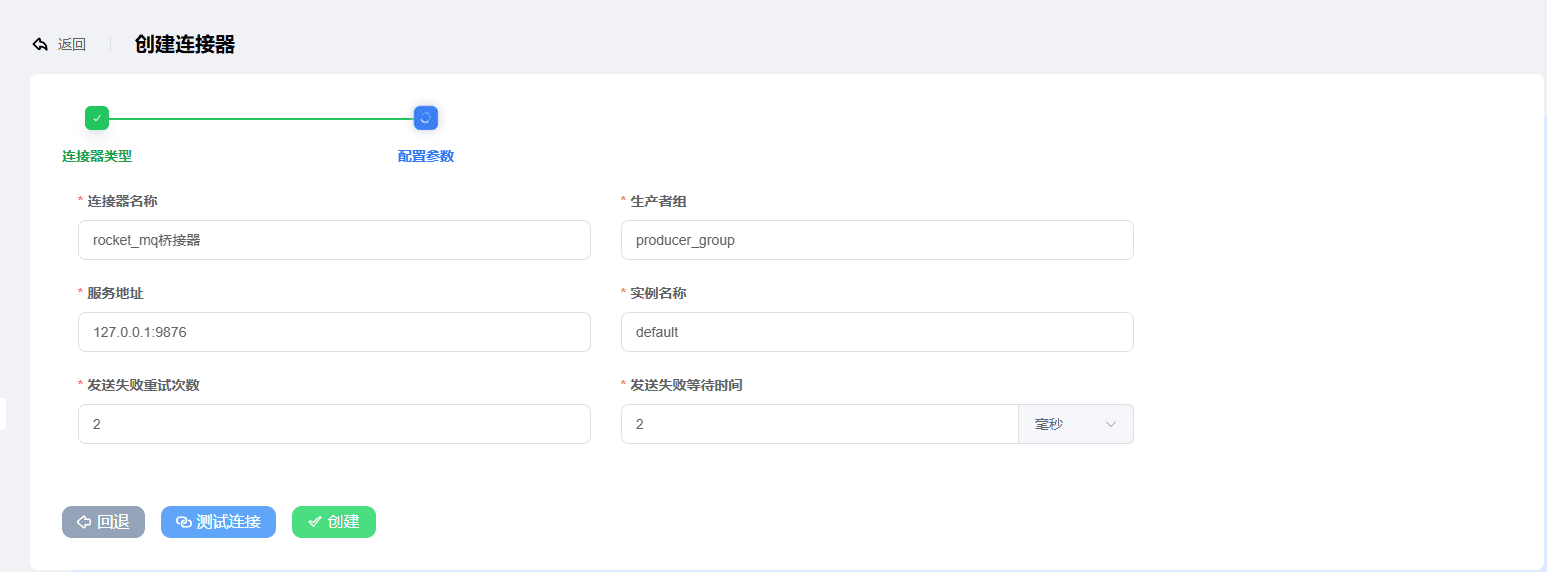
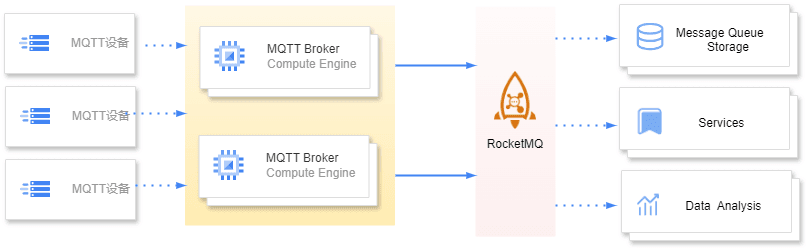 The parameters are as follows
> ```json
> Producer group (producer_group): producer_group
> Server address (namesrv_addr): 127.0.0.1:9876
> Instance name (instance_name): default
> Retry count on send failure (retrys_failed): 2
> Wait time on send failure (retry_async_failed): 2
> ```
 ### Creating a RABBITMQ Connector
RabbitMQ as the connection channel
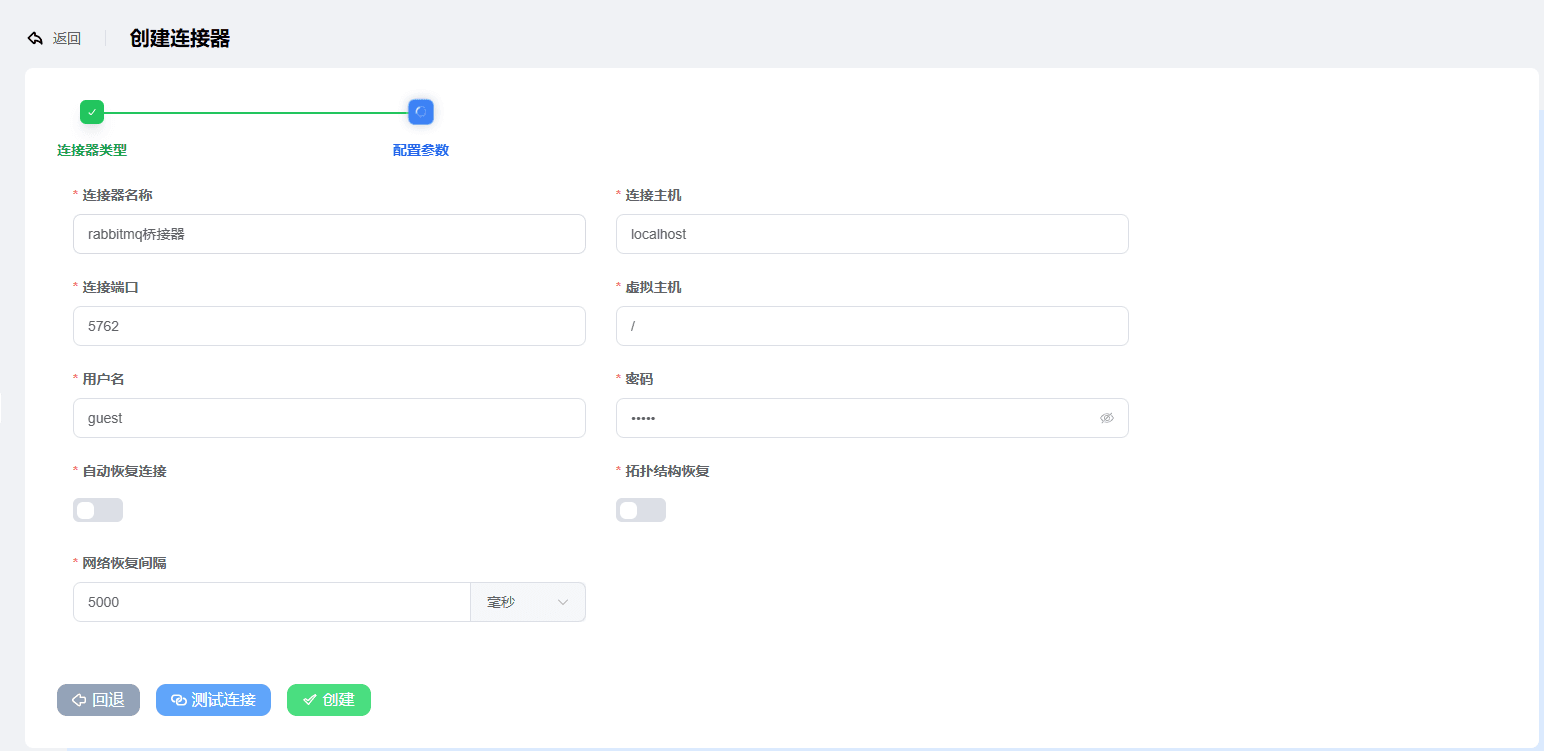
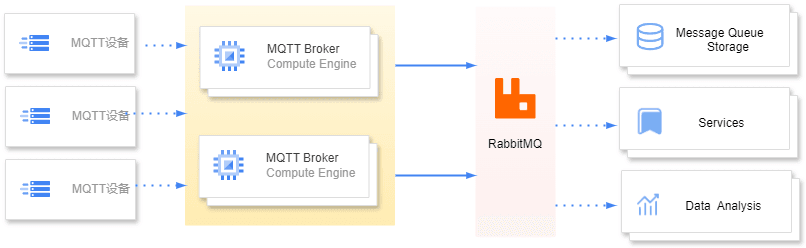 Example parameters are as follows:
> ```json
> Host: localhost
> Port: 5762
> Virtual host (vhost): /
> Username: guest
> Password: guest
> Automatic connection recovery (automaticRecovery): true
> Topology recovery (topologyRecovery): true
> Network recovery interval (networkRecoveryInterval): 5000
> ```
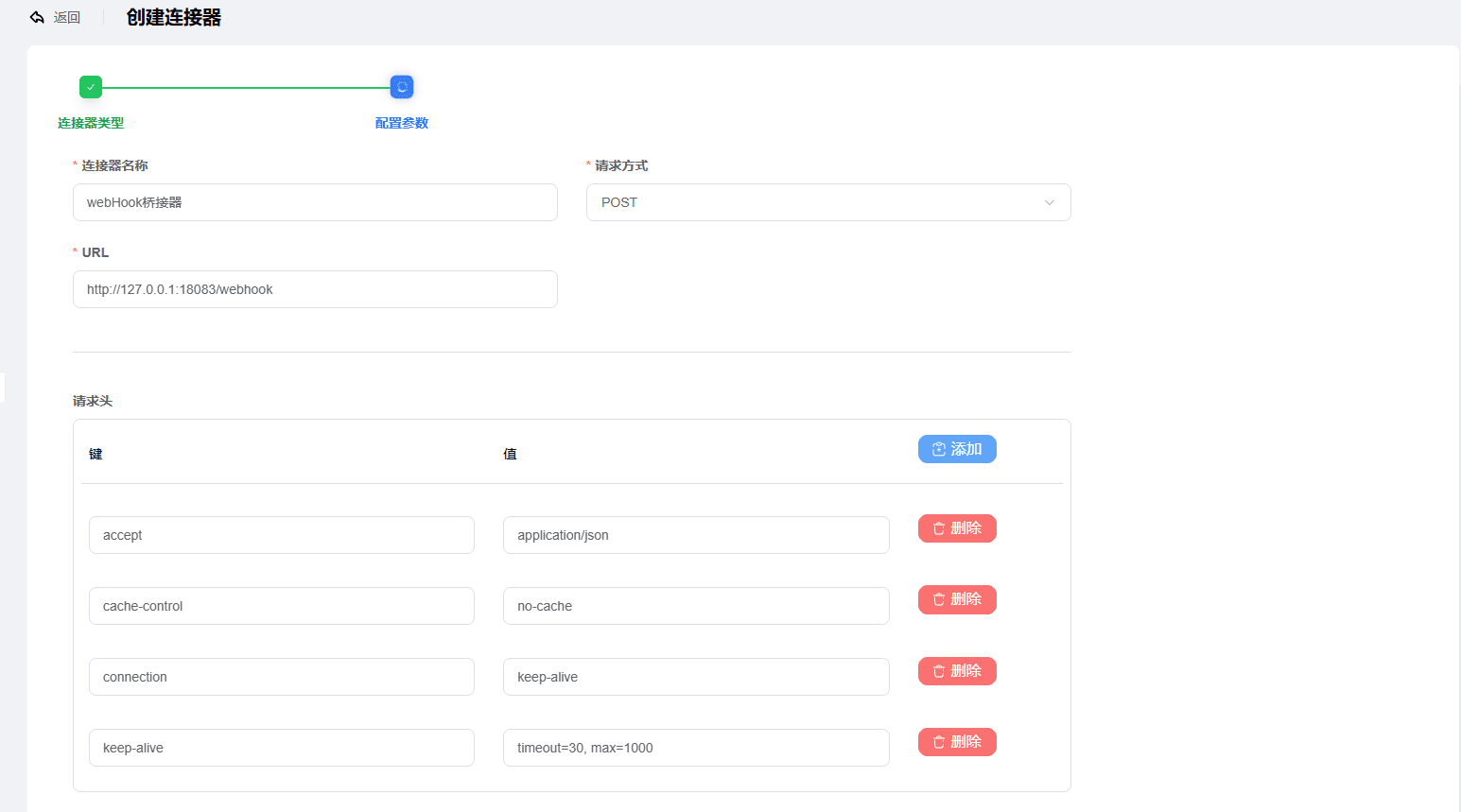
 ### Creating a WEBHOOK Connector
Webhook as the connection channel
 The parameters are as follows
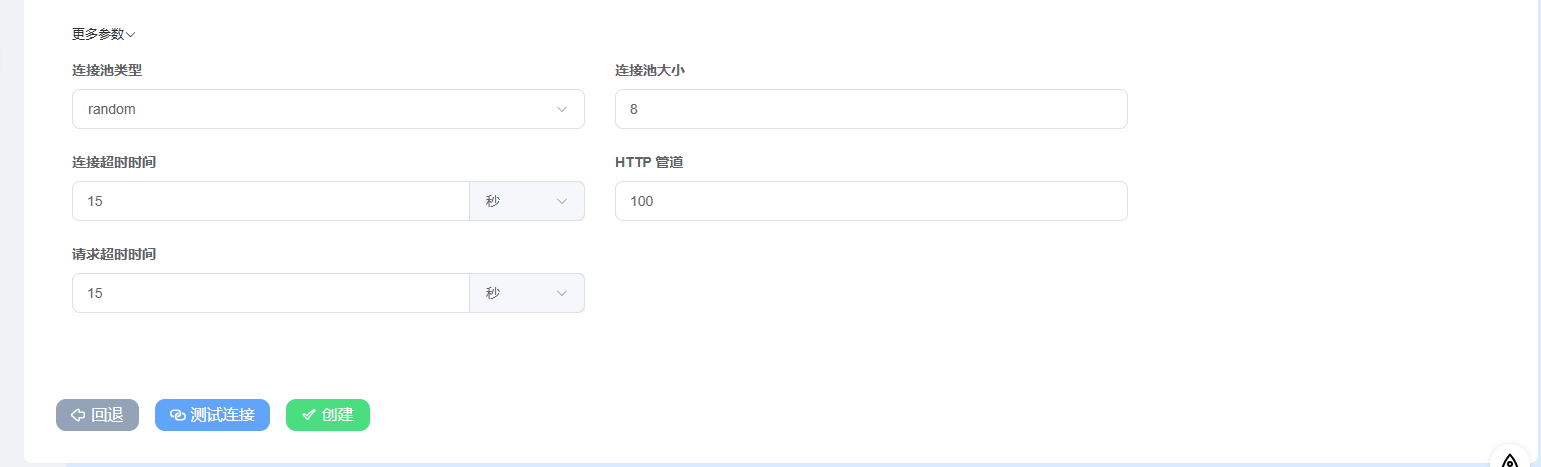 ### Creating an MQTT Connector
 ### Updating a Connector
After a connector is created, its basic information and connection parameters can be modified
If a connector is in use by the rule engine, updating it causes the rule engine to reload data, which may result in some data being dropped during the update.
A connector in use by the rule engine cannot be deleted. To delete it, you must first delete the rule engine rules that use the connector.
### Notes
A connector does not connect to the server directly after creation and does not consume any resources. Only after it is used by the rule engine and an action is triggered will the connection pool be created
Some connectors provide a connection pool. The connection pool is reused, which reduces resource consumption and improves connection and concurrency capabilities
Connectors are shared between nodes, and the connector connection pool size is generally 8.