

FastBee Commercial Mobile and Web SCADA Feature Update Released!
Our team recently updated and upgraded the FastBee mobile app and Web SCADA. The specific updates are as follows.
1. New and Optimized SCADA Components
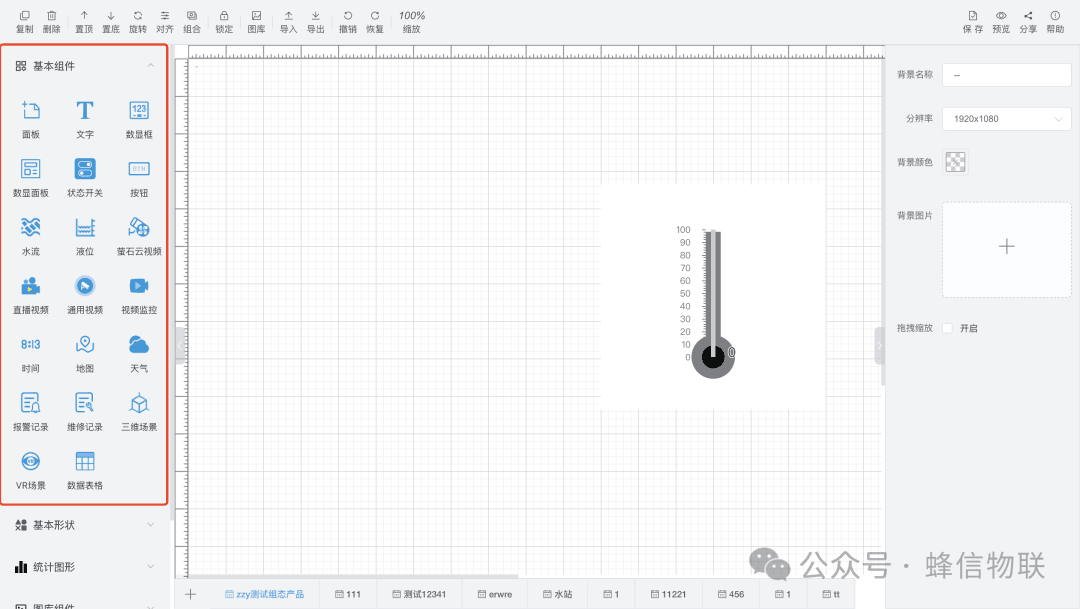
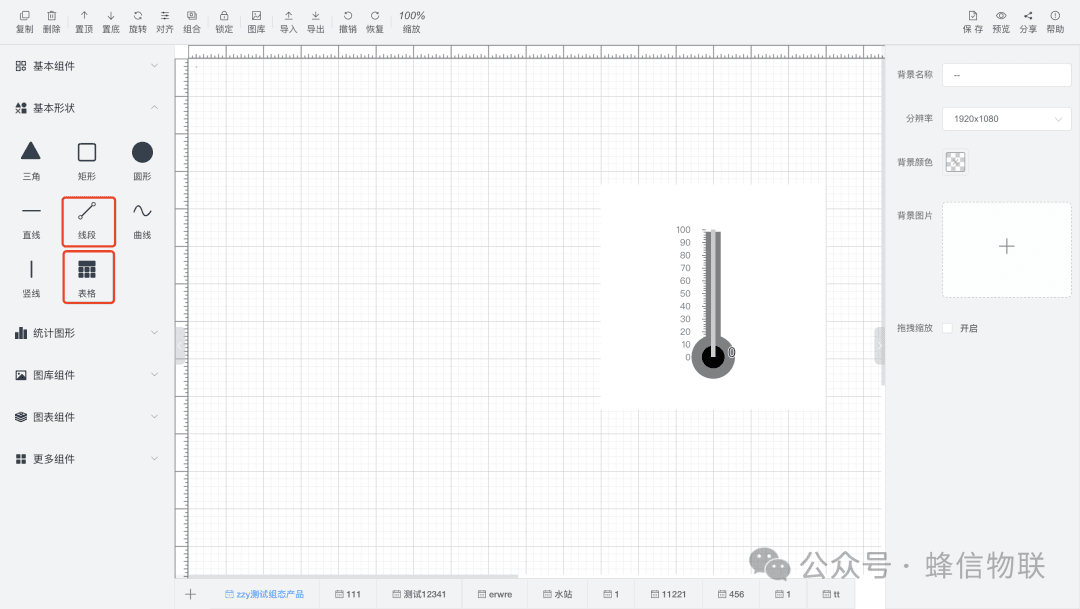
Text, numeric display box, numeric display panel, status switch, button, water flow, liquid level, weather, data table, video monitoring basic shapes, and statistics charts have been optimized.
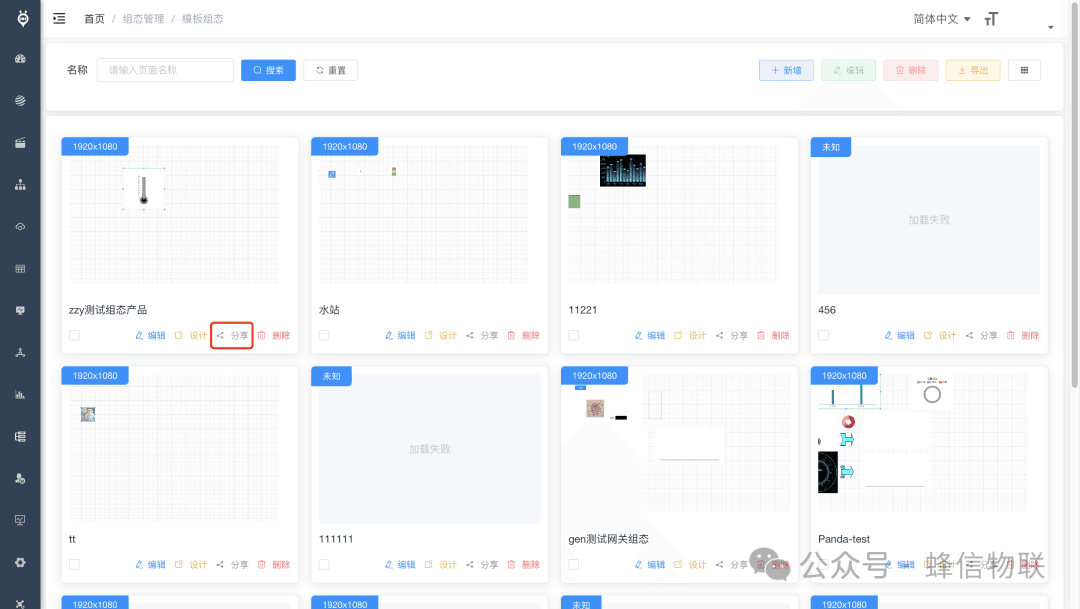
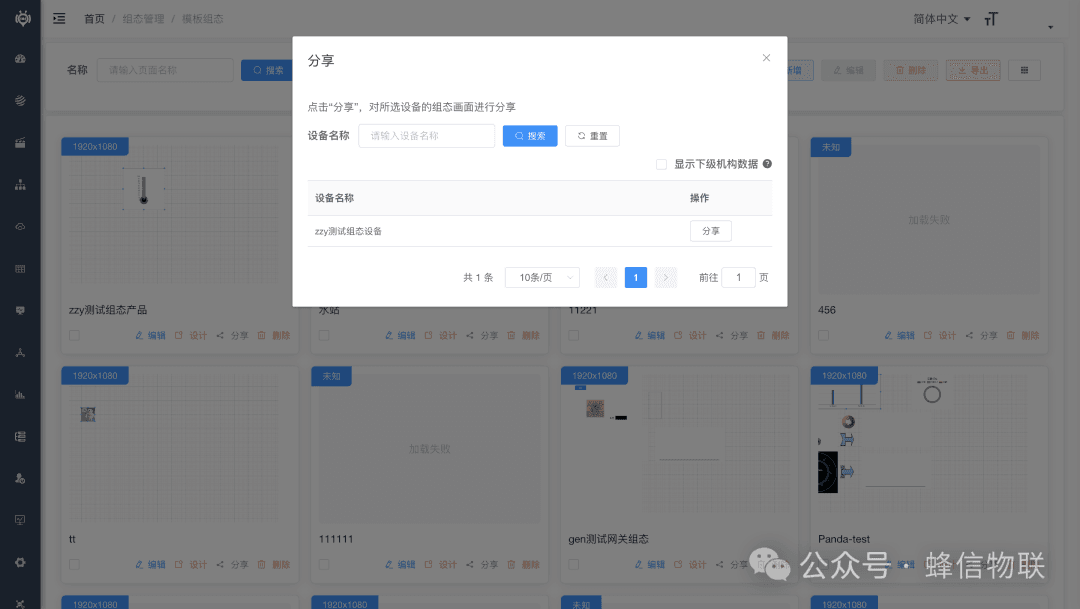
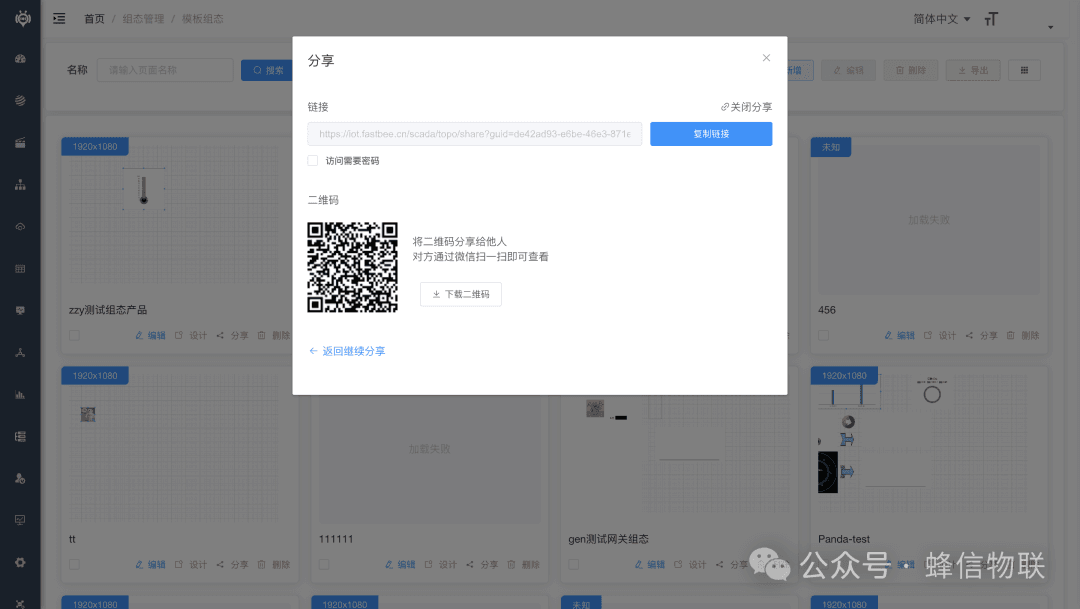
2. SCADA Sharing
Share to any device via a link — the SCADA screen content can be viewed without logging in.
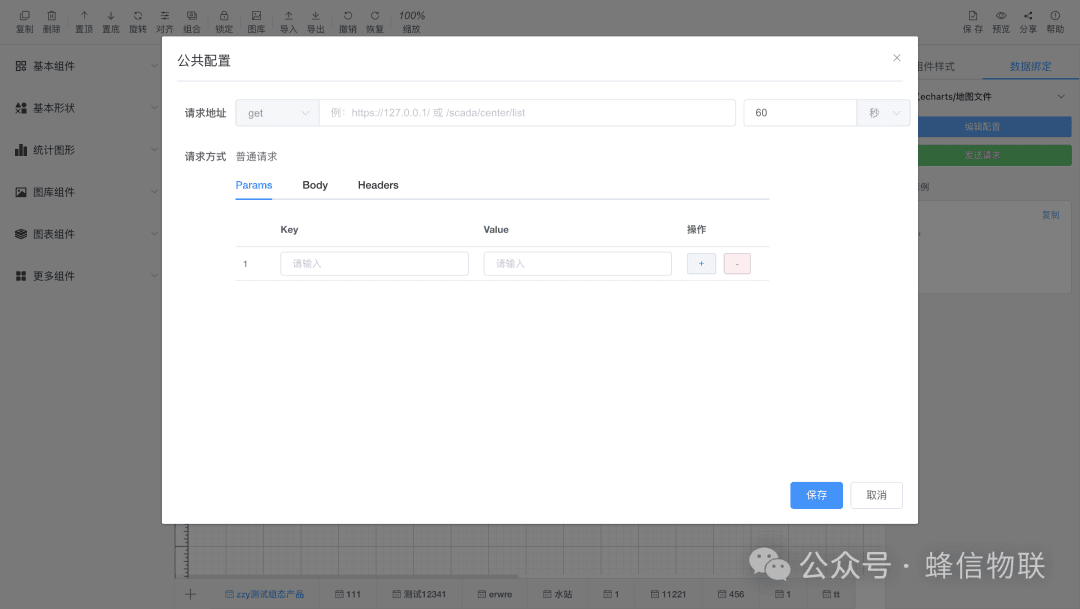
3. SCADA Data Initialization
Everyone is welcome to try this feature on our official demo site iot.fastbee.cn!
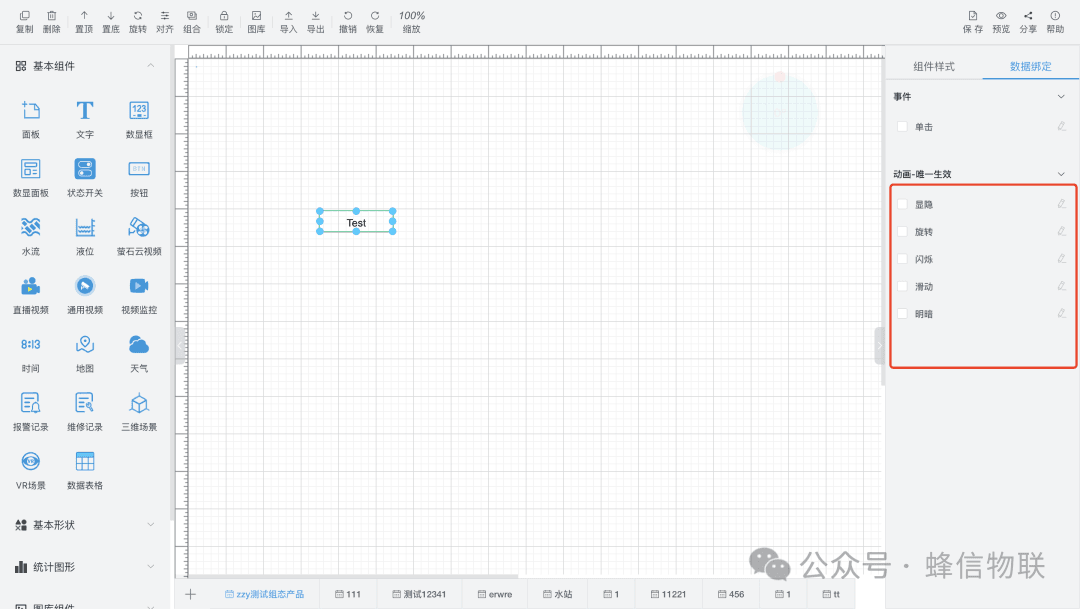
4. New Optimized SCADA Animations
Rotation, blinking, sliding, and light/dark effects.
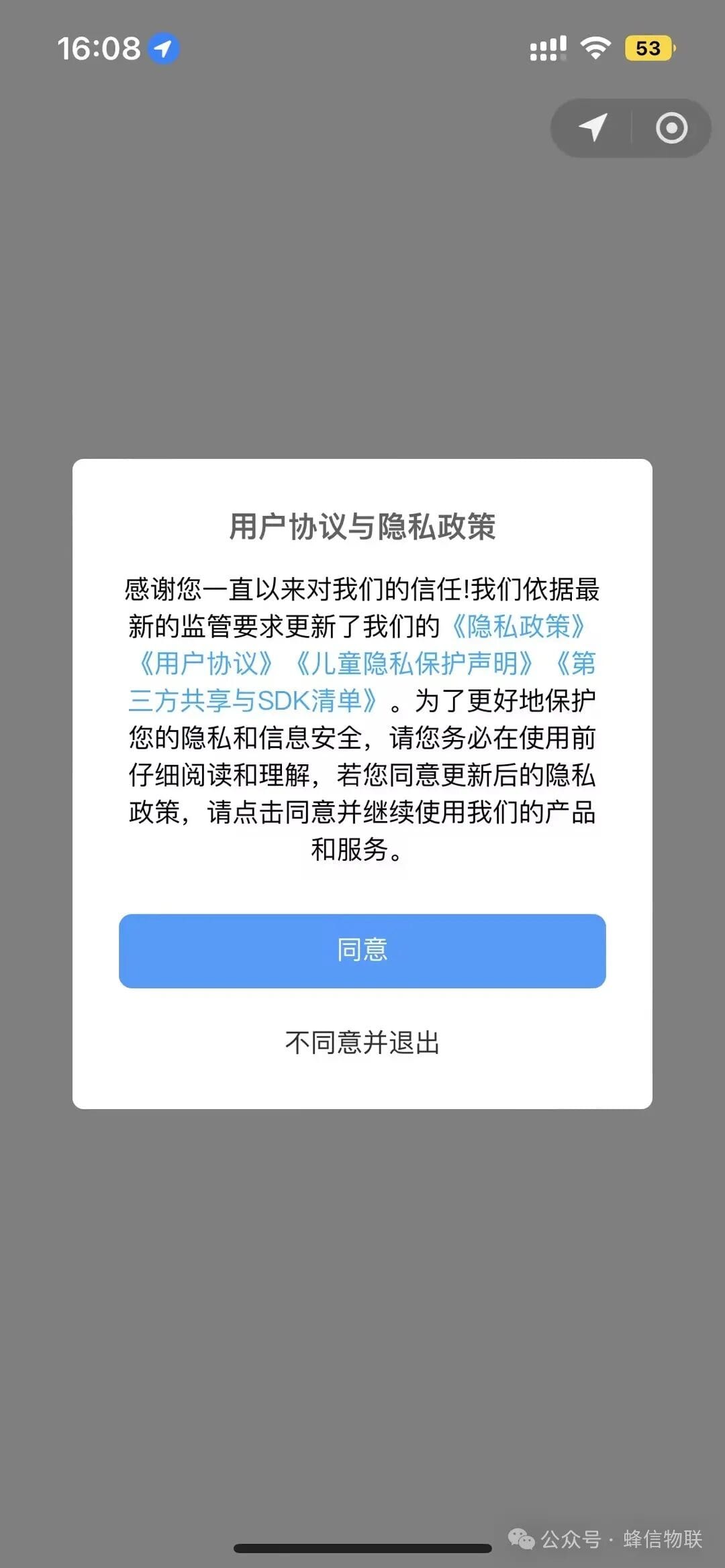
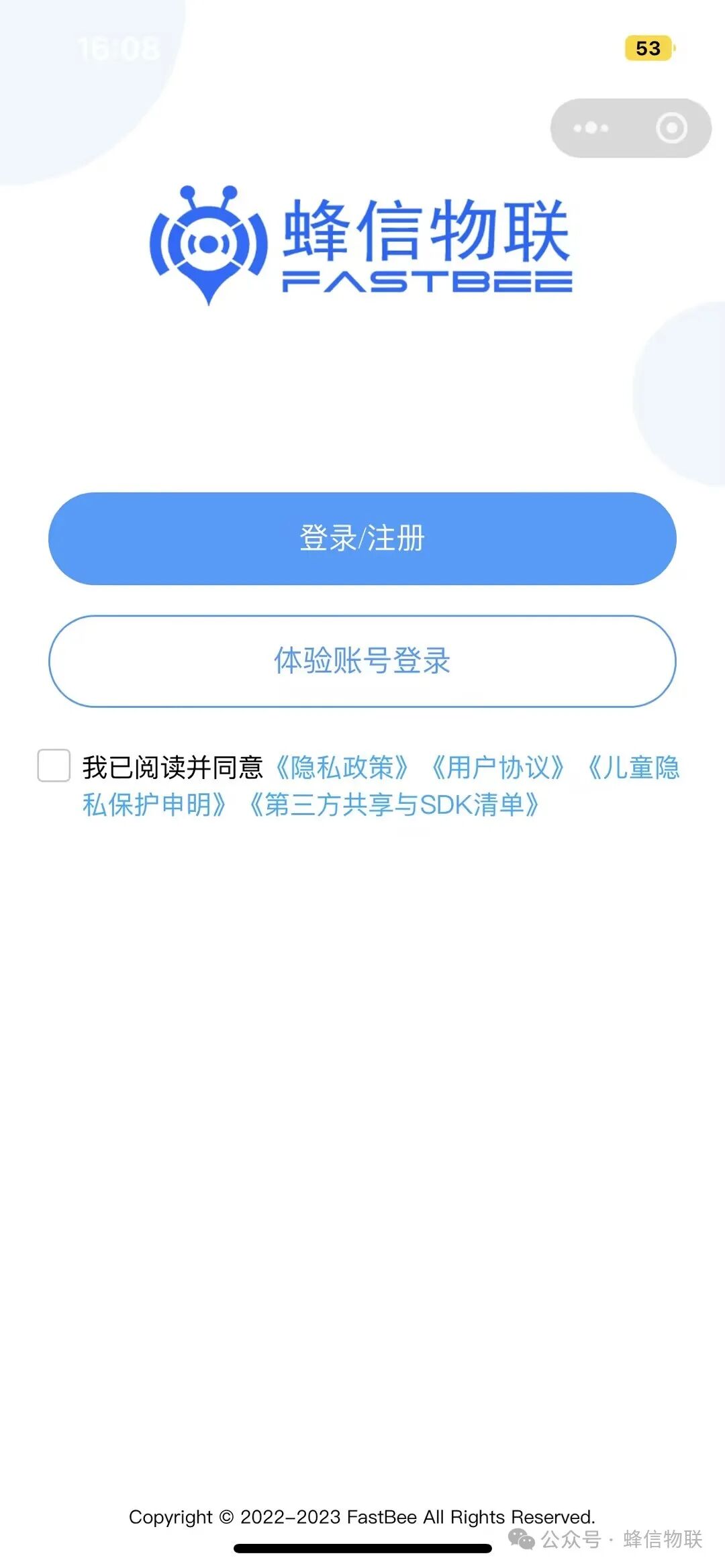
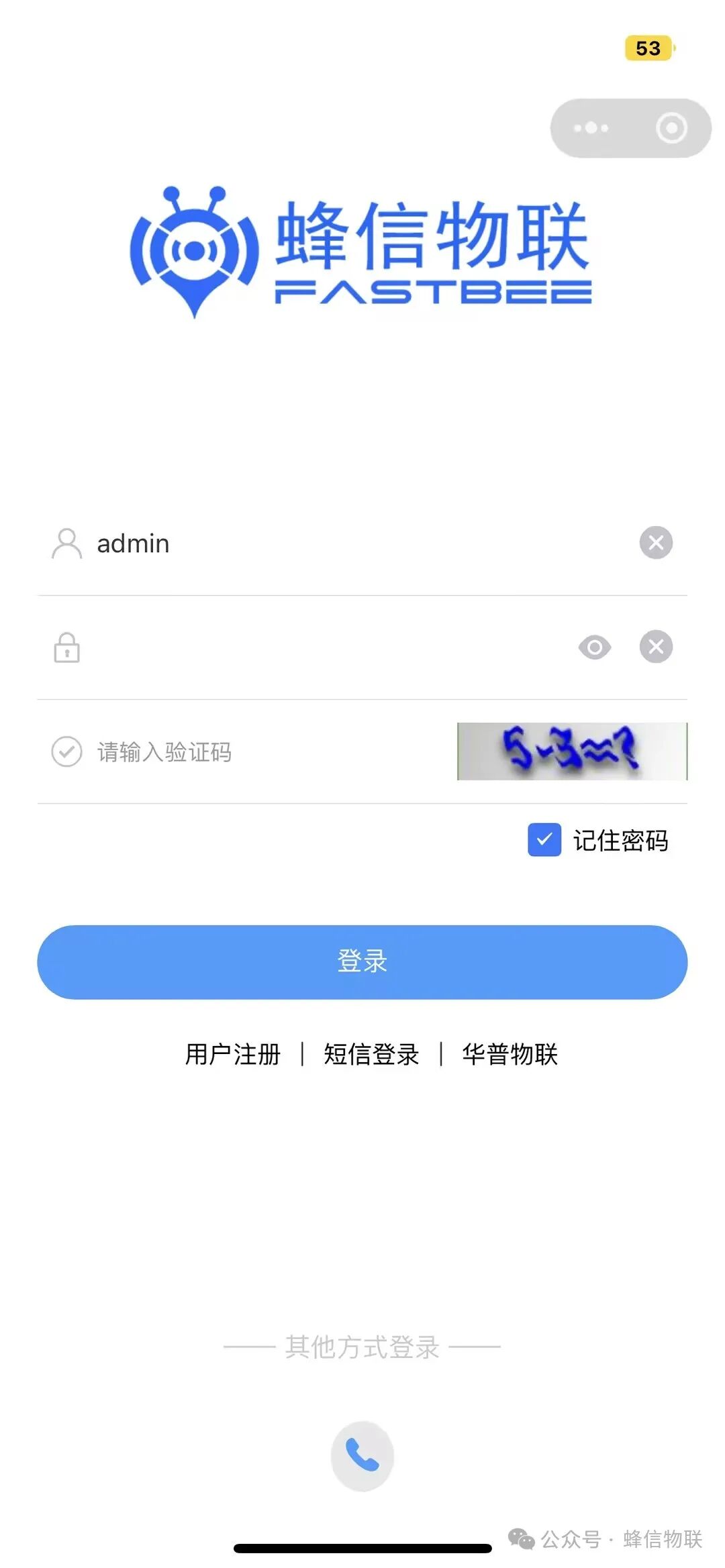
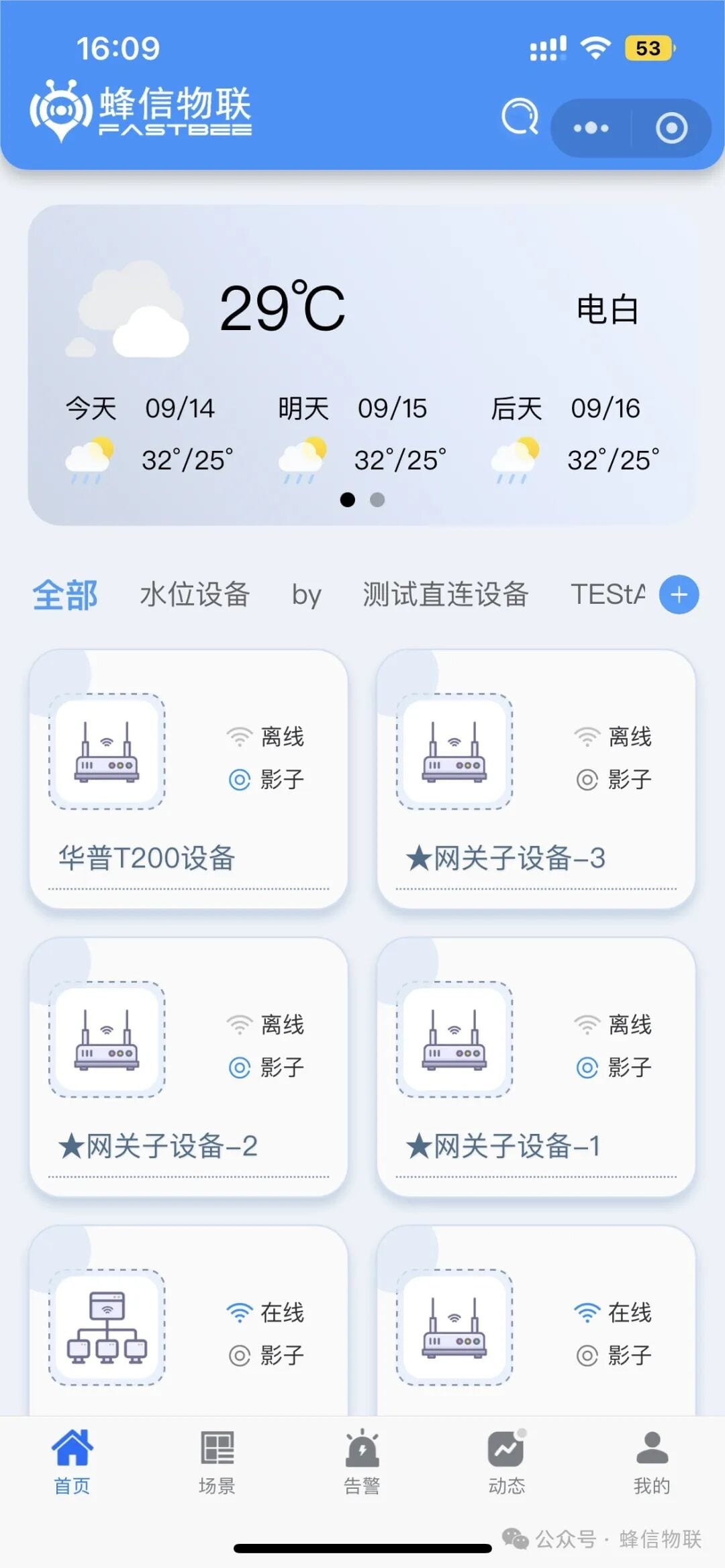
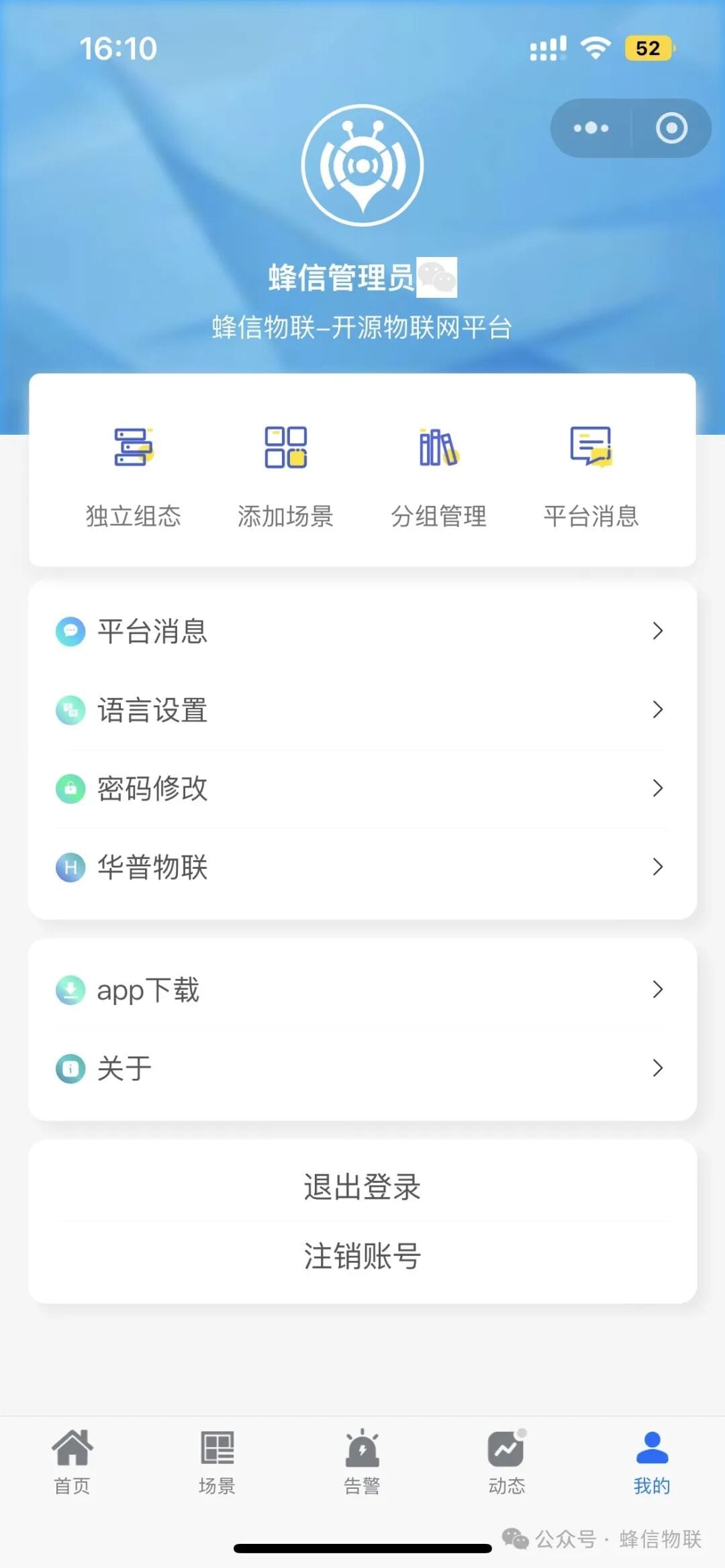
5. Mobile UI Revamp and Optimization
Some screens no longer require login, and the UI layout has been optimized.
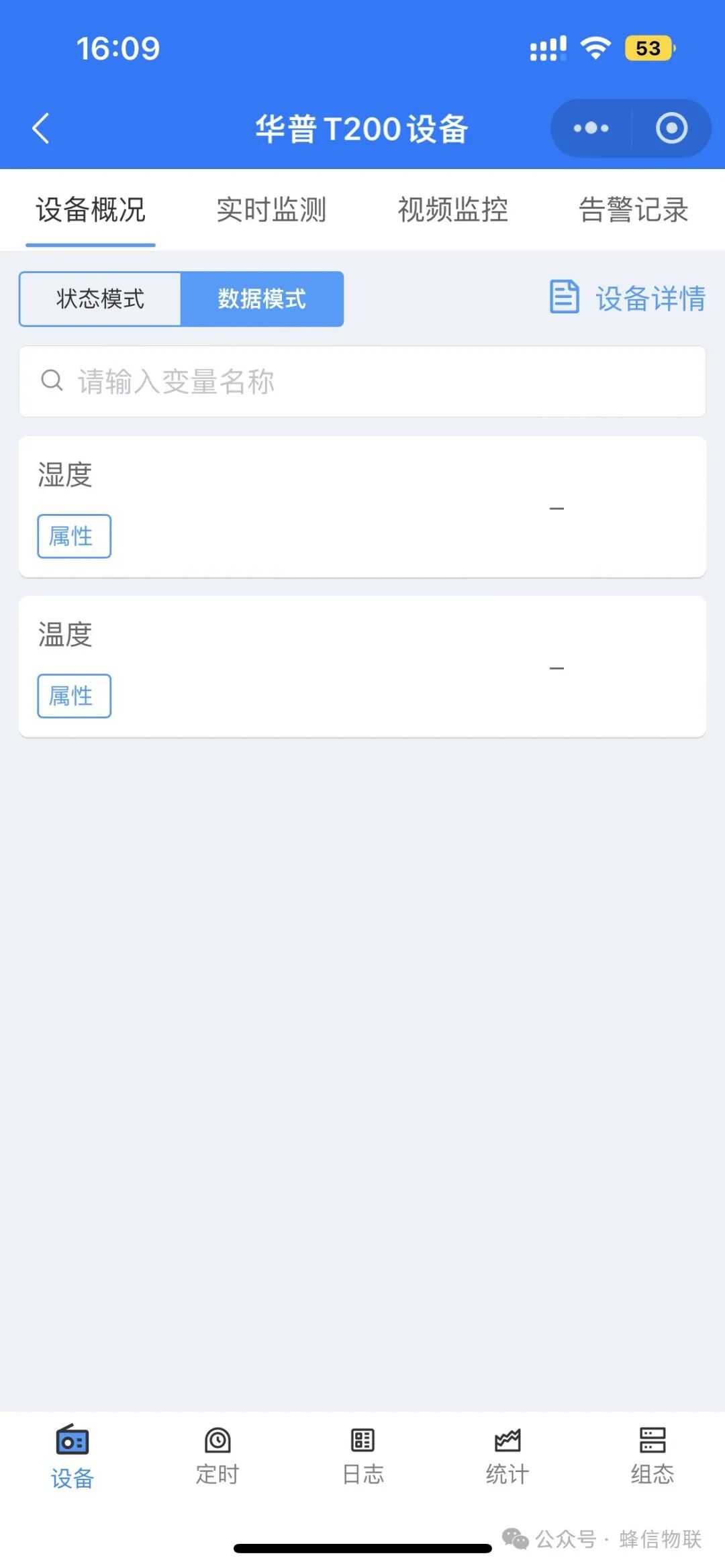
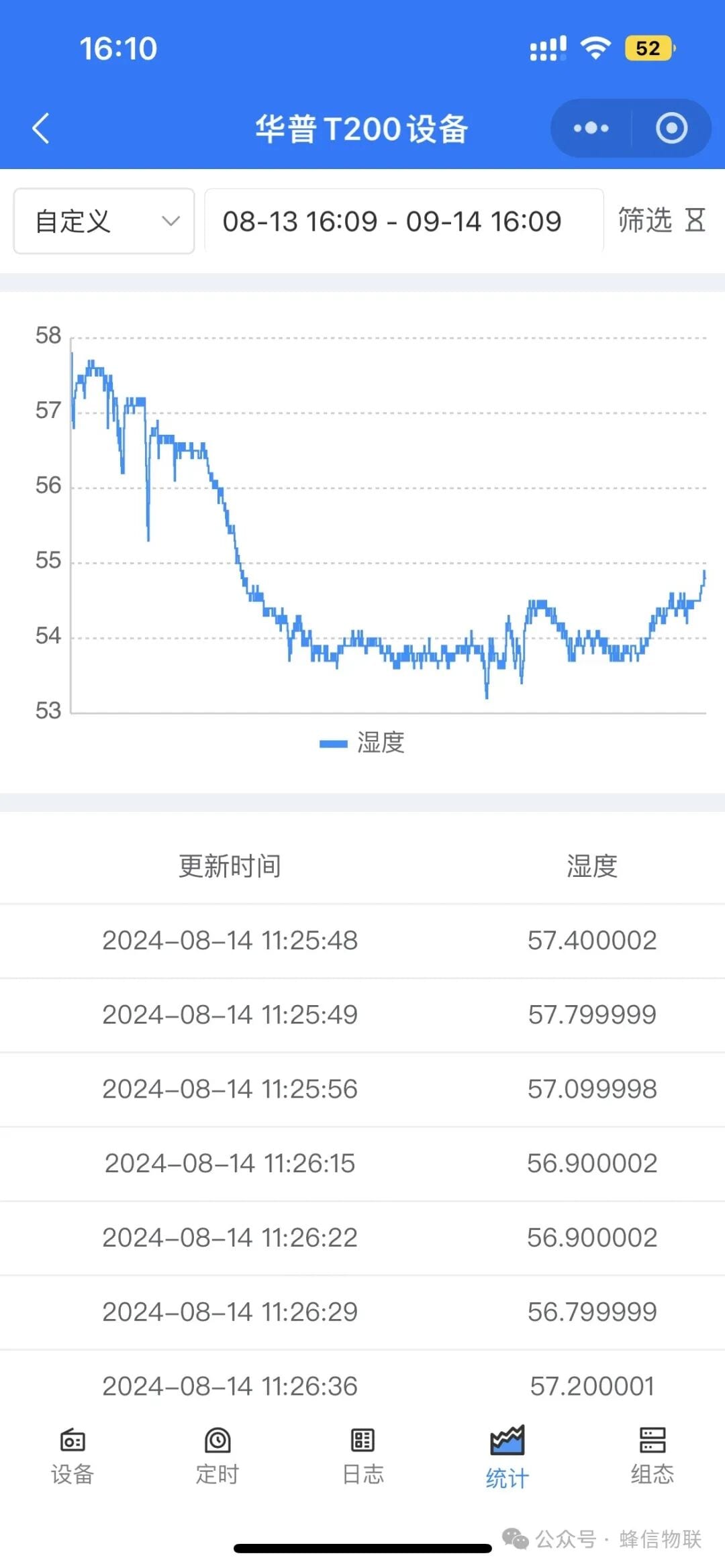
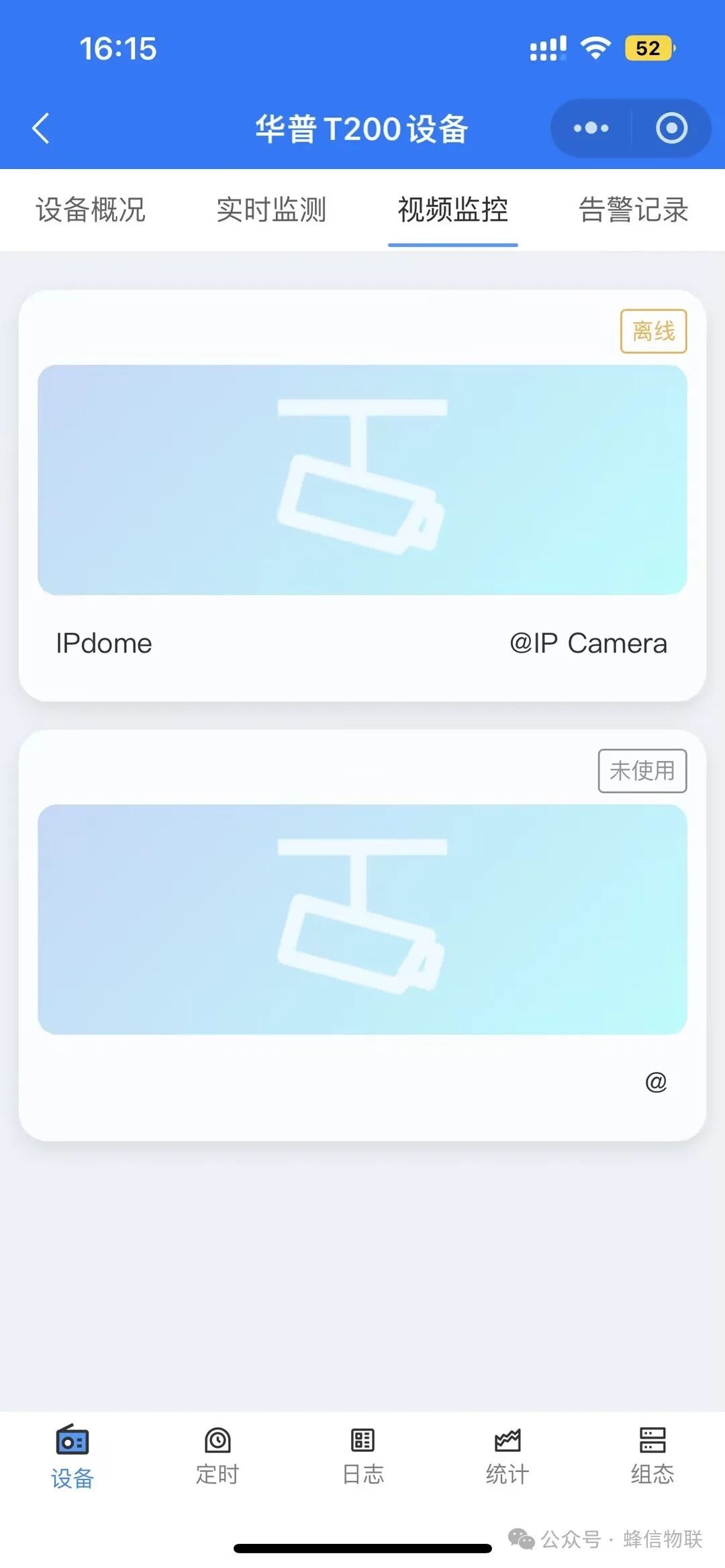
6. New web2.4 Features on Mobile
Data collection, video monitoring, SCADA, and statistical data.
In addition, we have optimized product performance and user experience and fixed some issues, making the FastBee mobile app and Web SCADA more stable and smoother. Everyone is welcome to try them out on our demo site iot.fastbee.cn, and feel free to reach out anytime with questions!