

FastBee IoT Platform — Web SCADA Released
We recently released the FastBee SCADA module. Here is an introduction to FastBee SCADA.

1. What Is Web SCADA?
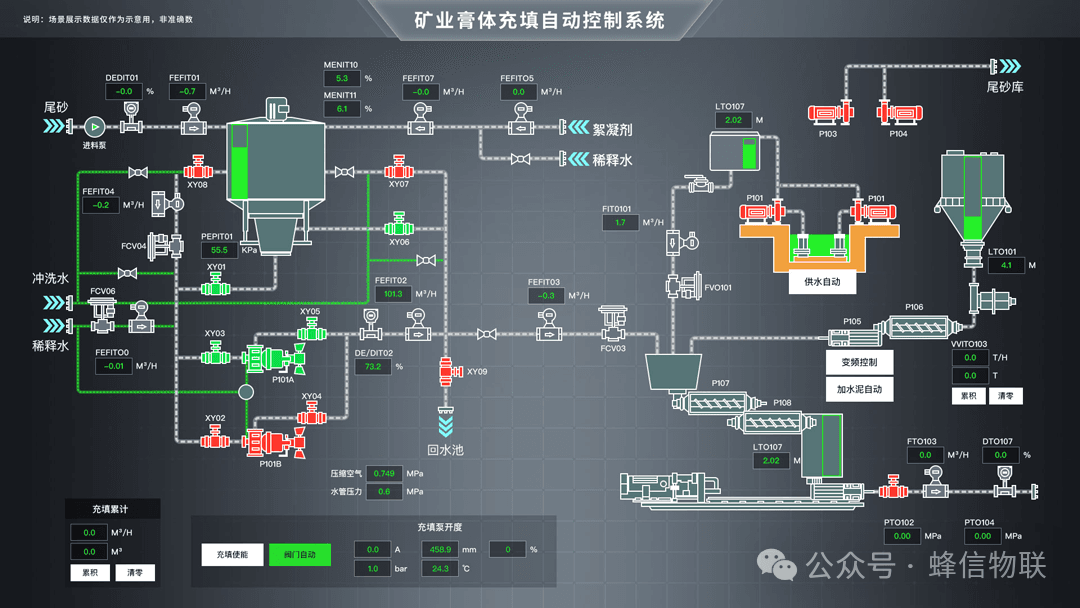
Web SCADA is a web-based graphical programming technology that allows users to quickly build complex monitoring system interfaces through a browser.
This technology has the following characteristics:
- Cross-platform: built on web technology, it runs on different operating systems and browsers, achieving true cross-platform capability.
- Ease of use: with graphical programming, users can quickly build monitoring system interfaces through drag-and-drop and configuration, without writing any code.
- Real-time performance: supports real-time data collection, processing, and display, providing timely and accurate monitoring information.
- Scalability: highly extensible, allowing monitoring features to be flexibly added or modified according to user needs.
- Security: supports multiple security mechanisms, such as access control and data encryption, ensuring the security of the monitoring system.
2. What Are the Basic Features of Web SCADA?
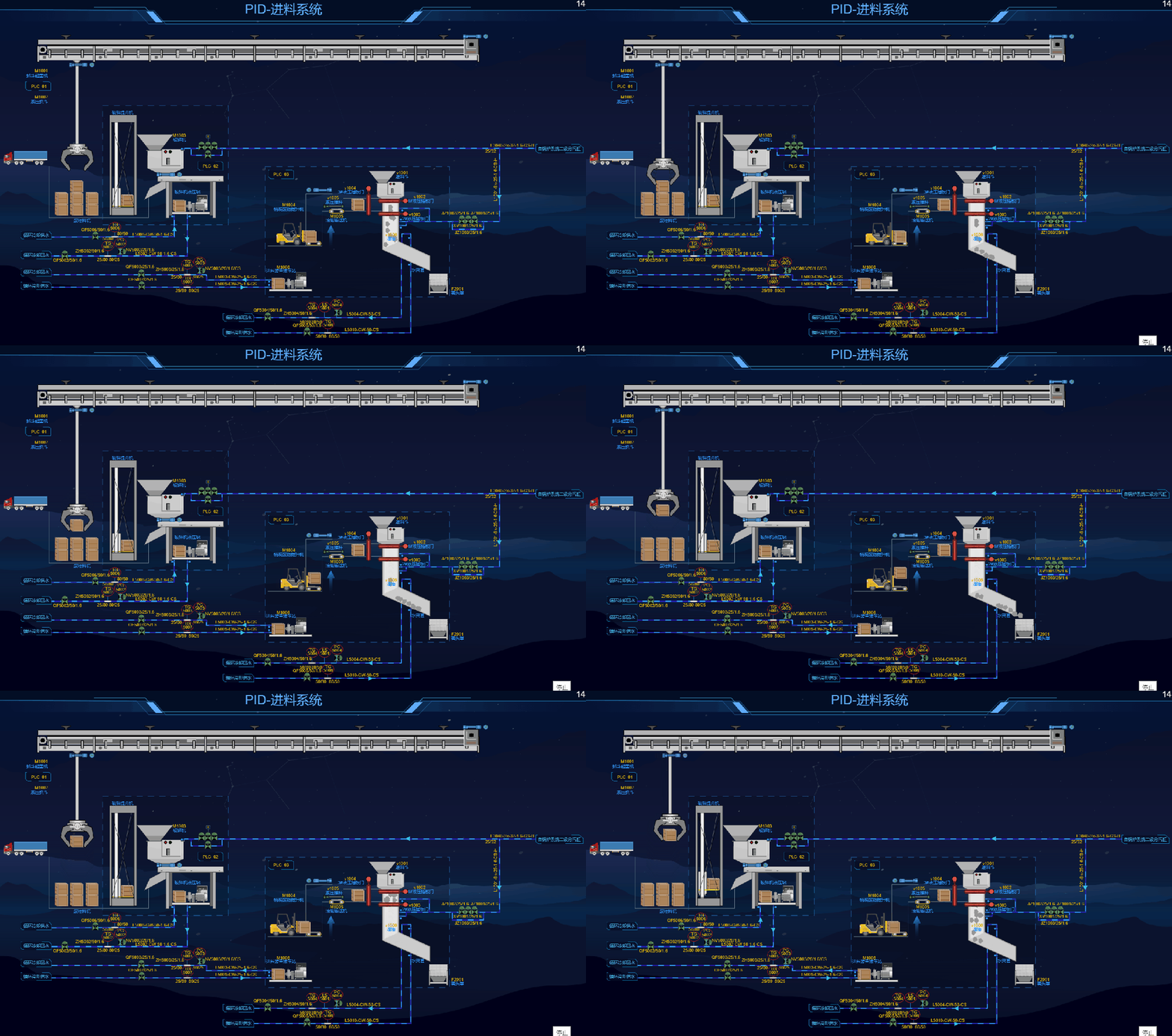
Basic features of Web SCADA software:
- Component library: provides the graphic elements used for SCADA drawing. It is divided into two parts. The first is basic elements: lines, rectangles, circles, text, images, polygons, and other fundamental primitives that form the basis of any component. The second is custom components: the editor ships with components commonly used across industries, and different component sets can be assembled for different industries. All of these components are built from the basic elements.
- Scene: provides the drawing container, which you can think of as a canvas on which you create your work—in our case, various industrial production management diagrams. The scene also handles events, such as selecting and moving elements, which are processed in mouse response events.
- Property panel: used to display and modify the properties of elements, components, and so on, including configuration information such as position, size, and color.
- Animation configuration: animations for text/value changes, show/hide, color changes, position movement/background fill, and more.
- Event configuration: event configuration is relatively easy to understand; many drawing tools offer event configuration and they are largely similar. For example, clicking a text element to navigate to another screen. By configuring mouse click, double-click, right-click, press, release, and other events, you can implement the actions you want—these actions are usually built into the application.
3. FastBee Web SCADA System Architecture
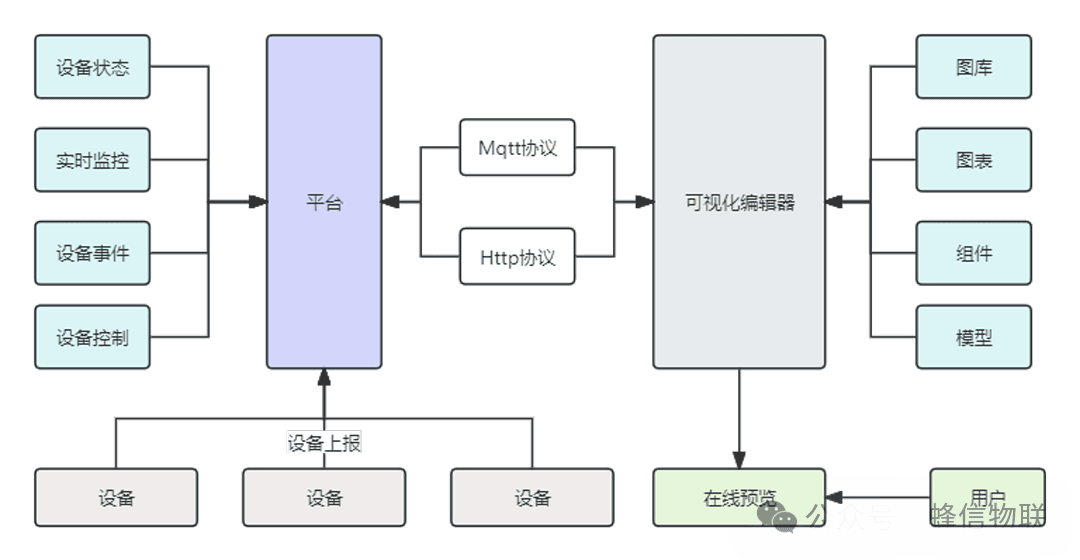
FastBee SCADA includes elements such as image libraries, charts, components, and models, along with an editor. Various elements can be assembled inside the editor, and elements interact with the backend via the MQTT and HTTP protocols. Device-reported information can be displayed in elements in real time, and devices can be controlled through elements. After the editor is saved, a preview page can be generated, allowing users to view the page composed of the elements.
4. What Are the Main Features of FastBee Web SCADA?
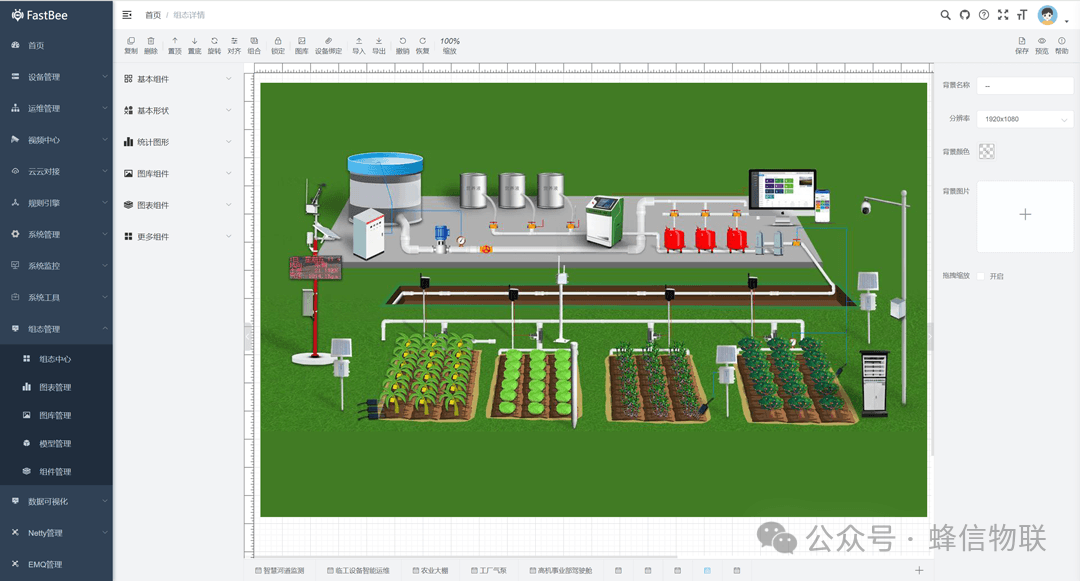
FastBee Web SCADA can essentially be understood as an integrated visualization tool that provides users with a convenient visual design and development environment for building visual pages and delivering visualization services for all kinds of scenarios.
- Supports 2D screen configuration, with 3D visualization to be extended later.
- Supports local/cloud deployment and multi-terminal use.
- Supports the MQTT protocol, with support for extending more protocols.
- Supports embedding into third-party systems or integration platforms.
- Low-code visual drag-and-drop editing.
- Provides a rich library of industry-standard graphic elements.
- Provides industry templates and components, with support for custom templates.
5. FastBee Web SCADA Feature Modules
5.1. SCADA Center
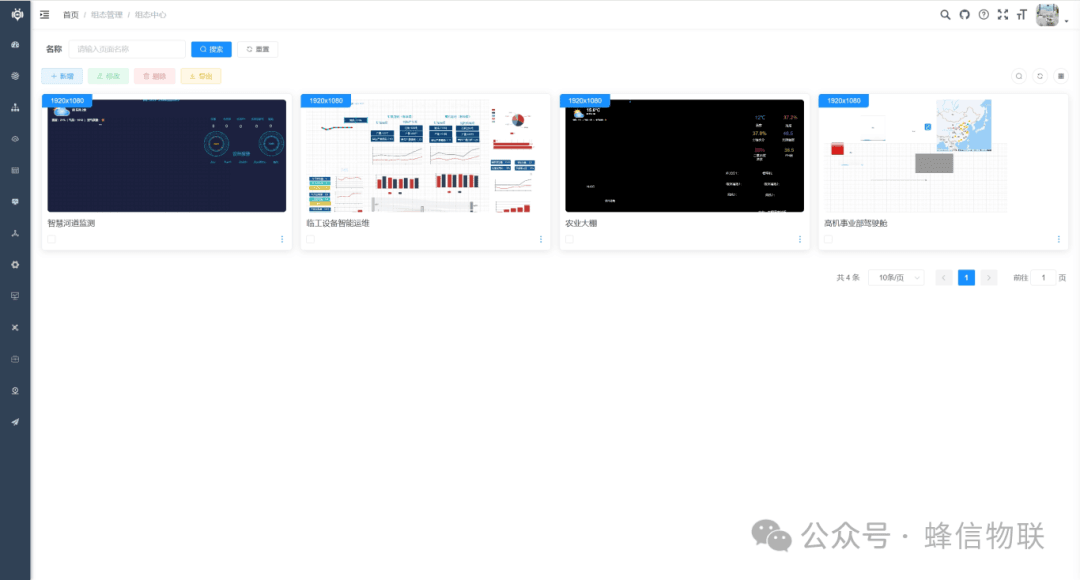
The SCADA center displays the visual interfaces edited by users. A SCADA interface contains graphics, charts, shapes, and components.
5.2. Chart Management
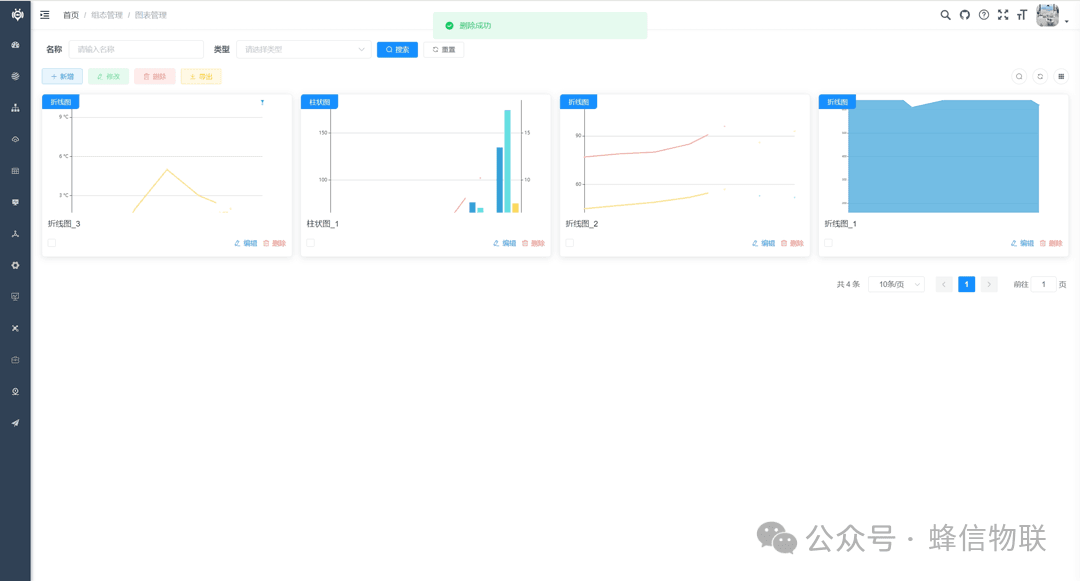
Charts include line charts, bar charts, pie charts, scatter charts, candlestick charts, radar charts, heatmaps, relationship graphs, liquid fill charts, tree charts, sunburst charts, gauge charts, funnel charts, path charts, 3D bar charts, 3D maps, word clouds, and more.
5.3. Image Library Management
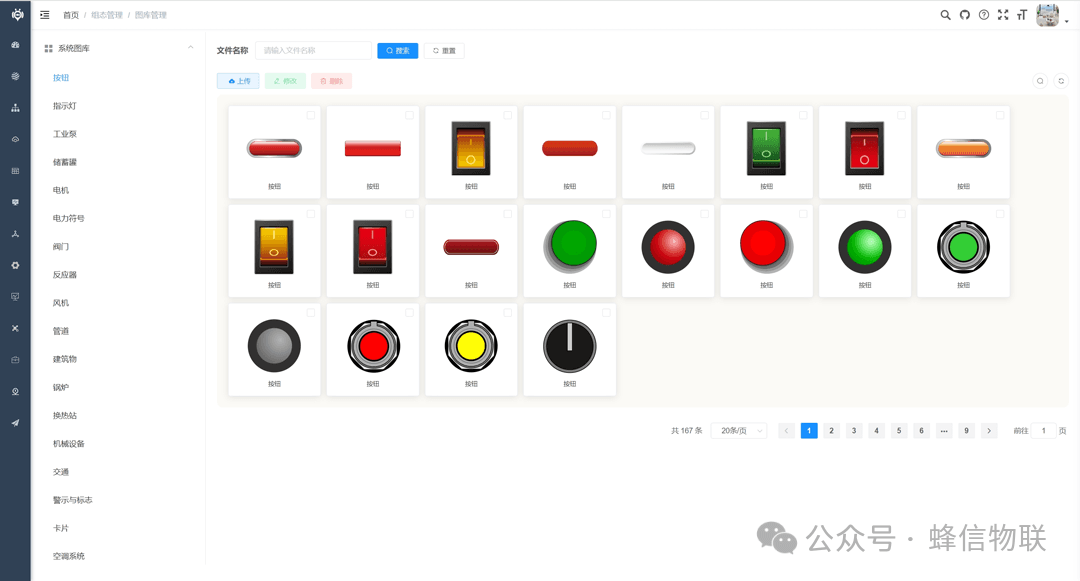
Image library management allows uploading and managing various images for display in SCADA pages. The system includes built-in materials such as buttons, indicator lights, industrial pumps, storage tanks, motors, power symbols, valves, reactors, fans, pipes, buildings, boilers, heat-exchange stations, machinery, traffic, warning signs, people, weather, nature, panoramas, and 3D images.
5.4. Component Management
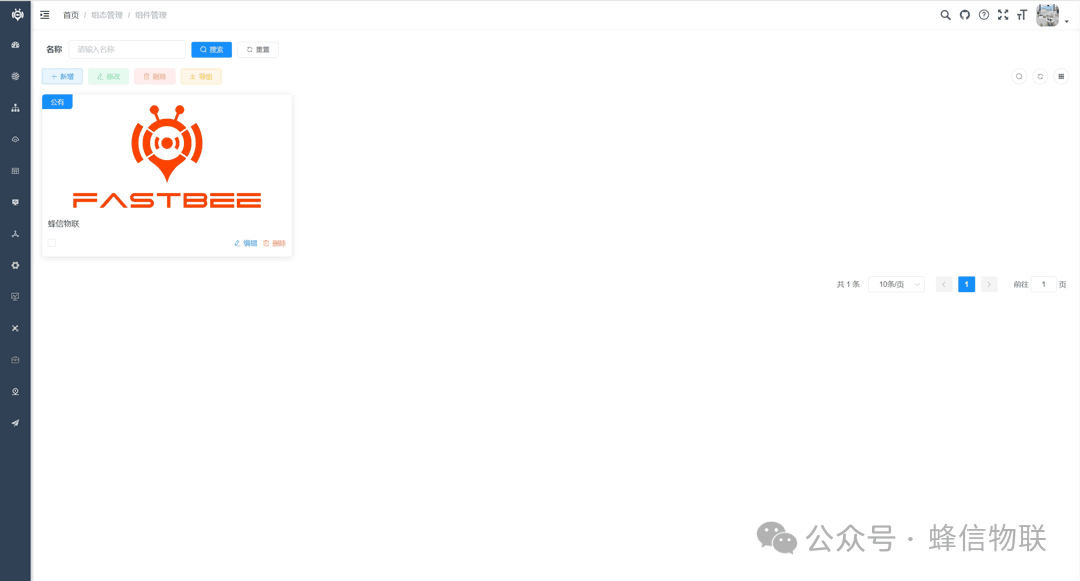
In component management, you can upload your own custom components.
6. What Are the Application Scenarios of Web SCADA?
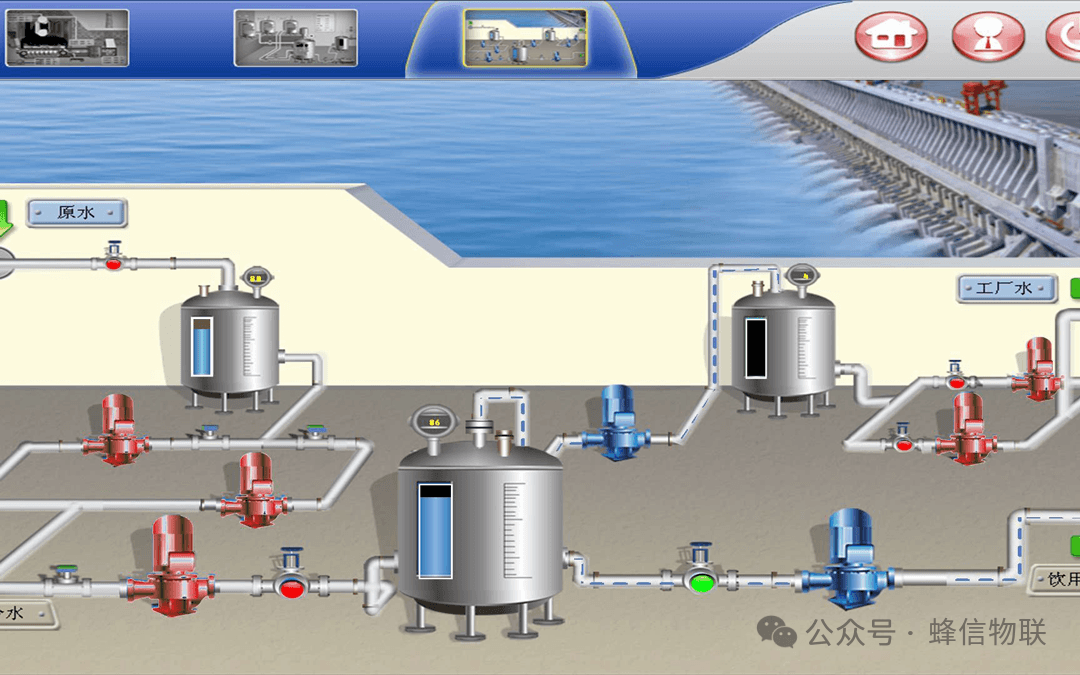
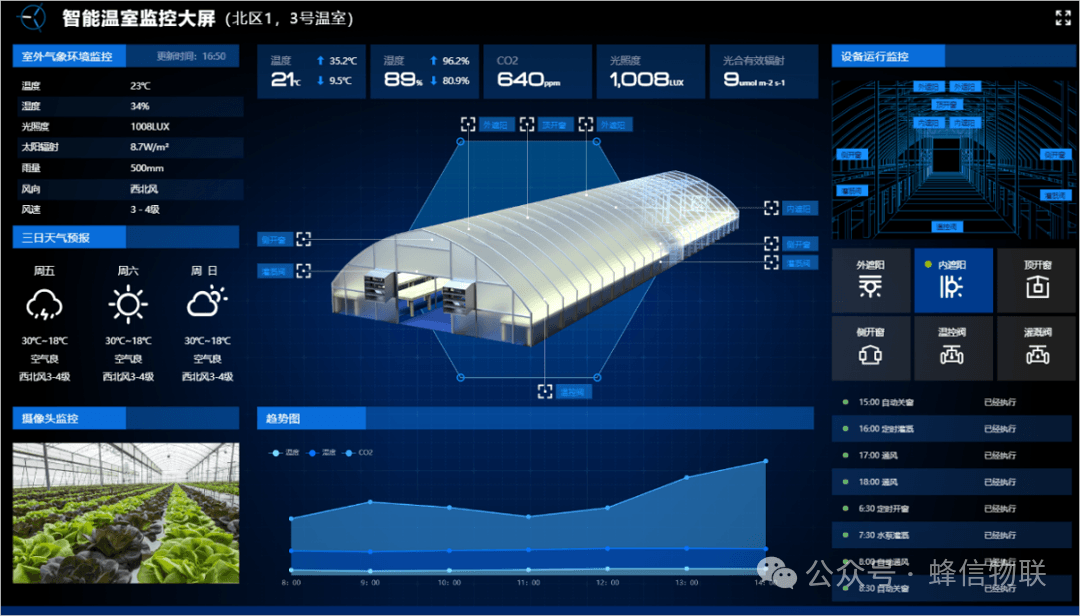
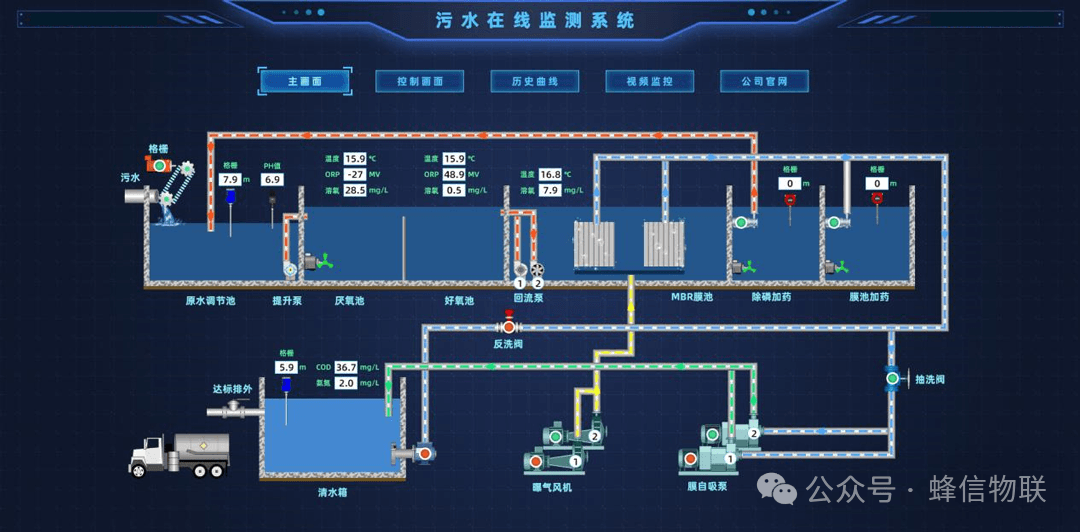
Web SCADA technology is widely used in industrial automation, energy management, environmental monitoring, smart buildings, and transportation. At the same time, Web SCADA technology will be deeply integrated with IoT and mobile internet technologies to enable remote monitoring and management.