Run Locally & Visualization
1. Run Locally & Visualization
Configuration File Changes
Locate the path src\main\resources\application.yml.
Use intranet IP addresses to configure the cluster's local IP and cluster IPs.
yaml
localAddress: 127.0.0.1
static-ip-addresses: 127.0.0.1, 1x.x.x.xxChange the Kafka server address bootstrap-servers.
yml
  kafka:
    broker-enabled: true   # Whether to enable Kafka message bridging
    bootstrap-servers: 127.0.0.1:9092    # Kafka address, e.g. 127.0.0.1:9092,127.0.0.1:9093
    producer:
      acks: -1      # acks acknowledgment: if you must wait for the acknowledgment, set acks to all; otherwise set it to -1. Waiting for the acknowledgment incurs a performance cost.
      retries: 3    # Number of retries
      batch-size: 16384      # Batch commit size
      buffer-memory: 33554432   # Buffer size
      key-serializer: org.apache.kafka.common.serialization.StringSerializer  # Serialization method
      value-serializer: org.apache.kafka.common.serialization.StringSerializer # Serialization method
      partitioner:
        class: cn.fastbee.iot.store.kafaka.MqttPartitioner
    message-bridge: # Topics forwarded by the Kafka message bridge
      bridge-topics:
        - "property_post"
enable: truePackage the Project
Modify the pom file of fmq-application.
Comment out the configuration, then update Maven.
xml
   <--     <resources>
            <resource>
                <directory>src/main/resources</directory>
                <excludes>
                    <exclude>application.yml</exclude>
                    <exclude>application-dev.yml</exclude>
                </excludes>
            </resource>
</resources> -->In IDEA, run package; the front end is packaged and generated.
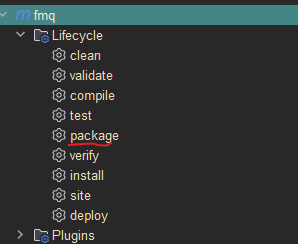
Click FmqApplication to run it.
2. Visualization
After it finishes starting, open http://localhost:18083 to log in to the fmq visualization page.
Home Cluster Overview
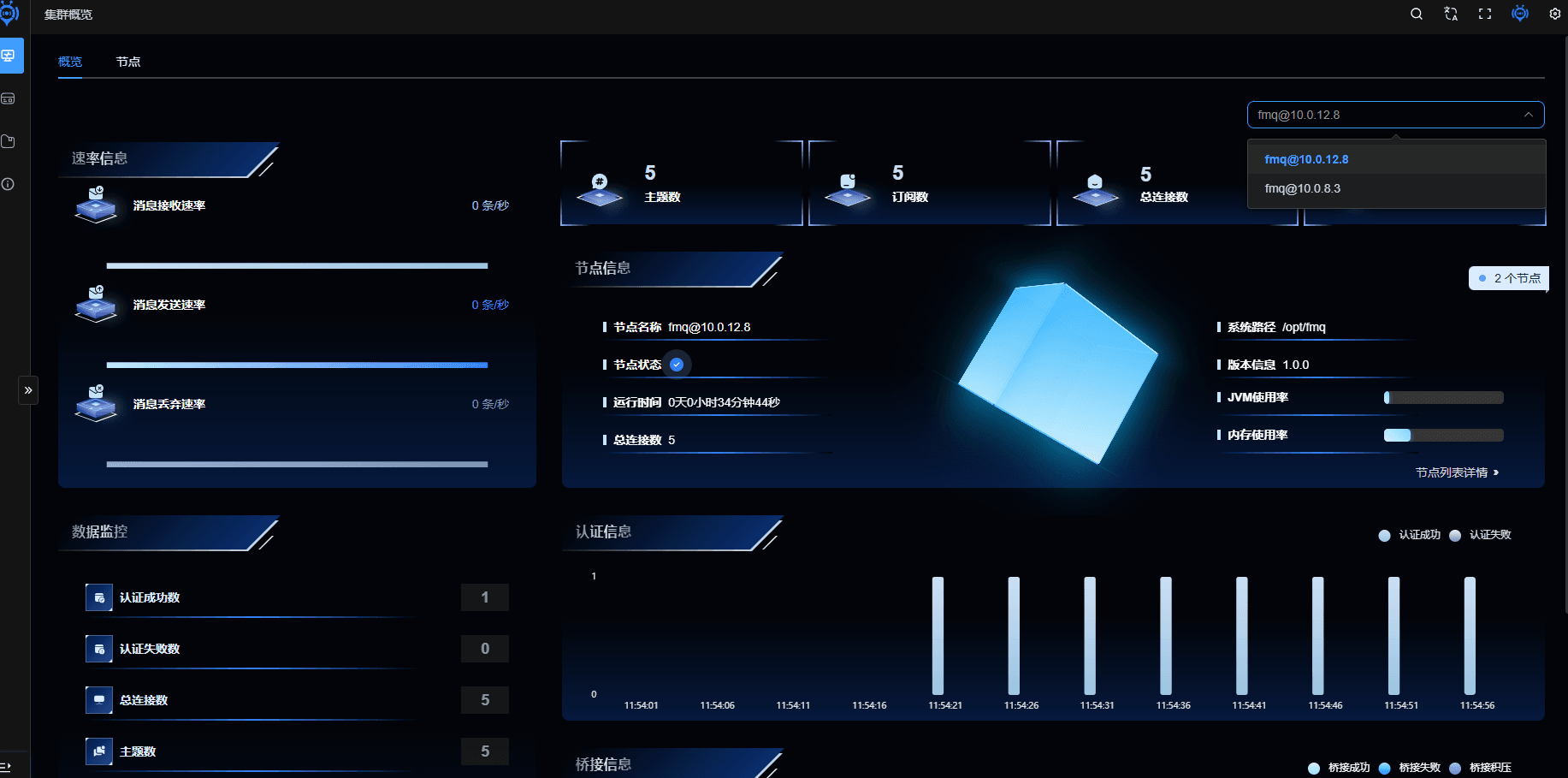
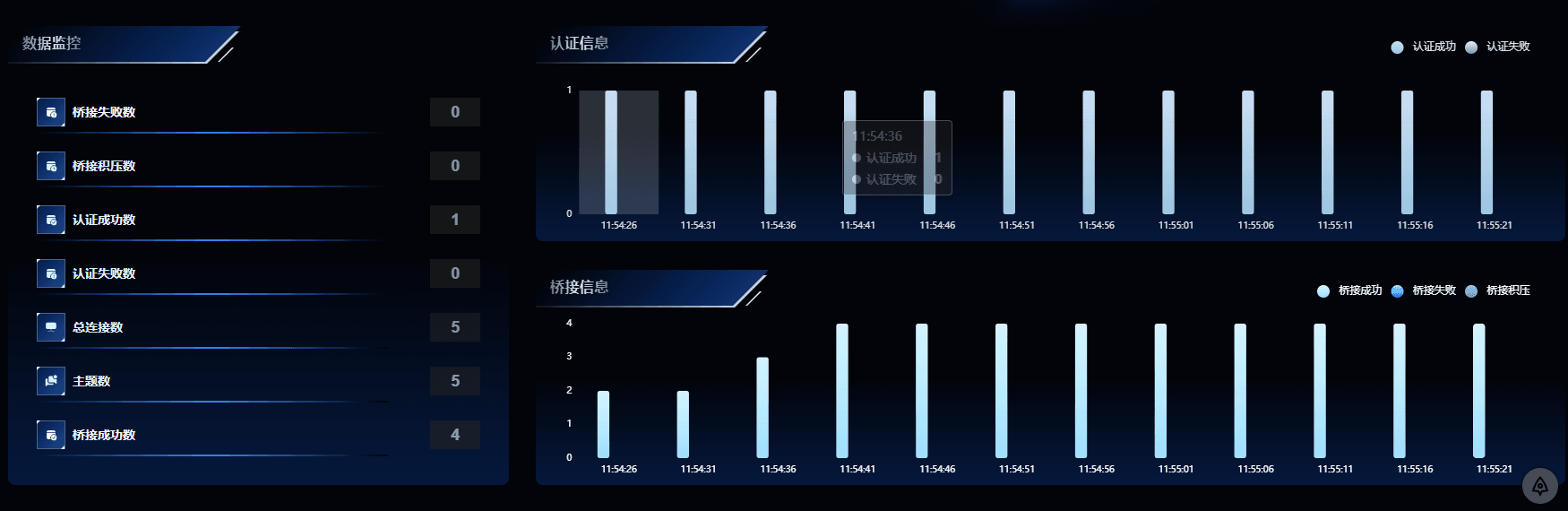
Cluster Node List

Client List
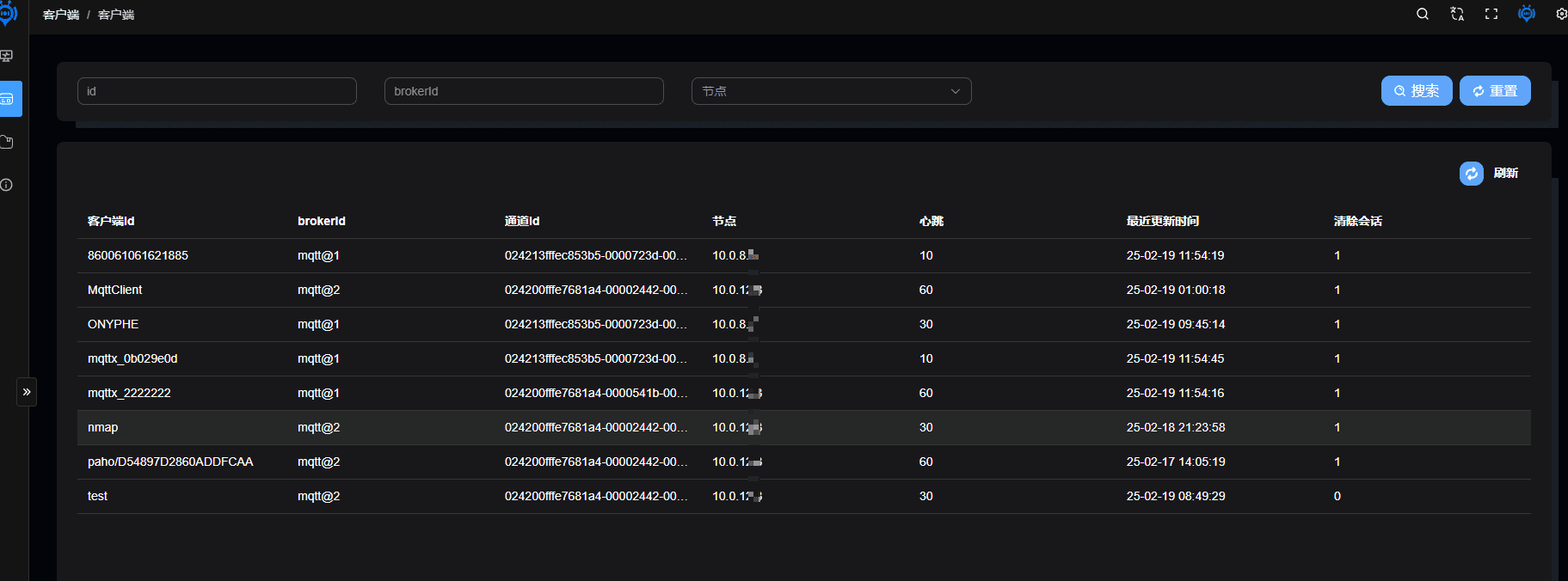
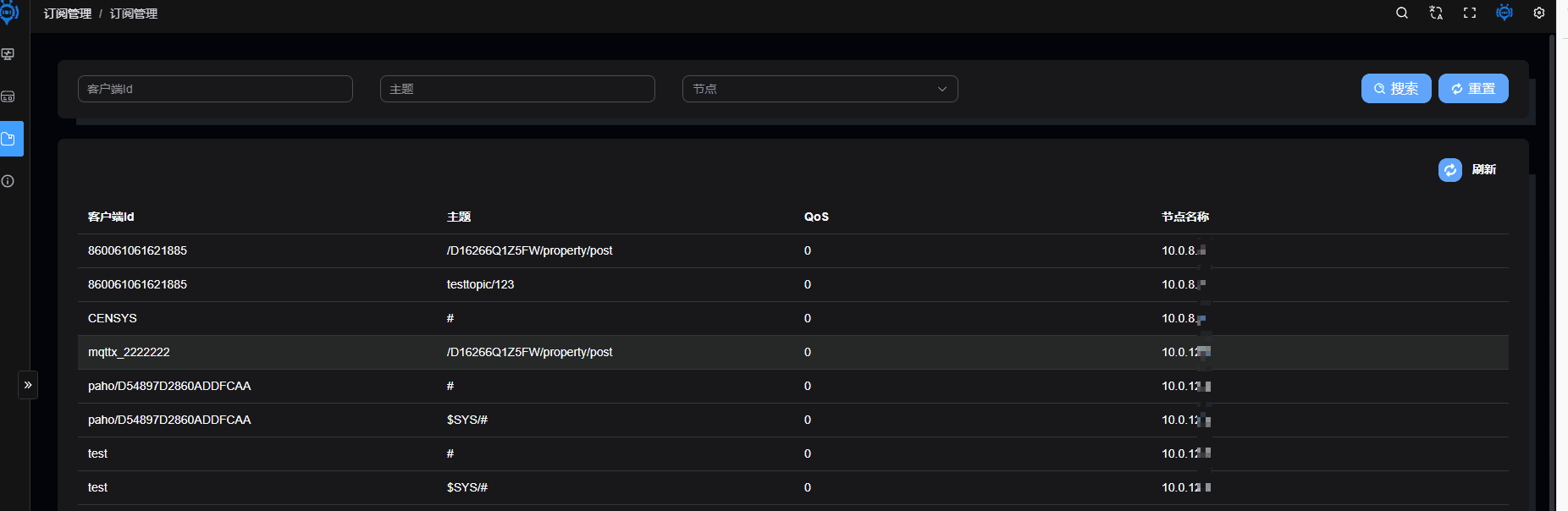
Subscription List