Actions
An action is a matching rule that connects MQTT messages to external data systems, including data processing and mapping. MQTT protocol devices connect to the MQTT service to deliver messages, and actions provide the association for integrating data into external data systems, enabling seamless integration between devices and other business systems.
1. Rule Actions
Go to Rule Engine -> Actions to open the Actions list page. Actions are based on Connectors.
Select an Action Type and click Next to continue configuring.
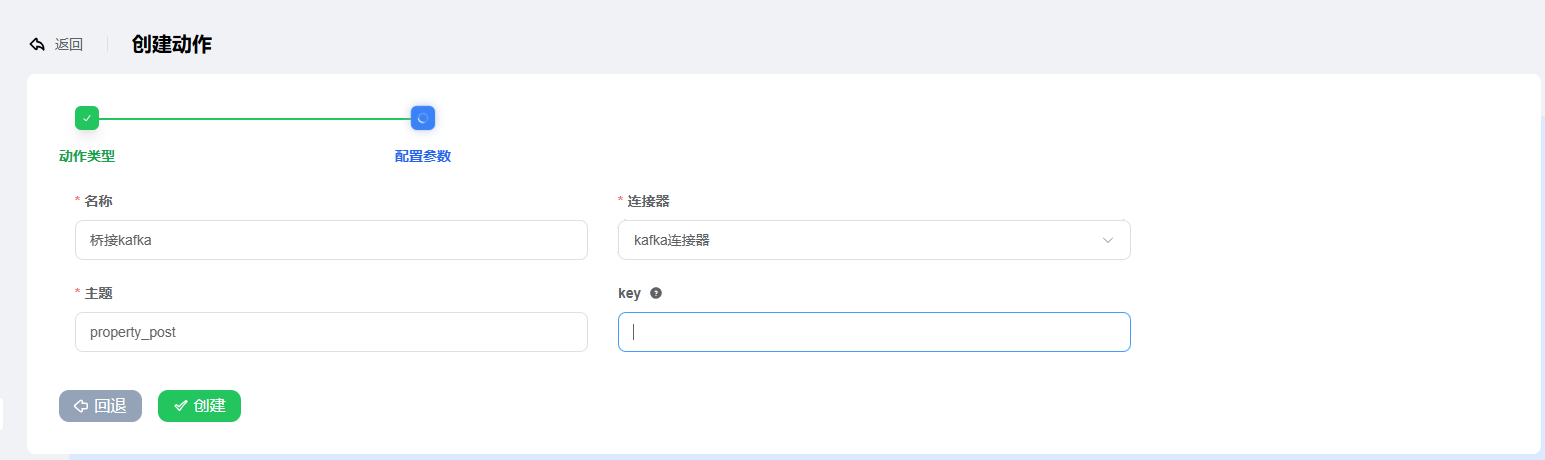
KAFKA Action Configuration
- Enter the action name
- Select the
Kafka connector. The connector here is created in the connector list - Topic: this is the
Kafka topic, named according to the Kafka topic key: used for mapping, the content of reported data to be transmitted; generally no need to fill in
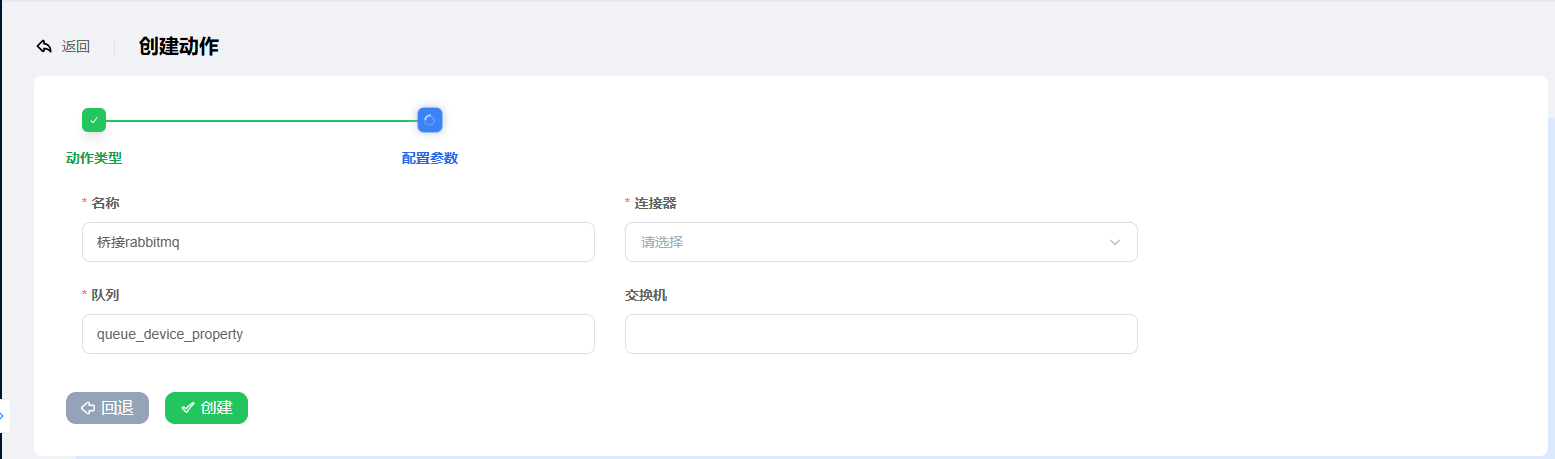
RABBIT-MQ Action Configuration
- Enter the action name
- Select the
RabbitMQ connector. The connector here is created in the connector list - Queue: this is the
RabbitMQ queue, filled in according to the RabbitMQ queue Exchange: the RabbitMQ exchange, optional.
MQTT Service Action Configuration
- Enter the action name
- Select the
MQTT connector. The connector here is created in the connector list - Topic: this is the
MQTT topic, named according to the MQTT topic qos: the MQTT message quality of serviceretain: whether to retain the message
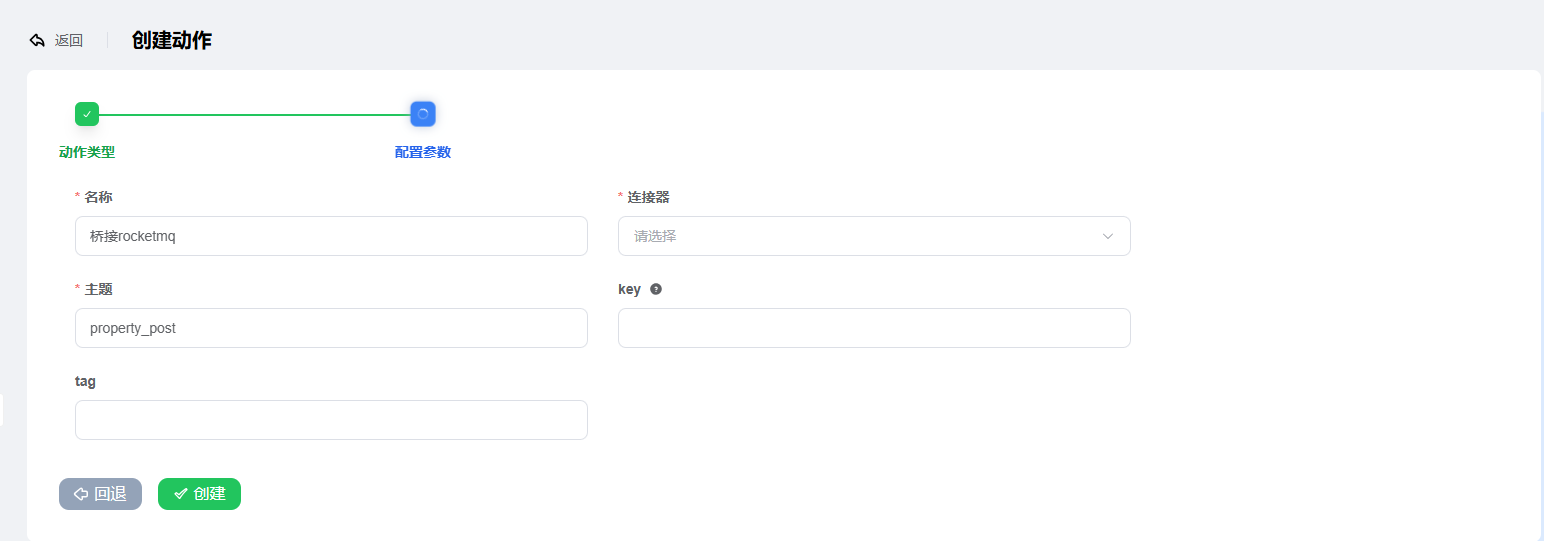
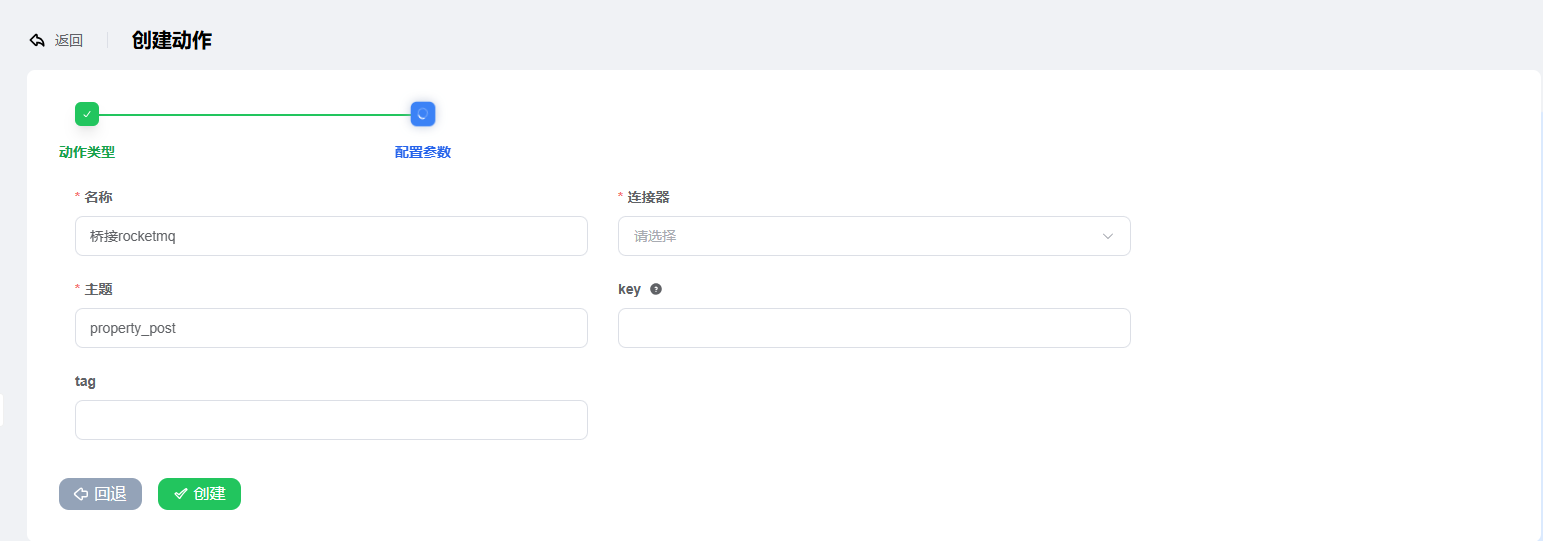
ROCKET-MQ Action Configuration
- Enter the action name
- Select the
RocketMQ connector. The connector here is created in the connector list - Topic: this is the
RocketMQ topic, named according to the RocketMQ topic key: the RocketMQ key valuetag: the RocketMQ tag
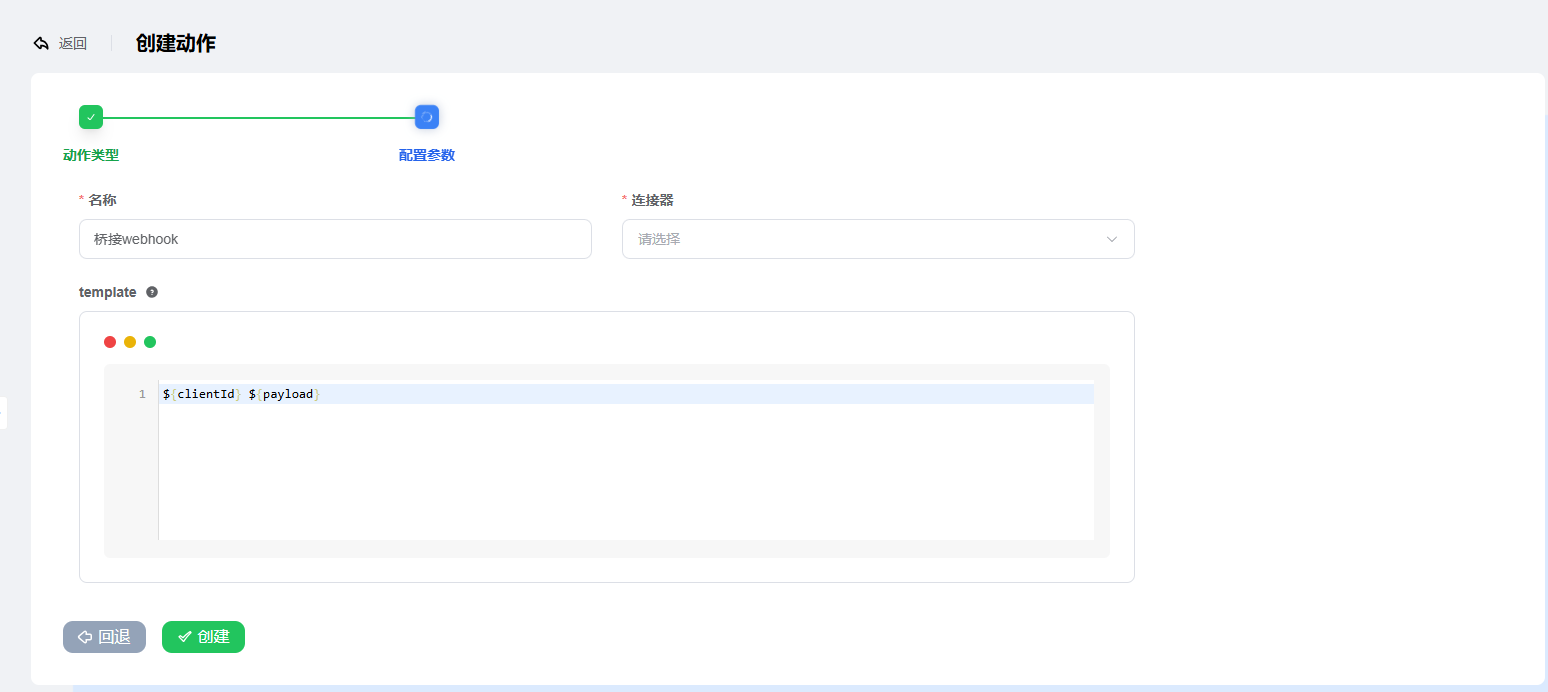
WEBHOOK Action Configuration
Enter the action name
Select the
Webhook connector. The connector here is created in the connector listtemplate: the template for pushed data, which can be selected according to actual needs. Available fields are as follows:Field Description clientId Client ID proto_name Protocol type name ip_address Client IP node Node IP port Client port ts Event trigger time keepalive Heartbeat interval clean_start Whether to clean session status Whether online template examplejson{ "clientId":${clientId} "payload" :${payload} }