Retained Messages
1. Retained Messages
Unlike ordinary messages, retained messages can be stored on the MQTT server. Any new subscriber that subscribes to a topic matching the retained message's topic immediately receives that message, even if the message was published before they subscribed to the topic.
This allows subscribers to get data updates immediately after coming online, without waiting for the publisher to publish the message again. To some extent, we can use retained messages as a message "cache": upload messages to the "cache" at any time, and fetch messages from the "cache" at any moment. Of course, this "cache" also has the limitation that only the latest retained message can be stored under a topic.
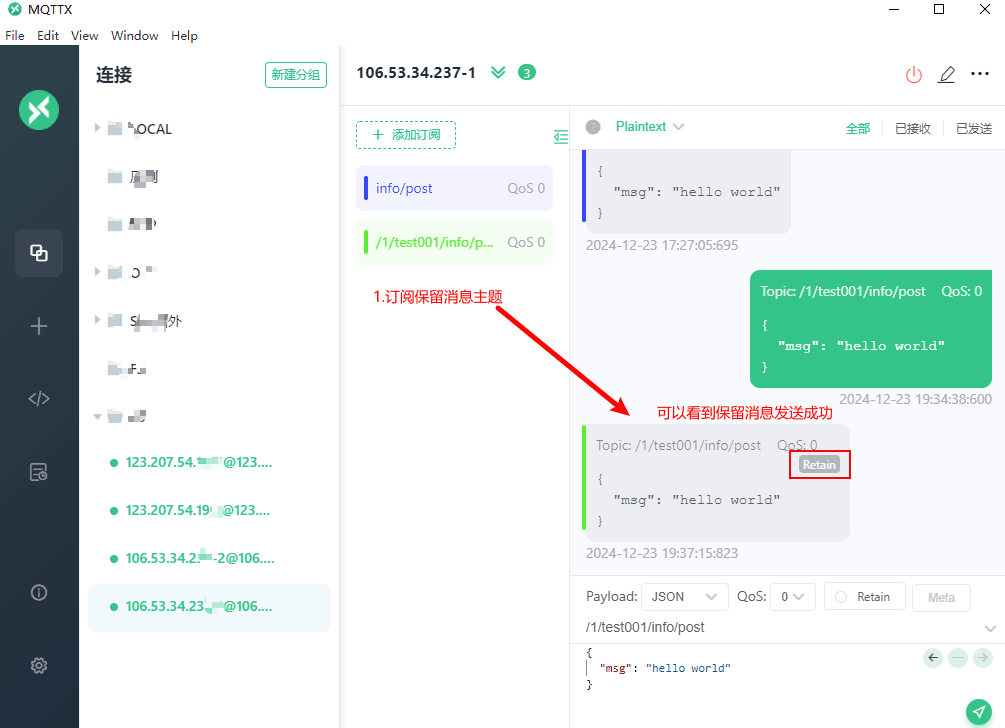
Retained Message List
Topic
QoS (Quality of Service)
Client Id
Publish Time
Retained
Operation
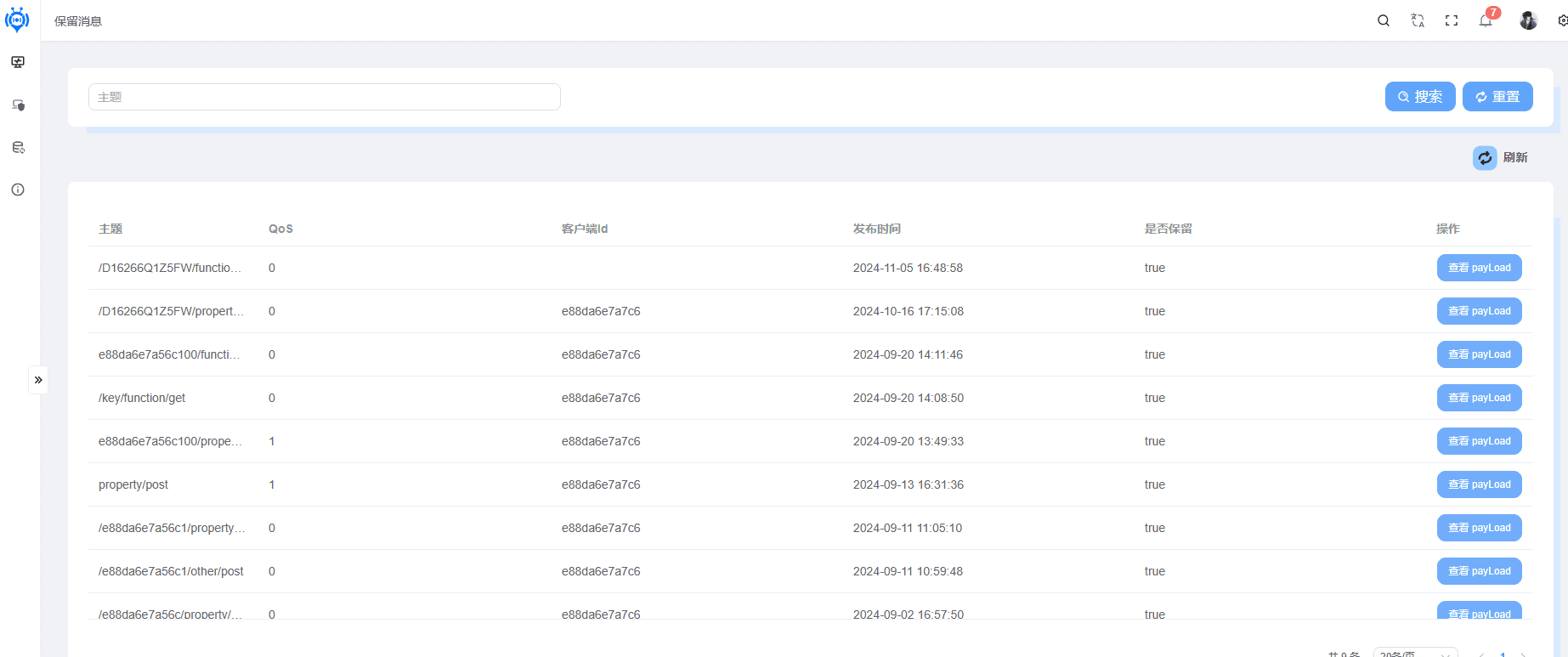
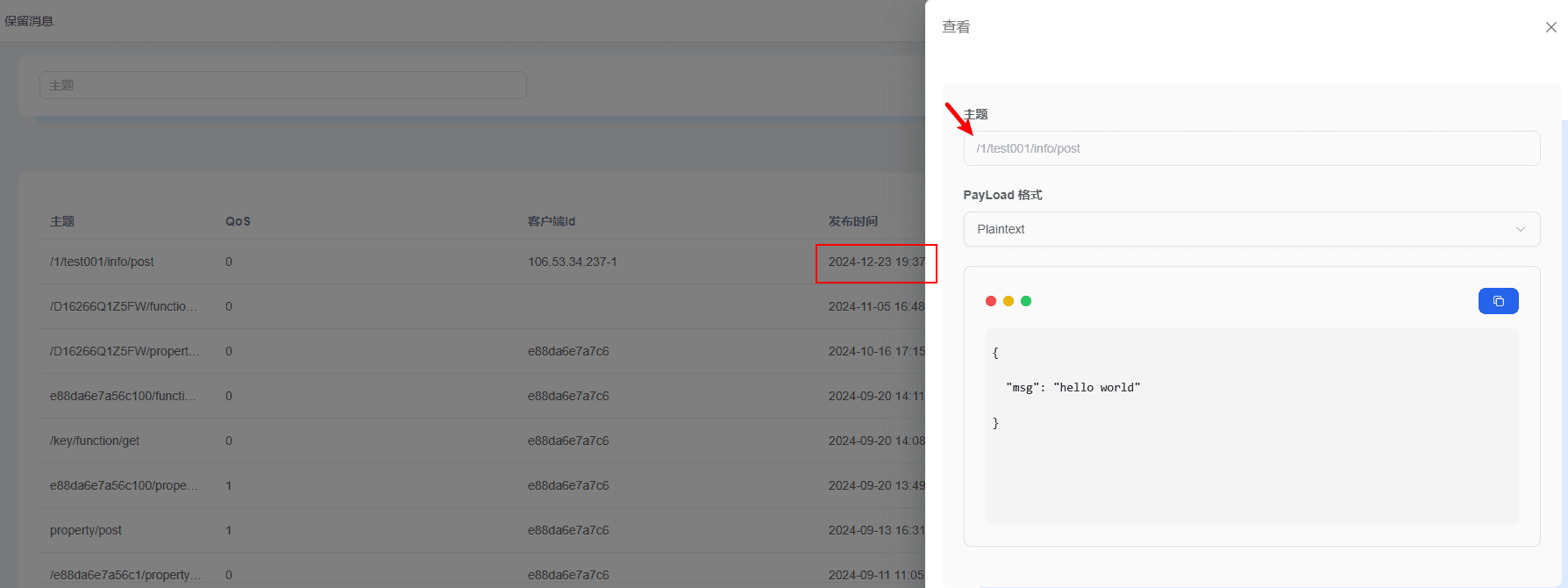
Retained Message Details
Supports plainText, Json, and Hex parsing.
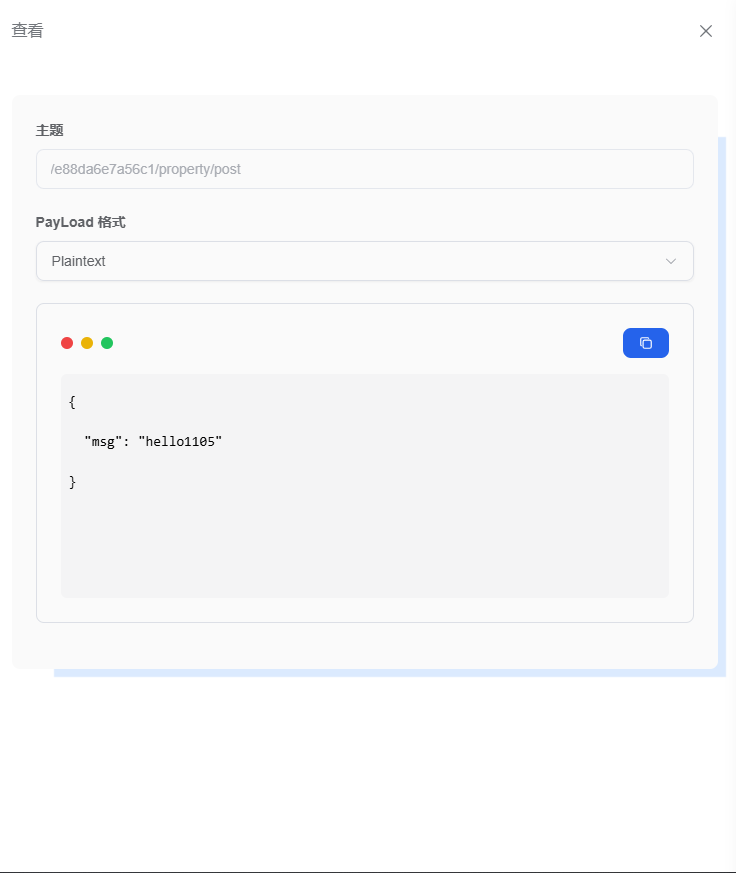
Retained Message Demo
Create a new client, edit a retained message, check the retained message option, and send the message.
The message sent here is a retained message and is recorded in memory.
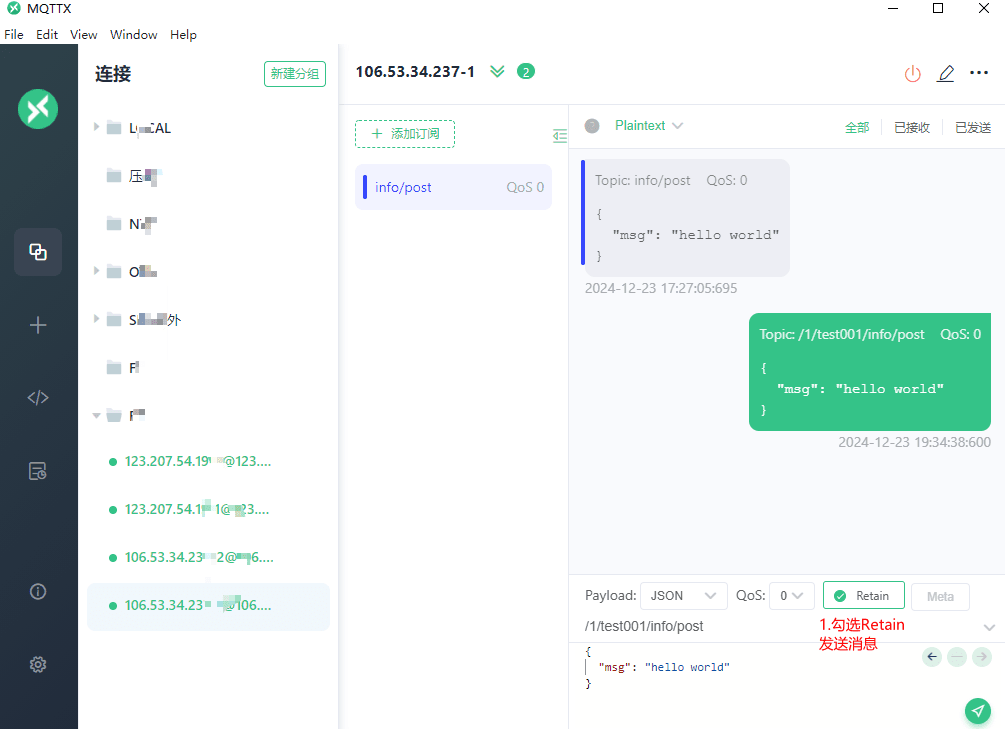
You can also view the delayed message records in the platform, as shown below.
Create a new client, bring the client online, and subscribe to the retained message topic; you can see the retained message is delivered successfully.