

Server System Optimization
1. Optimize the System Before Deployment or Stress Testing!!!
2. Why Perform Server System Optimization?
1. TCP Port Limit
Each MQTT connection occupies one TCP port, so optimization is needed.
TCP ports range from 1 to 65535. In Linux, ports 0 to 1023 are called "well-known ports" or "system ports" and usually require administrator privileges to use. Ports 1024 to 49151 are "registered ports", registered for use by specific applications or services. Ports 49152 to 65535 are "dynamic ports" or "private ports", freely usable by ordinary user applications. Therefore, the number of TCP ports freely available to ordinary users by default in Linux is 16384 (65535 - 49151 = 16384). Note, however, that the actual number of available ports may be affected by system configuration, ports already in use, and other factors. For example, if some services or applications already occupy part of the dynamic ports, the actual available number decreases accordingly.
2. Global Maximum File Handle Limit
The global maximum file handle limit causes more TCP connections to fail.
3. Memory Allocation Policy
Modifying Memory Allocation
vi /etc/sysctl.confAdding the Following Content
vm.overcommit_memory=1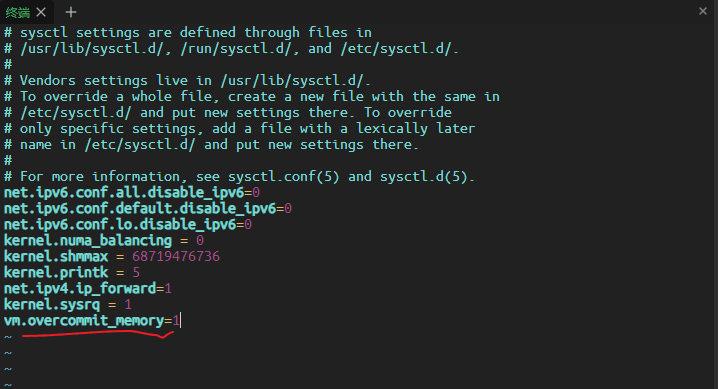
Applying the Changes
sysctl -p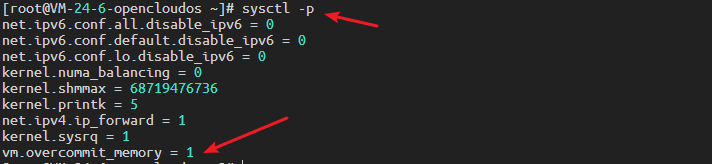
4. System-wide Maximum File Handles
sysctl -w fs.file-max=1048576
sysctl -w fs.nr_open=1048576
echo 1048576 > /proc/sys/fs/nr_open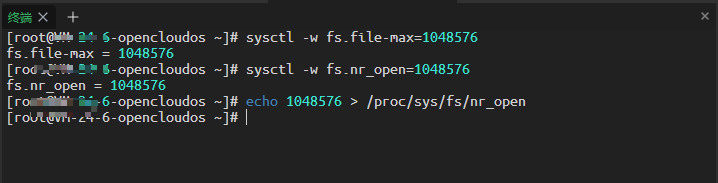
5. Setting the Service's Maximum File Handles
Editing Service Handles
vi /etc/systemd/system.confAdding the Following Content
DefaultLimitNOFILE=1048576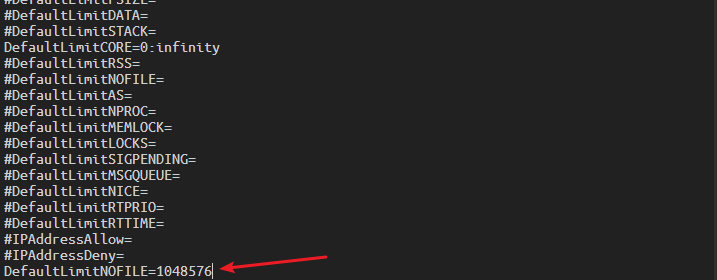
6. Setting the User's Maximum File Handles and Maximum Number of File Handles
Editing User Handles
vi /etc/security/limits.confAdd the following content:
*  soft nofile 1048576
*  hard nofile 1048576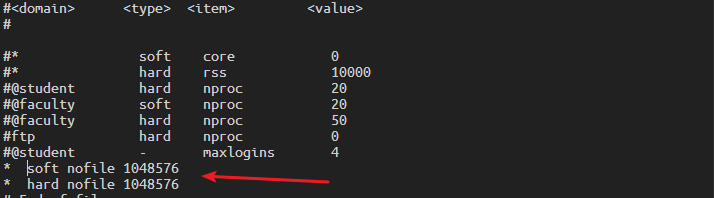
7. TCP Network Optimization
Concurrent Connection Optimization
sysctl -w net.core.somaxconn=32768
sysctl -w net.ipv4.tcp_max_syn_backlog=16384
sysctl -w net.core.netdev_max_backlog=16384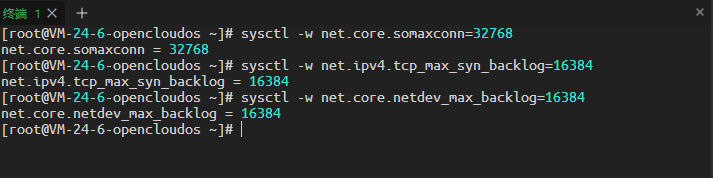
Port Usage Range
sysctl -w net.ipv4.ip_local_port_range='1024 65535'