

Data Center
Overview
Data Center is used for historical data query, report configuration, chart analysis, aggregation, and export. It is often used by operations teams, delivery engineers, and customers who need device data reports.
Data Usage Flow
Common Tasks
| Task | Description |
|---|---|
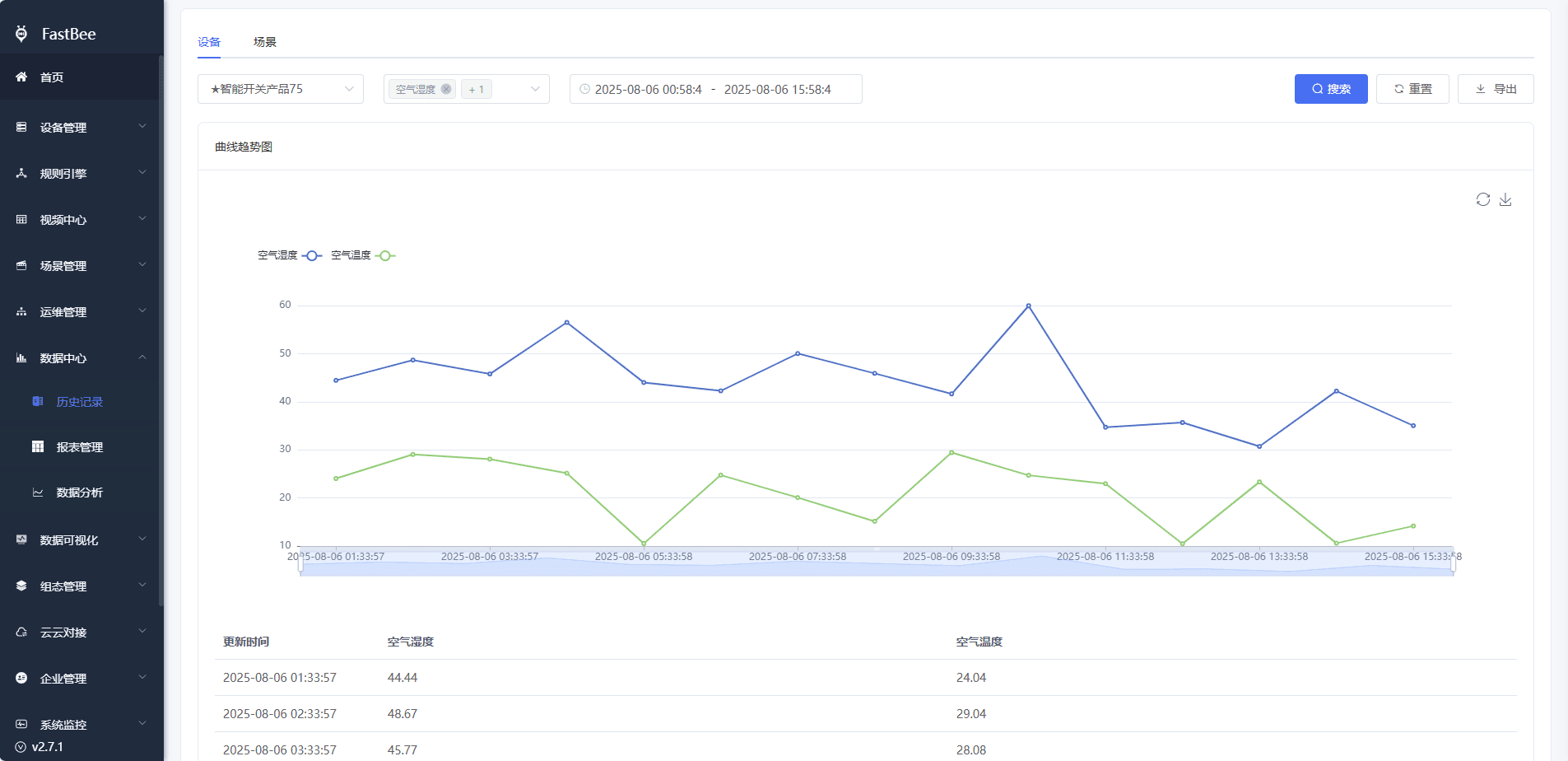
| Historical query | Query device property history by product, device, identifier, and time range. |
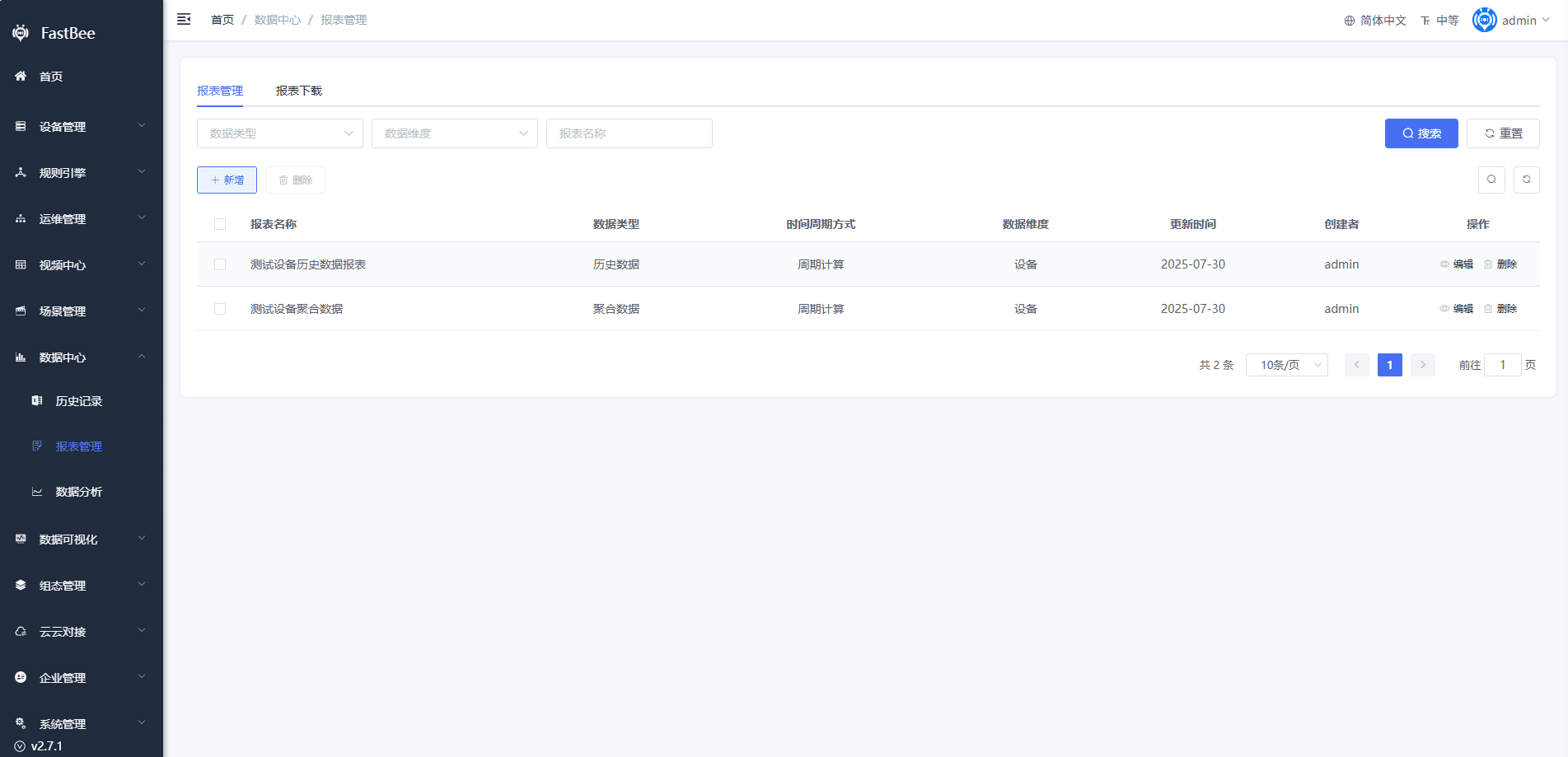
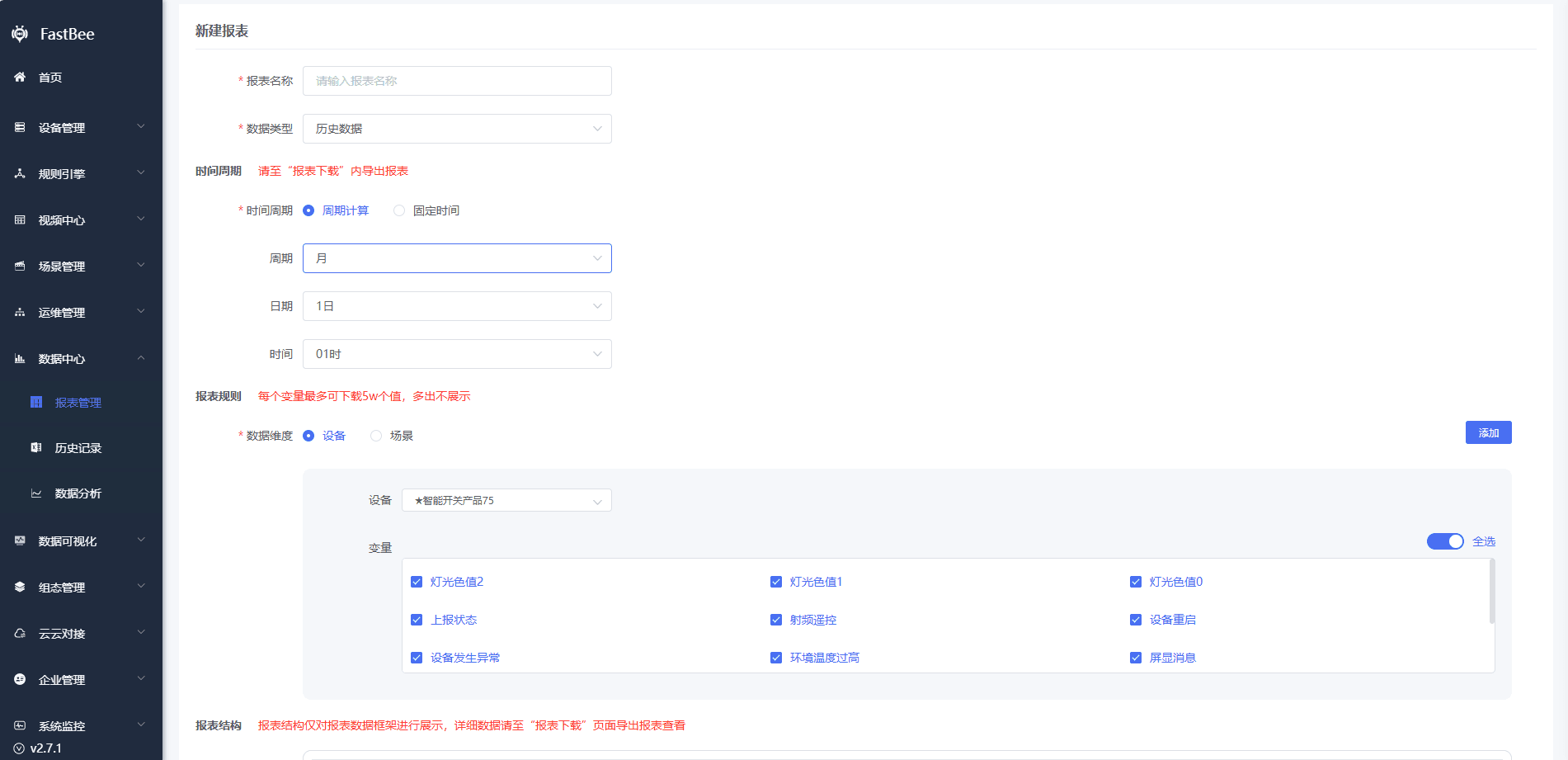
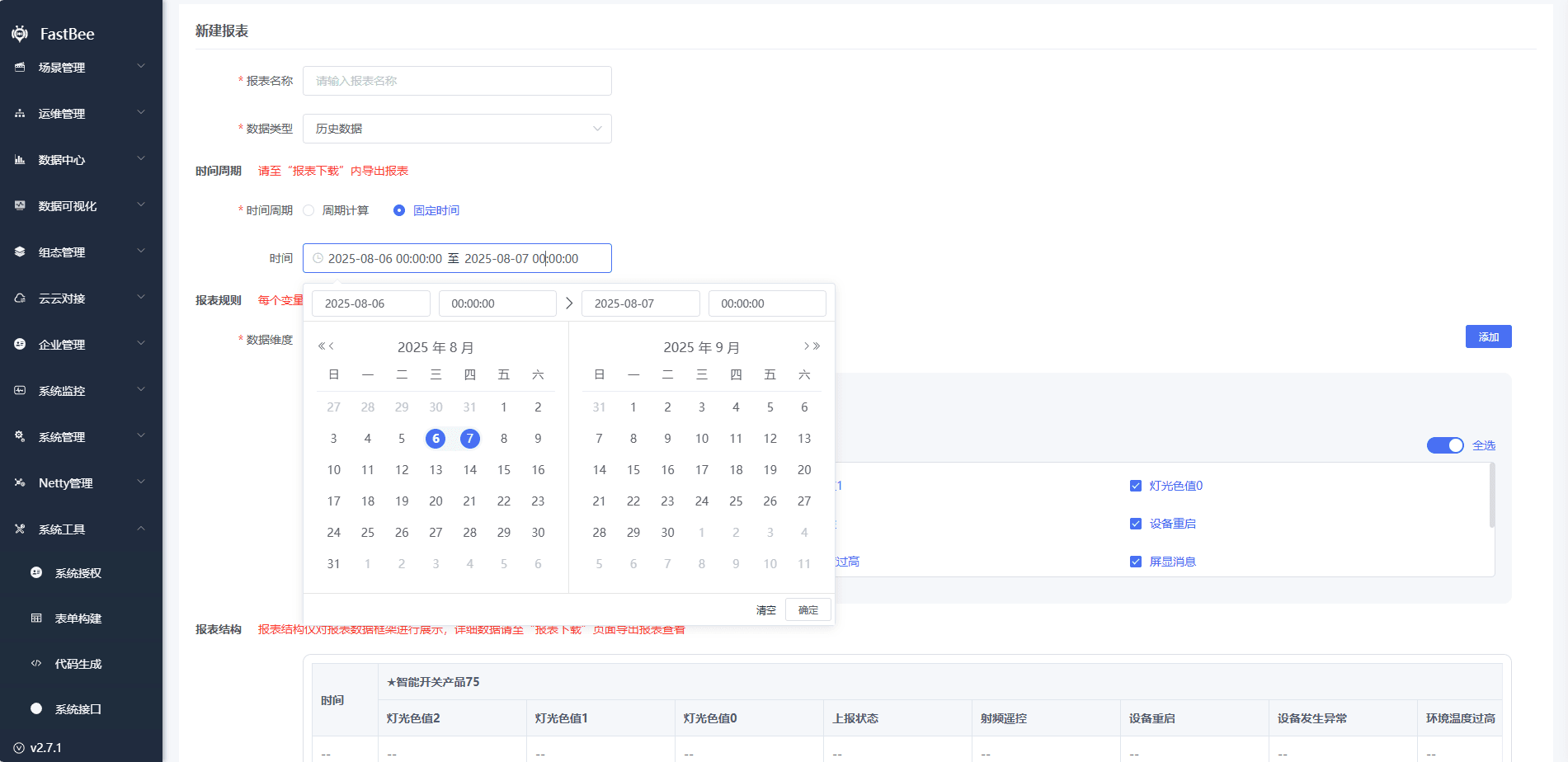
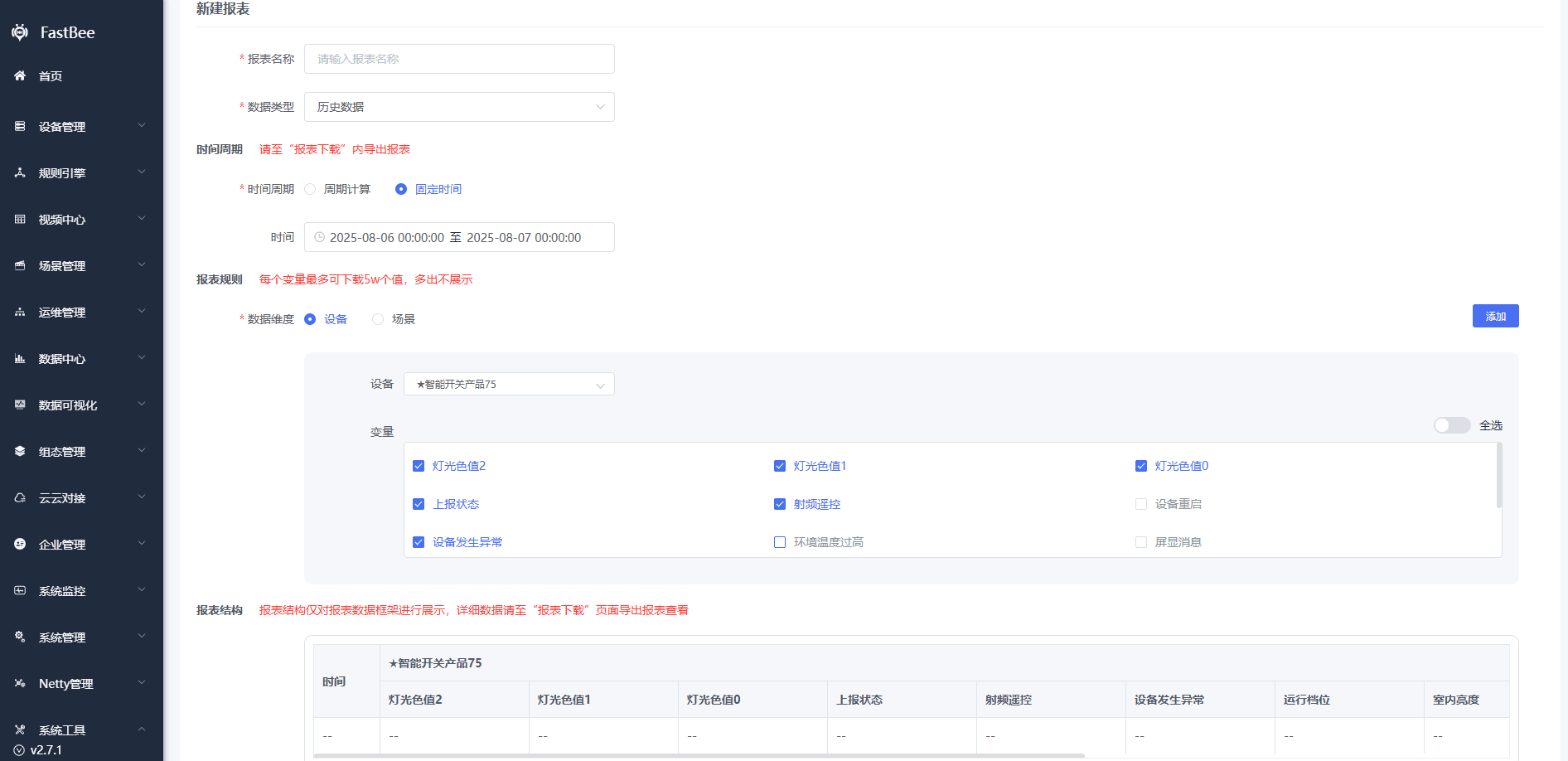
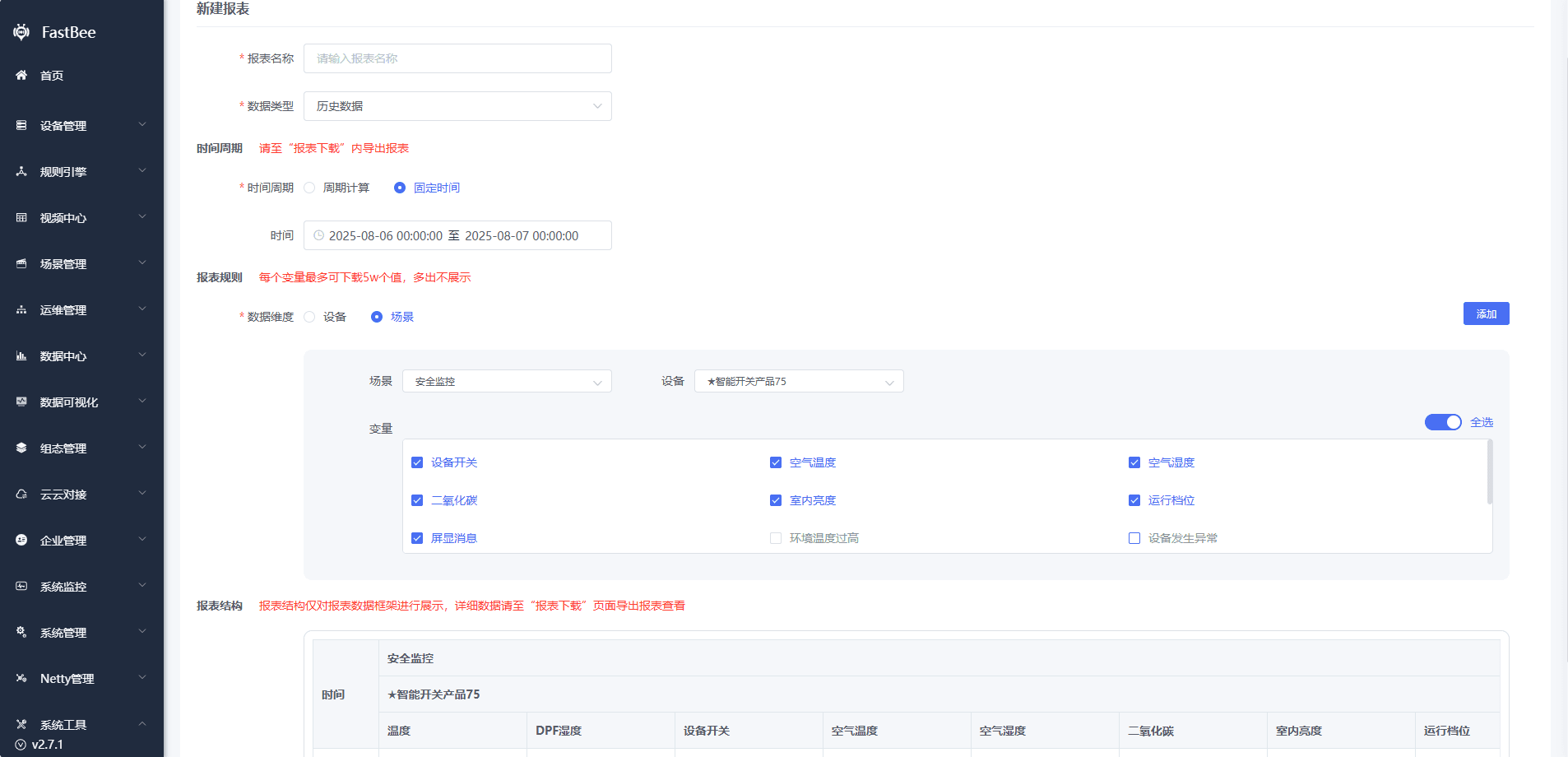
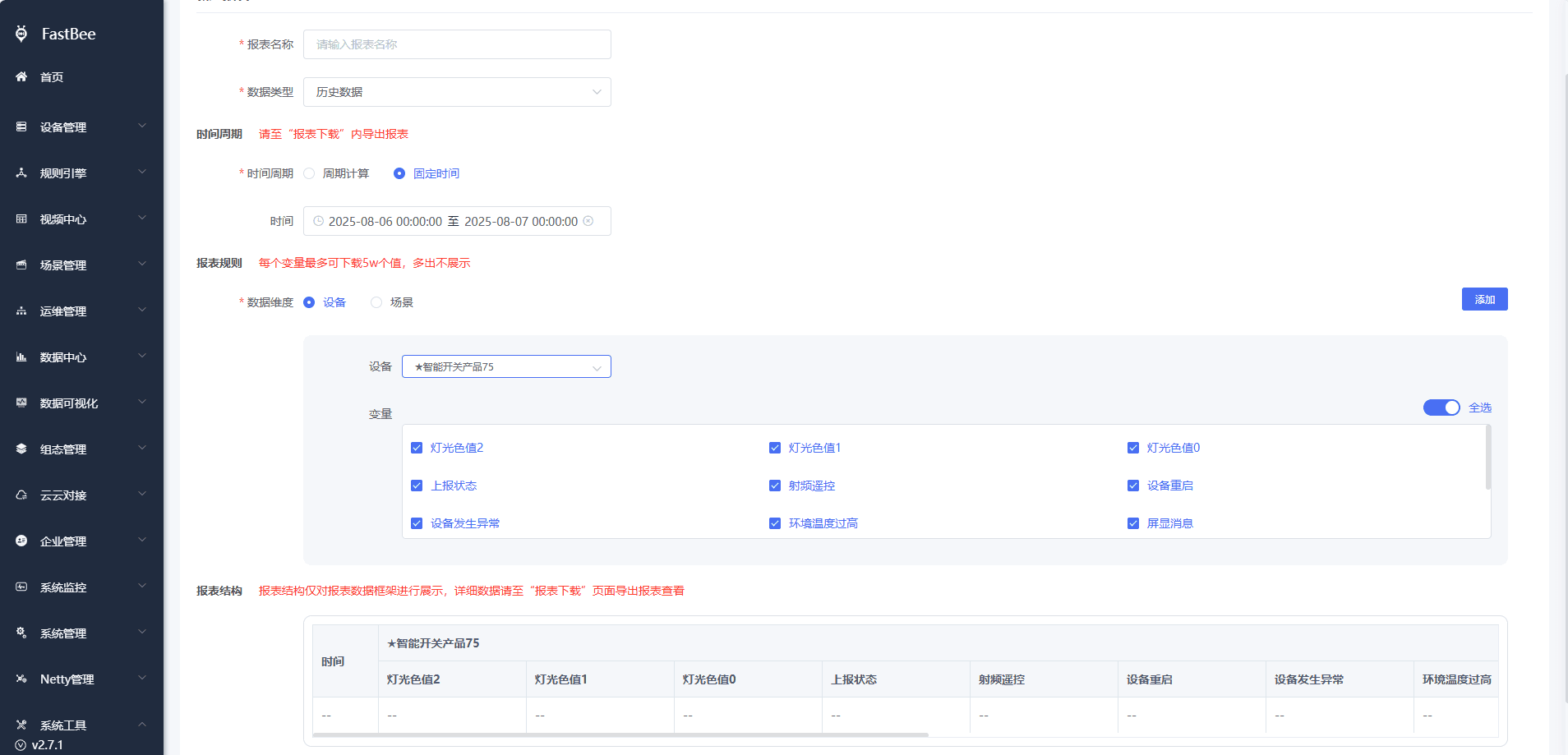
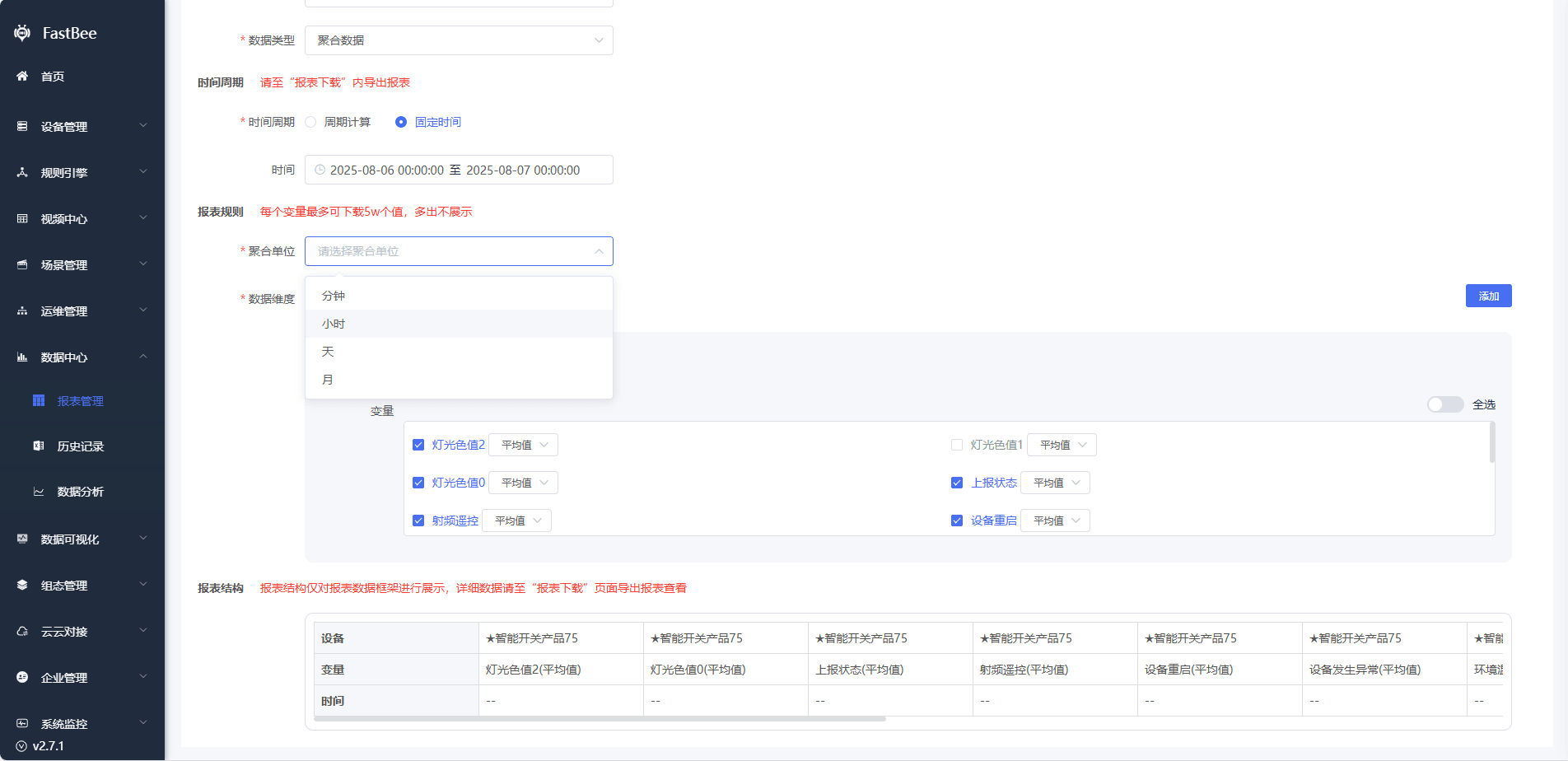
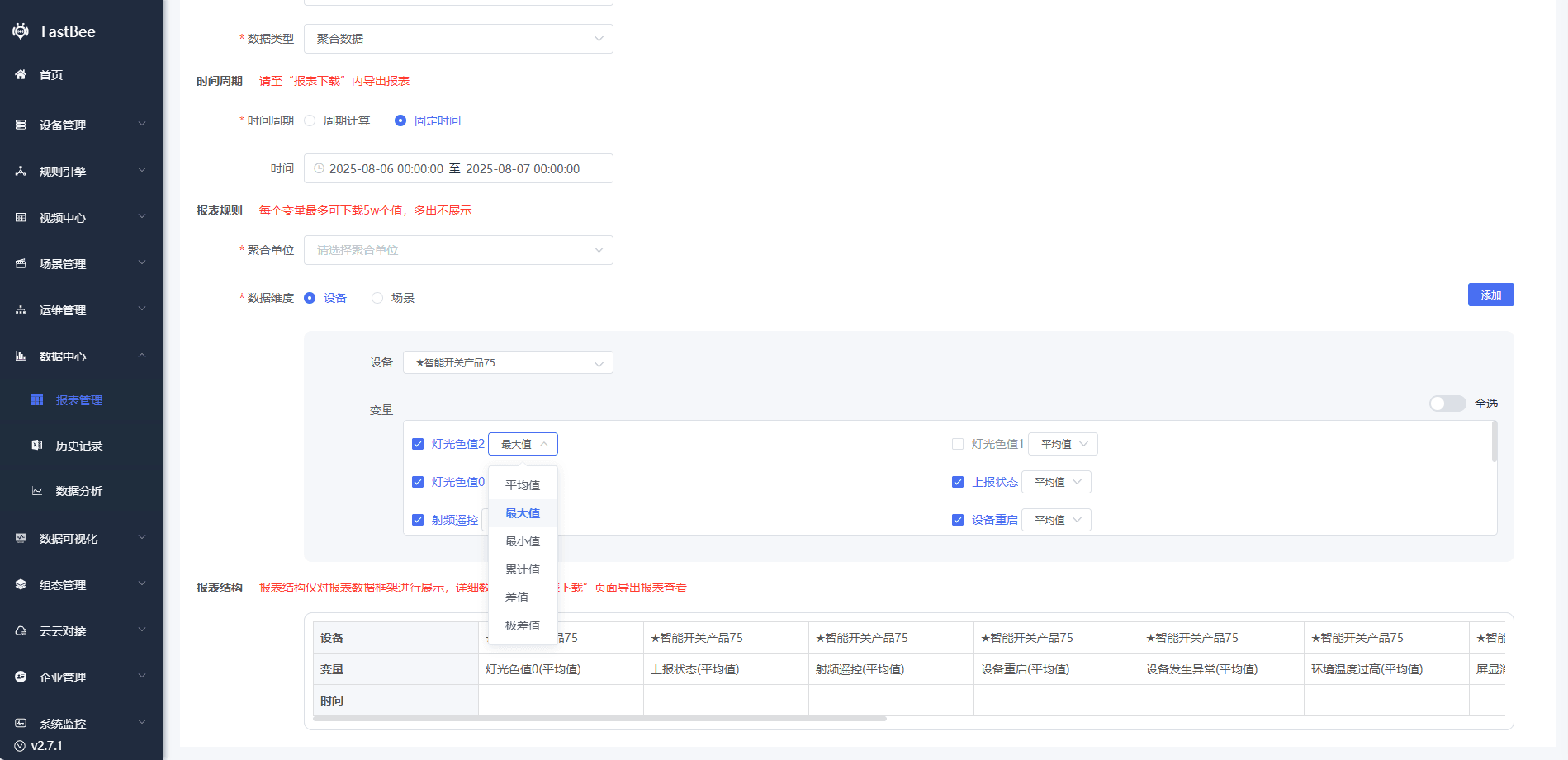
| Report configuration | Configure report fields, time range, aggregation, and export format. |
| Data analysis | Use charts to compare trends and abnormal values. |
| Export | Export reports for customer delivery or operations review. |
| Troubleshooting | Check whether missing data is caused by reporting, storage, time range, or permission. |
Shared Screenshots
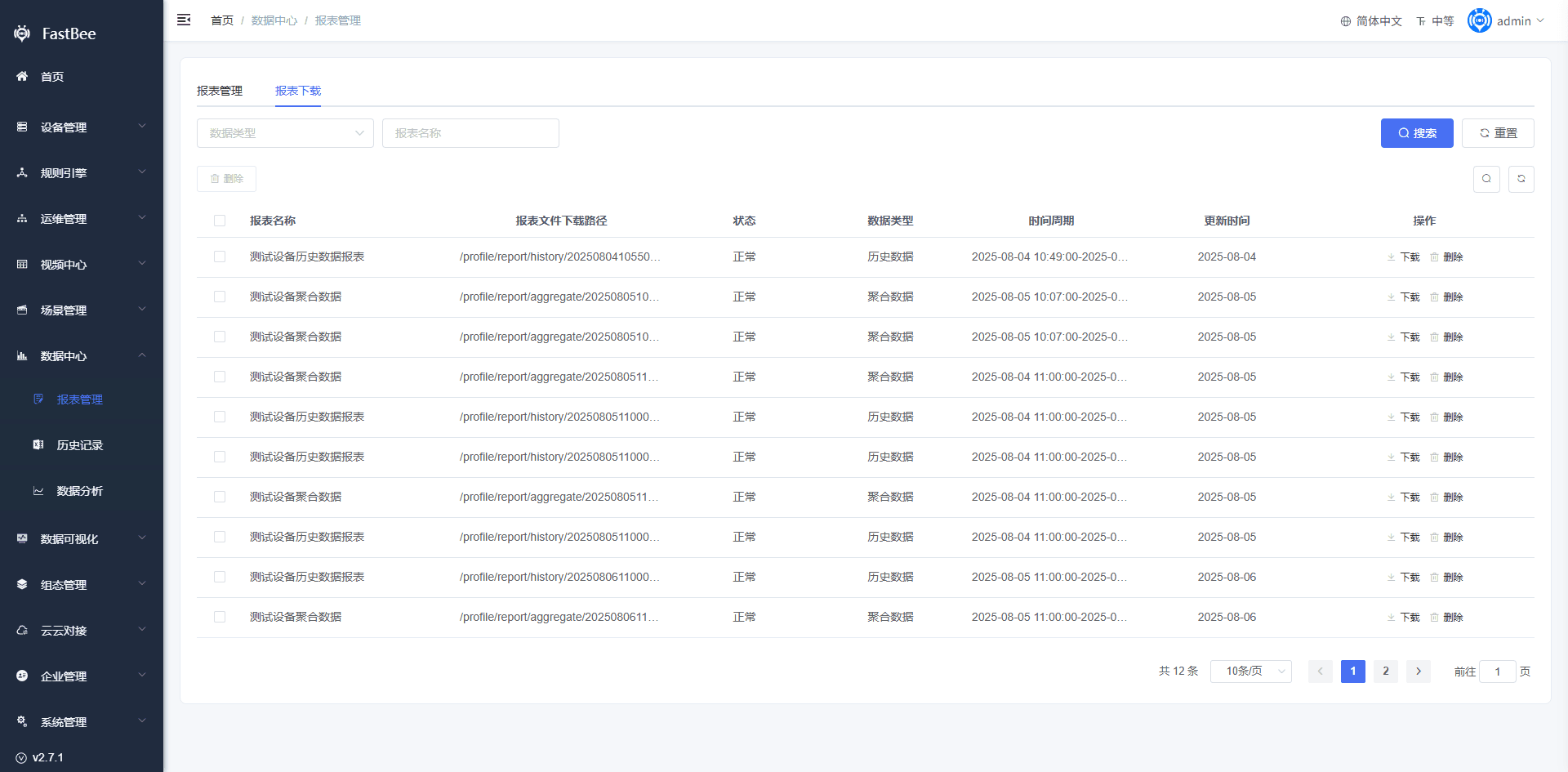
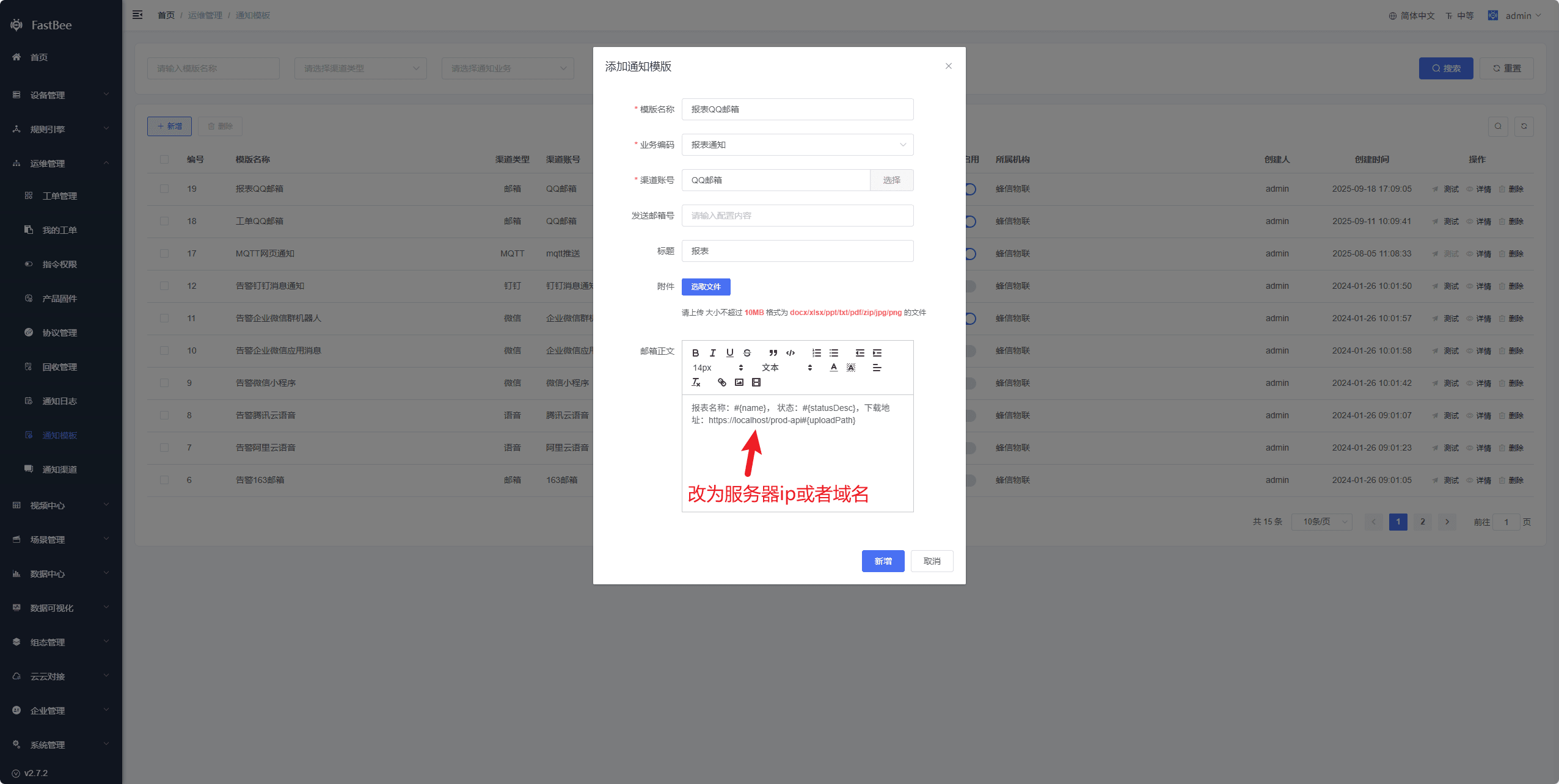
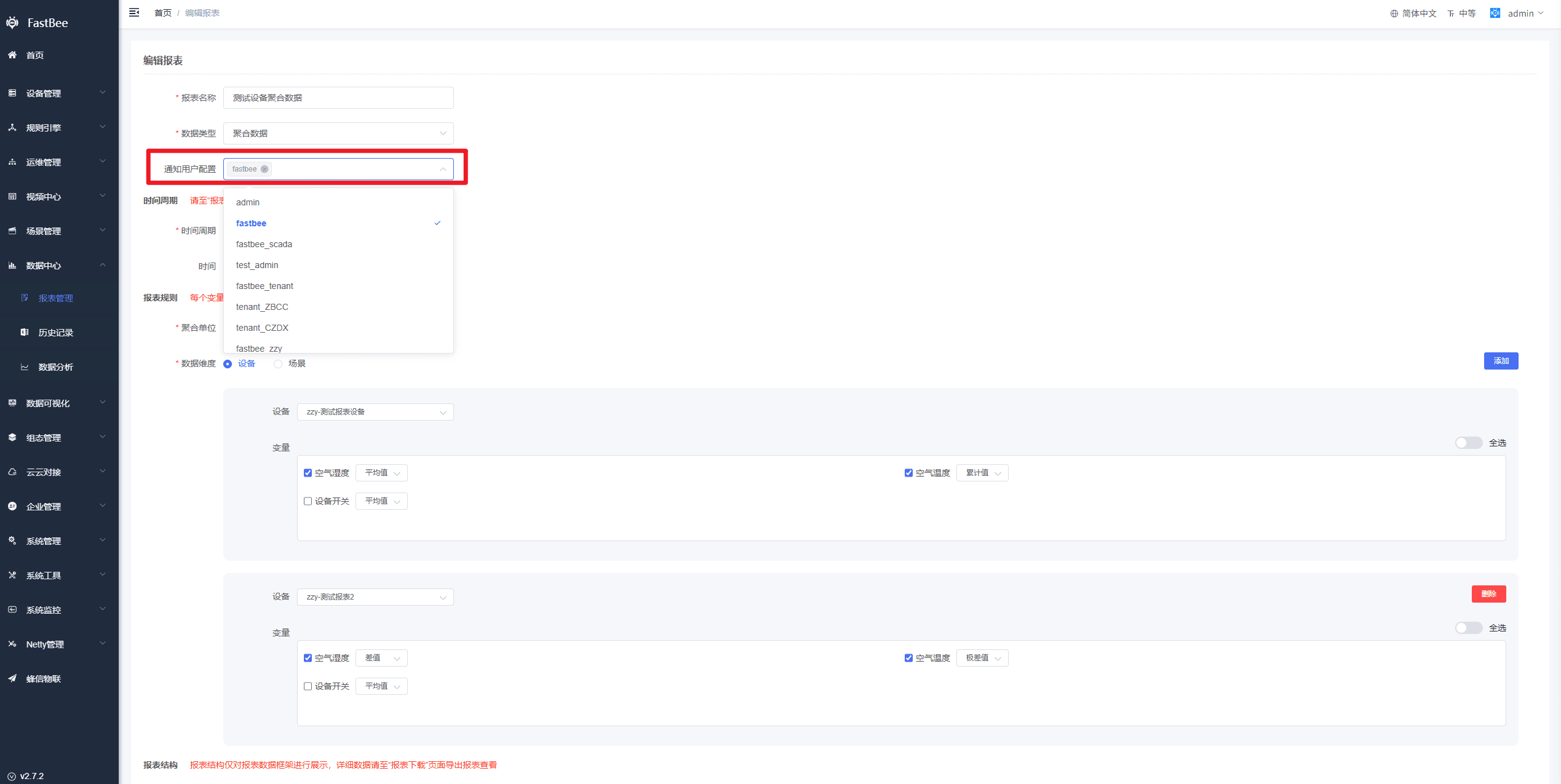
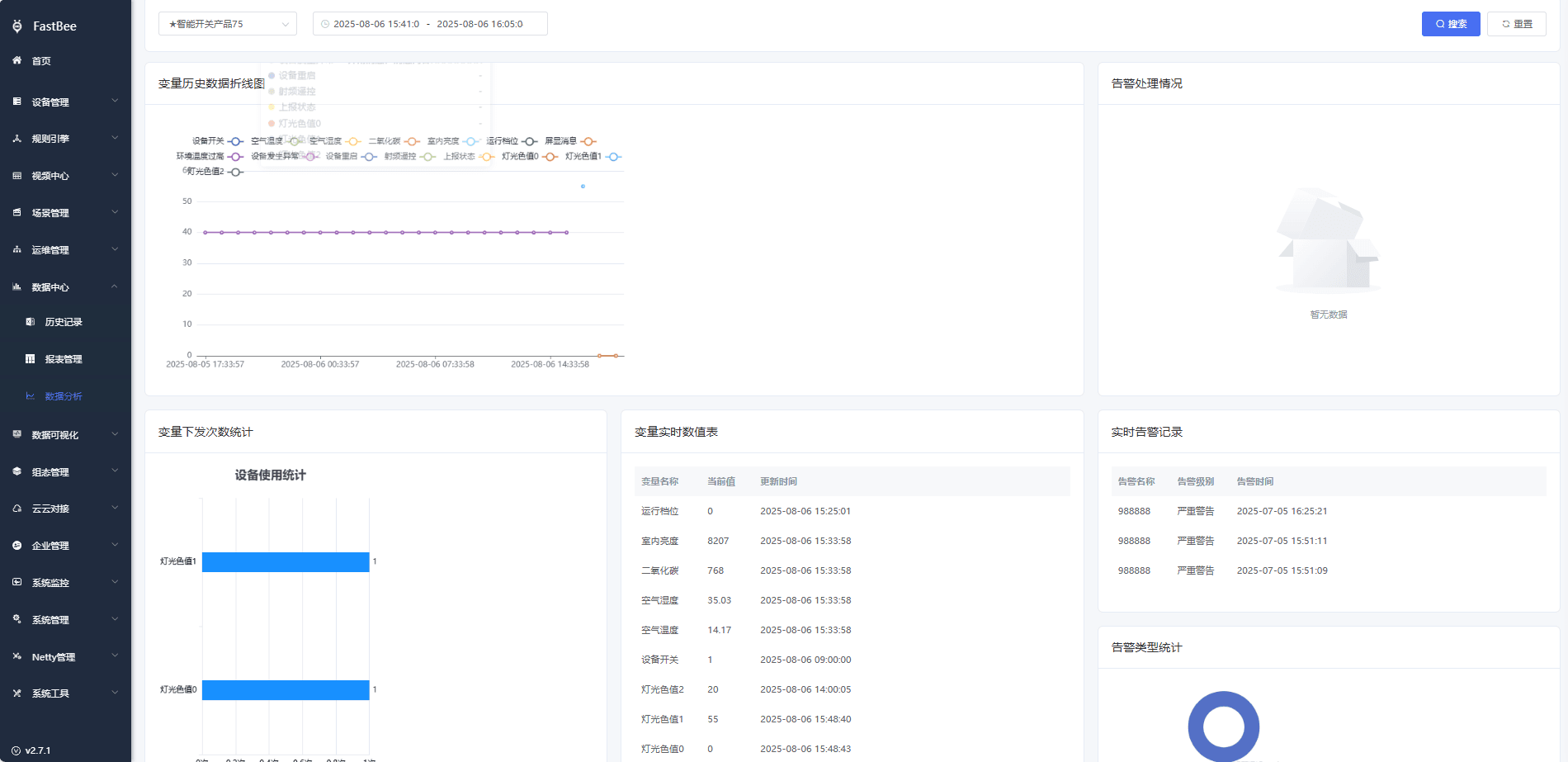
The English documentation reuses the screenshots from the Chinese source page. UI labels in screenshots may remain Chinese.
Acceptance Checklist
| Item | Expected Result |
|---|---|
| Report rule | Time period, data dimensions, variables, and aggregation method are saved successfully. |
| Scheduled generation | A report record is generated when the execution time arrives. |
| Excel download | The downloaded file opens with complete data columns. |
| Historical data | Device or scene variables can be queried by time range. |
| Aggregated data | Average, maximum, minimum, and cumulative values are calculated correctly. |
| Email notification | After notification users are configured, they receive the report download link. |
| Tenant isolation | Different organizations can only view reports within their permission scope. |
FAQ
Report not generated
Check the rule status, execution time, server time, whether the scheduled task is enabled, and whether the variables have historical data.
Report is empty
Check whether devices reported within the time range, whether historical storage is enabled for the variables, and whether the aggregation method suits the current data.
Download link cannot be opened
Check the server domain, Nginx forwarding, file storage path, and the download address in the notification template.
Email not received
Check the notification template, user email addresses, notification channels, delivery logs, and email service provider limits.
Development Entry
| Type | Path Or API | Description |
|---|---|---|
| Frontend page | vue3/src/views/dataCenter/report | Report management, download, and editing. |
| Backend API | Report-related APIs | Report rules, records, and data generation. |
| Database tables | report, report_records, report_rule, report_rule_data | Core report tables. |
| Notification module | springboot/fastbee-notify | Report email notifications. |
| Data module | springboot/fastbee-iot-data | Source of historical and aggregated data. |