OTA Firmware Upgrade

1. Process Overview
OTA Upgrade Process via HTTPS
Topic usage summarized across the MQTT service, the device, and the Web console:
The cloud delivers upgrade package information to the device:
Topic:
/${serialNumber}/http/upgrade/setDirection: cloud -> device
Trigger timing: after the Web console determines that the OTA version can be upgraded and the user confirms the upgrade
Message content: contains the URL, version, and status of the upgrade package, for example
json{ "taskId": 26, "url": "/profile/iot/1/2024-0824-001954.bin", "version": 1.2, "status": 1 }The device reports the upgrade progress:
- Topic:
/${serialNumber}/http/upgrade/reply - Direction: device -> cloud
- Trigger timing: reported periodically while the device downloads the upgrade package
- Message content: contains the upgrade progress and status, for example
json{ "taskId": 26, "progress": 100, "version": "1.2", "status": 2 }- Topic:
The device reports the latest version and status after the upgrade is complete:
- Topic:
/${serialNumber}/http/upgrade/reply - Direction: device -> cloud
- Trigger timing: after the device-side upgrade is complete
- Message content: contains the latest version and status, for example
json{ "taskId": 26, "version": "1.2", "status": 3 }- Topic:
Simulated overall interaction flow:
// status field definition
AWAIT(0, "等待升级","未推送固件到设备"),
SEND(1, "已发送","已发送设备"),
REPLY(2, "升级中","设备OTA升级中"),
SUCCESS(3, "成功","升级成功"),
FAILED(4, "失败","升级失败"),
STOP(5, "停止","设备离线停止推送"),
UNKNOWN(404, "未知","未知错误码");
// Topic definitions
${taskId}/ws/ota/status Topic pushed by the cloud backend to the cloud frontend to display status
${serialNumber}/http/upgrade/set Topic pushed by the cloud to the device
${serialNumber}/http/upgrade/reply Topic reported by the device to the cloudThe left side shows cloud-side reporting, and the right side shows device-side reporting
Topic: /26/ws/ota/status
{
"serialNumber": "D1832O34Z5M1",
"status": 0,
"timestamp": 1724482221250
}
Topic: /26/ws/ota/status
{
"serialNumber": "D1832O34Z5M1",
"status": 1,
"timestamp": 1724482221251
}
Topic: /D1832O34Z5M1/http/upgrade/set
  {
    "taskId": 26,
    "url": "/profile/iot/1/2024-0824-001954.bin",
    "version": 1.2,
    "status": 1
  }
Topic: /D1832O34Z5M1/http/upgrade/reply
{
"taskId": 26,
"progress": 5,
"version": "1.2",
"status": 2
}
Topic: /26/ws/ota/status
{
"serialNumber": "D1832O34Z5M1",
"status": 2,
"timestamp": 1724482231404,
"progress": 5
}
Topic: /D1832O34Z5M1/http/upgrade/reply
{
"taskId": 26,
"progress": 50,
"version": "1.2",
"status": 2
}
Topic: /26/ws/ota/status
{
"serialNumber": "D1832O34Z5M1",
"status": 2,
"timestamp": 1724482251326,
"progress": 50
}
Topic: /D1832O34Z5M1/http/upgrade/reply
{
"taskId": 26,
"progress": 70,
"version": "1.2",
"status": 2
}
Topic: /26/ws/ota/status
{
"serialNumber": "D1832O34Z5M1",
"status": 2,
"timestamp": 1724482290405,
"progress": 70
}
Topic: /D1832O34Z5M1/http/upgrade/reply
  {
  "taskId": 26,
  "progress": 100,
  "version": "1.2",
  "status": 2
  }
Topic: /26/ws/ota/status
{
"serialNumber": "D1832O34Z5M1",
"status": 2,
"timestamp": 1724482302296,
"progress": 100
}
Topic: /D1832O34Z5M1/http/upgrade/reply
{
"taskId": 26,
"progress": 100,
"version": "1.2",
"status": 3
}
Topic: /26/ws/ota/status
{
"serialNumber": "D1832O34Z5M1",
"status": 3,
"timestamp": 1724482308749
}OTA Upgrade via Binary Package
1. Introduction
OTA (Over-the-Air) upgrade is a technology that remotely upgrades devices over a wireless network. This document describes the OTA upgrade process in detail, including upgrade initiation, upgrade package transfer, and other stages.
2. OTA Upgrade Process Overview
- The platform assembles the OTA format itself and starts the OTA upgrade.
- The cloud sends an upgrade initiation command to the device.
- After receiving the upgrade initiation command, the device performs checksum verification; if it passes, the device replies to the cloud.
- After receiving the correct reply from the device, the cloud starts the OTA upgrade package transfer.
- The cloud sends an upgrade package transfer command to the device.
- After receiving the upgrade package transfer command, the device performs checksum verification; if it passes, the device replies to the cloud.
- Based on the device replies, the cloud determines whether all upgrade packages have been transferred; if not, it continues sending the next upgrade package transfer command until the upgrade is complete.
3. Detailed Process Steps
Topics:
- Cloud -> device: /{deviceNum}/fetch/upgrade/set
- Device -> cloud: /{deviceNum}/fetch/upgrade/reply
Message examples:
- Upgrade initiation stage:
- Cloud -> device:
0x55aa 0x00 0x0A 0x0004 [firmware package byte count] [checksum]- Device -> cloud:
0x55aa [0x00 - 0xFF] 0x0A 0x0001 [upgrade package chunk transfer size] [checksum]- Upgrade package transfer stage:
- Cloud -> device:
0x55aa 0x00 0x0B 0x0004 + [data packet length] [packet offset][data packet content] [checksum]- Device -> cloud:
0x55aa [0x00 - 0xFF] 0x0B 0x0000 [checksum]- Upgrade initiation
- Cloud -> device: the cloud sends an upgrade initiation command to the device. The command contains the frame header (0x55aa), version number (0x00), command type (0x0A), sub-command (0x0004), firmware package byte count, and checksum (summed byte by byte starting from the frame header, modulo 256).
- Device -> cloud: after receiving the upgrade initiation command, the device performs checksum verification. If the verification passes, the device replies to the cloud. The reply contains the frame header (0x55aa), version number (0x00 - 0xFF), command type (0x0A), sub-command (0x0001), upgrade package chunk transfer size (0x00: 256byte (default); 0x01: 512byte; 0x02: 1024byte), and checksum (calculated the same way as the command sent by the cloud).
- Upgrade package transfer
- Cloud -> device: the cloud sends an upgrade package transfer command to the device. The command contains the frame header (0x55aa), version number (0x00), command type (0x0B), sub-command (0x0004 + data packet length), the first four bytes as the packet offset followed by the data packet content (if the packet offset is greater than or equal to the firmware package size, the packet transfer ends), and checksum (summed byte by byte starting from the frame header, modulo 256).
- Device -> cloud: after receiving the upgrade package transfer command, the device performs checksum verification. If the verification passes, the device replies to the cloud. The reply contains the frame header (0x55aa), version number (0x00 - 0xFF), command type (0x0B), sub-command (0x0000), empty content, and checksum (calculated the same way as the command sent by the cloud).
- Upgrade completion determination
- After receiving the device reply, the cloud determines whether all upgrade packages have been transferred.
- If complete, the OTA upgrade ends.
- If not complete, the cloud continues sending the next upgrade package transfer command and returns to the upgrade package transfer step.
2. Precautions
- Throughout the upgrade process, checksum verification is an important step to ensure data accuracy and integrity. Any command with a mismatched checksum should be treated as an error and handled accordingly.
- During the upgrade package transfer, the stability of the wireless network must be ensured to avoid data loss or transfer interruption.
- If exceptions occur during the upgrade, appropriate error handling mechanisms should be in place, such as retry and rollback operations, to ensure the normal operation of the device.
3. Operation Flow
OTA Upgrade Operation via HTTPS
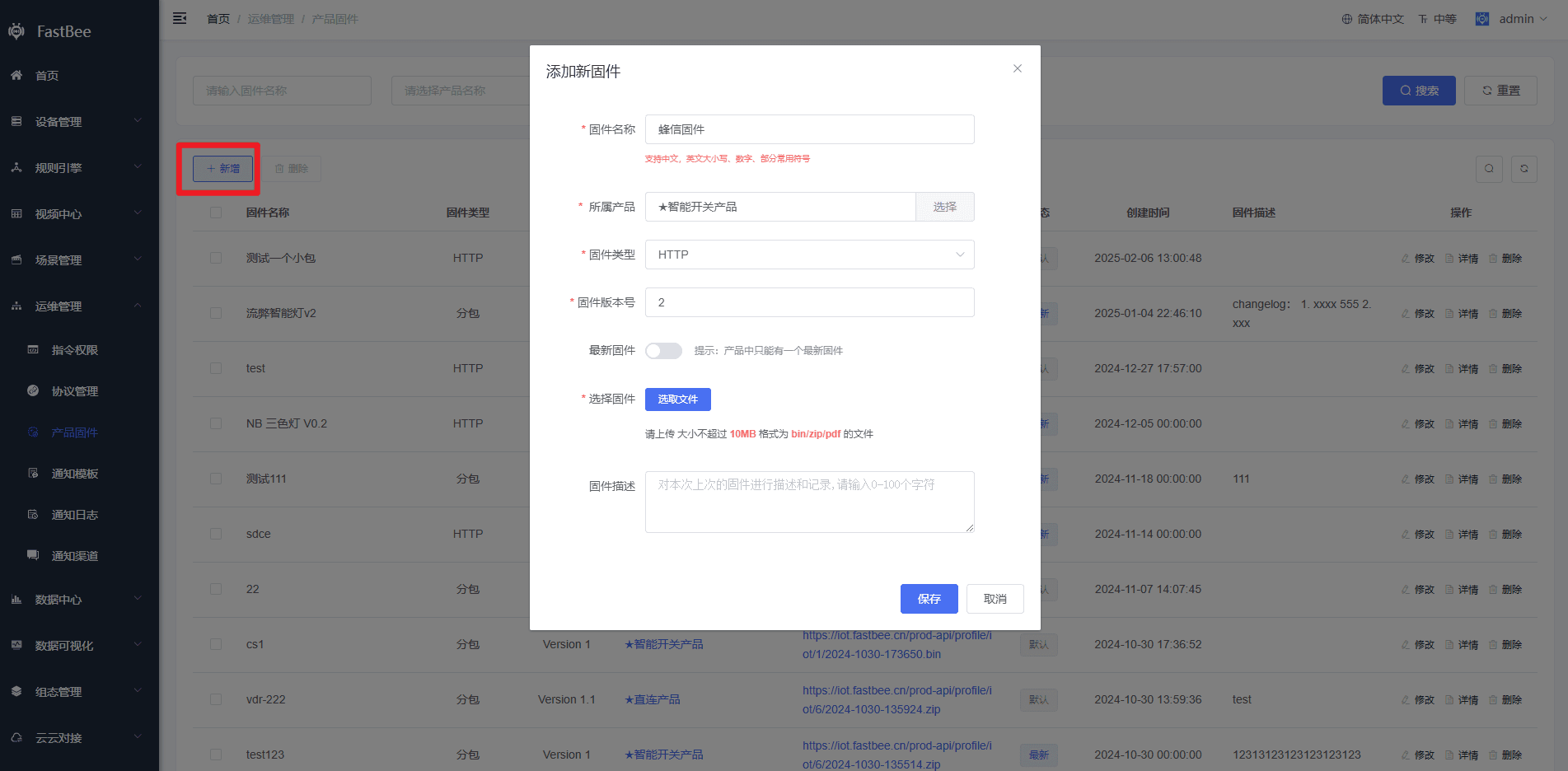
1. Operations Management - Product Firmware: add firmware and select a product:
2. Add a task in the firmware details:
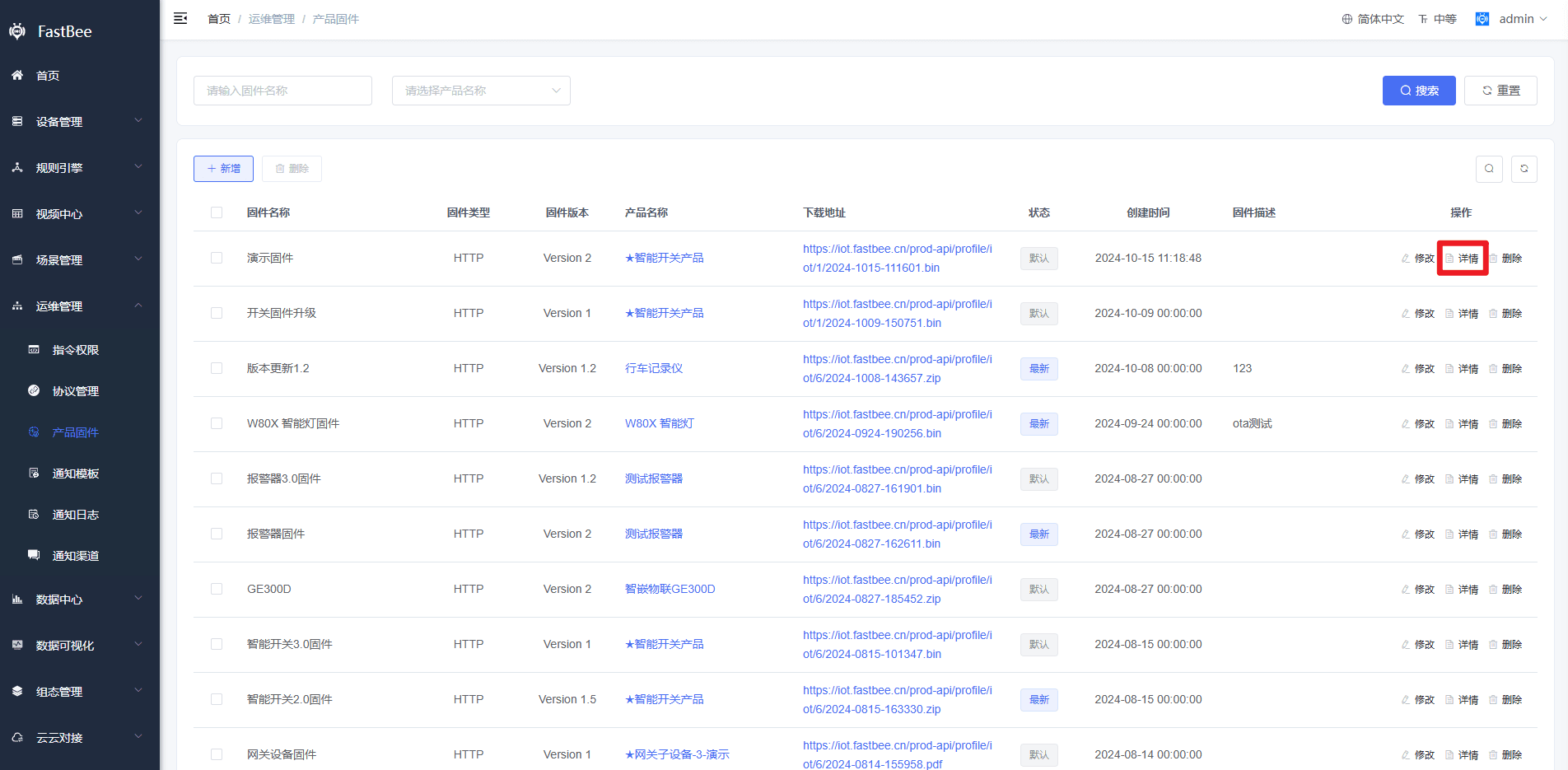
- Click Firmware Details in the product firmware list
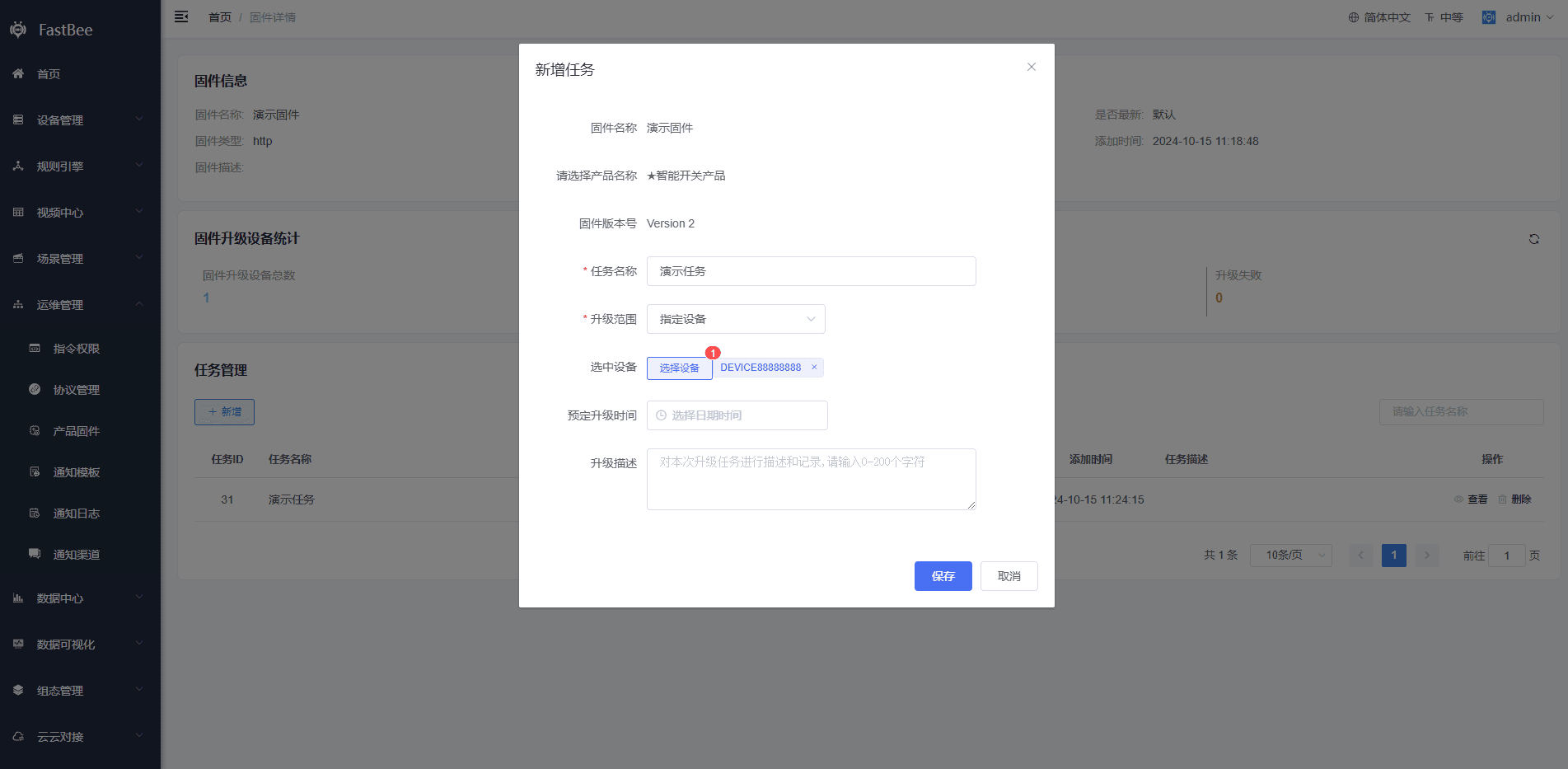
- Add a new task; the upgrade scope can be all devices or specified devices
警告
If you select a scheduled upgrade time, the upgrade will take place at that time point; if you do not select one, the upgrade starts immediately after you click Save
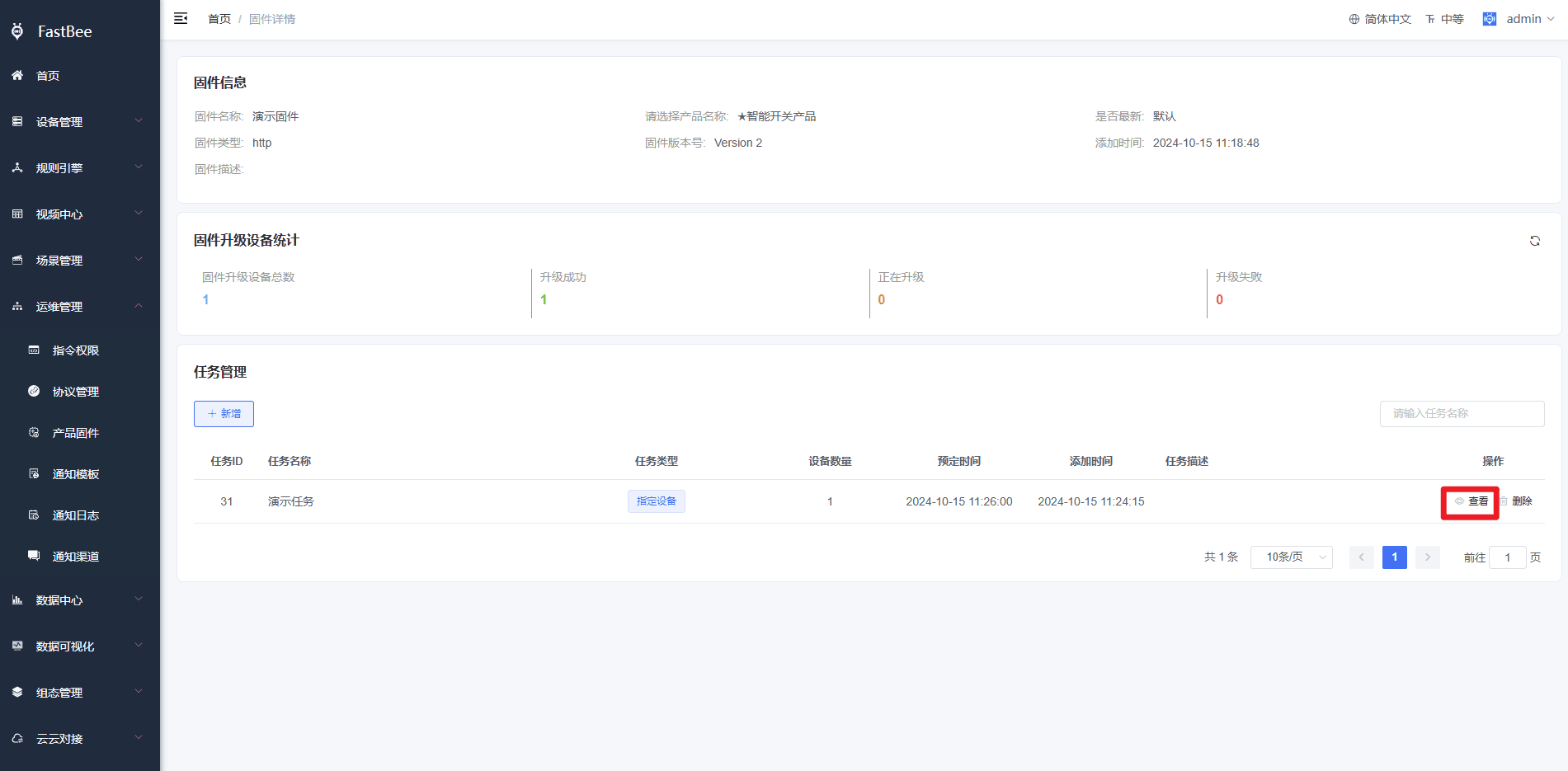
3. Observe the task upgrade progress in real time:
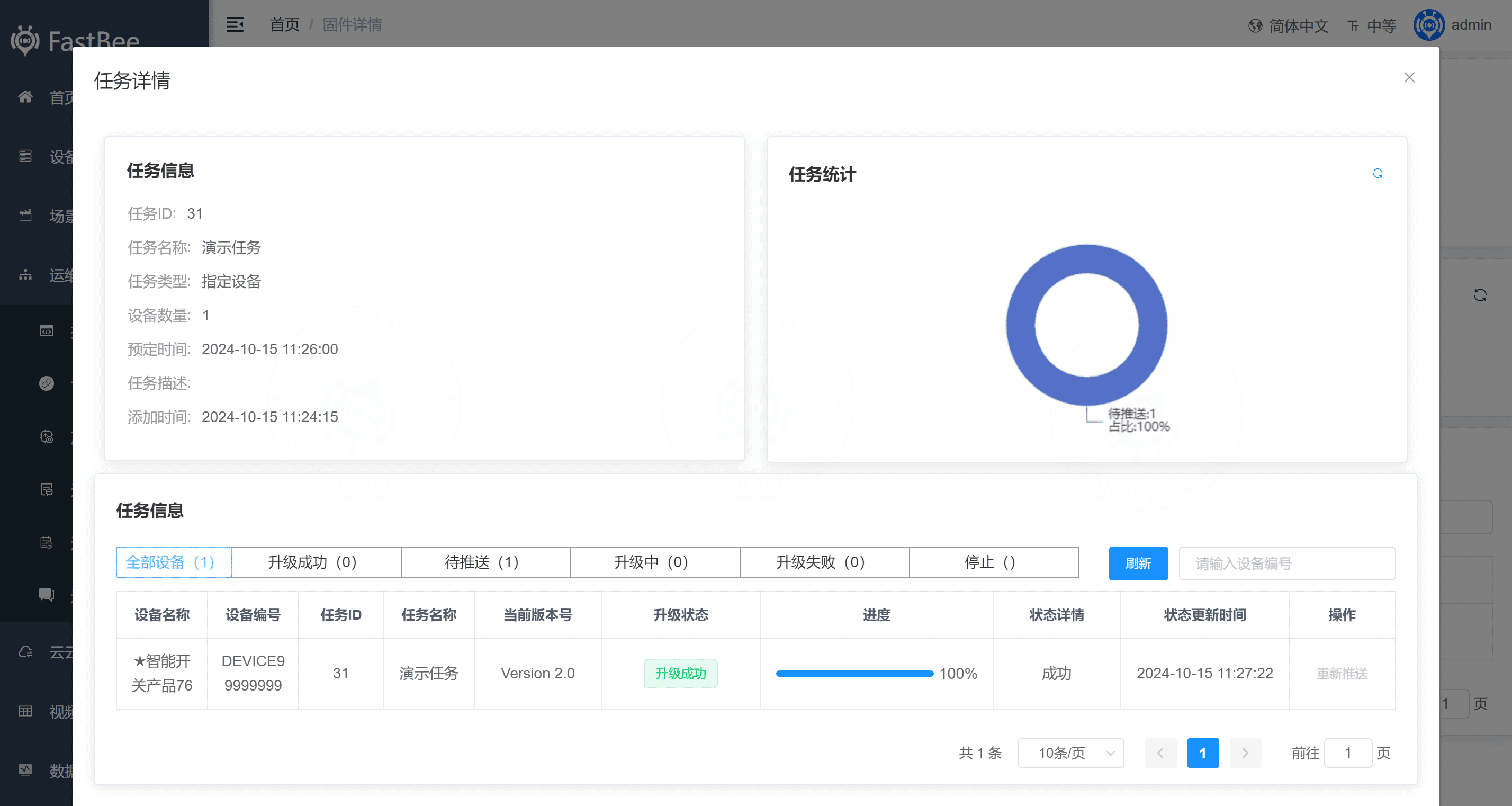
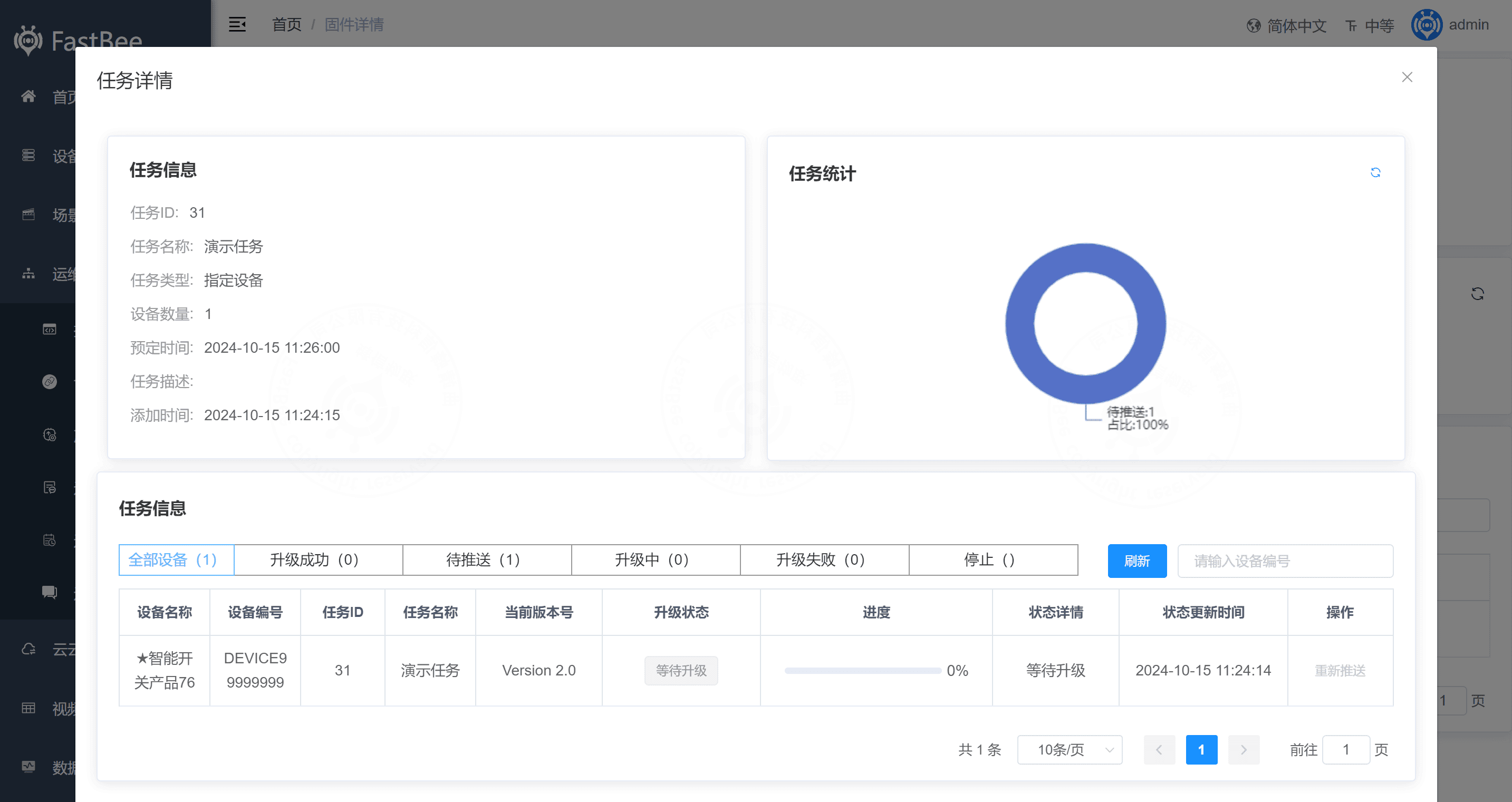
View task details: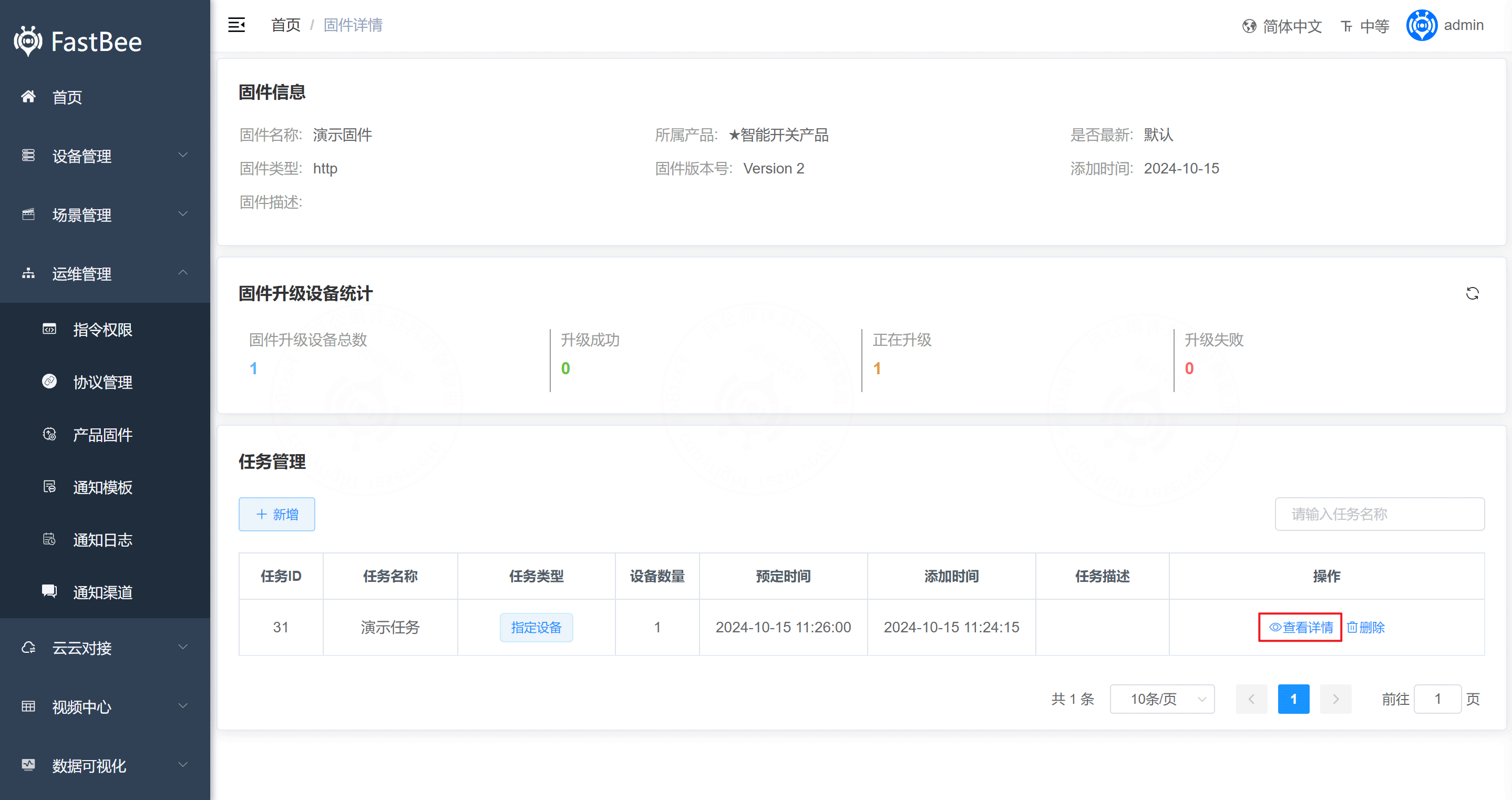 Waiting for the scheduled upgrade time to start the upgrade:
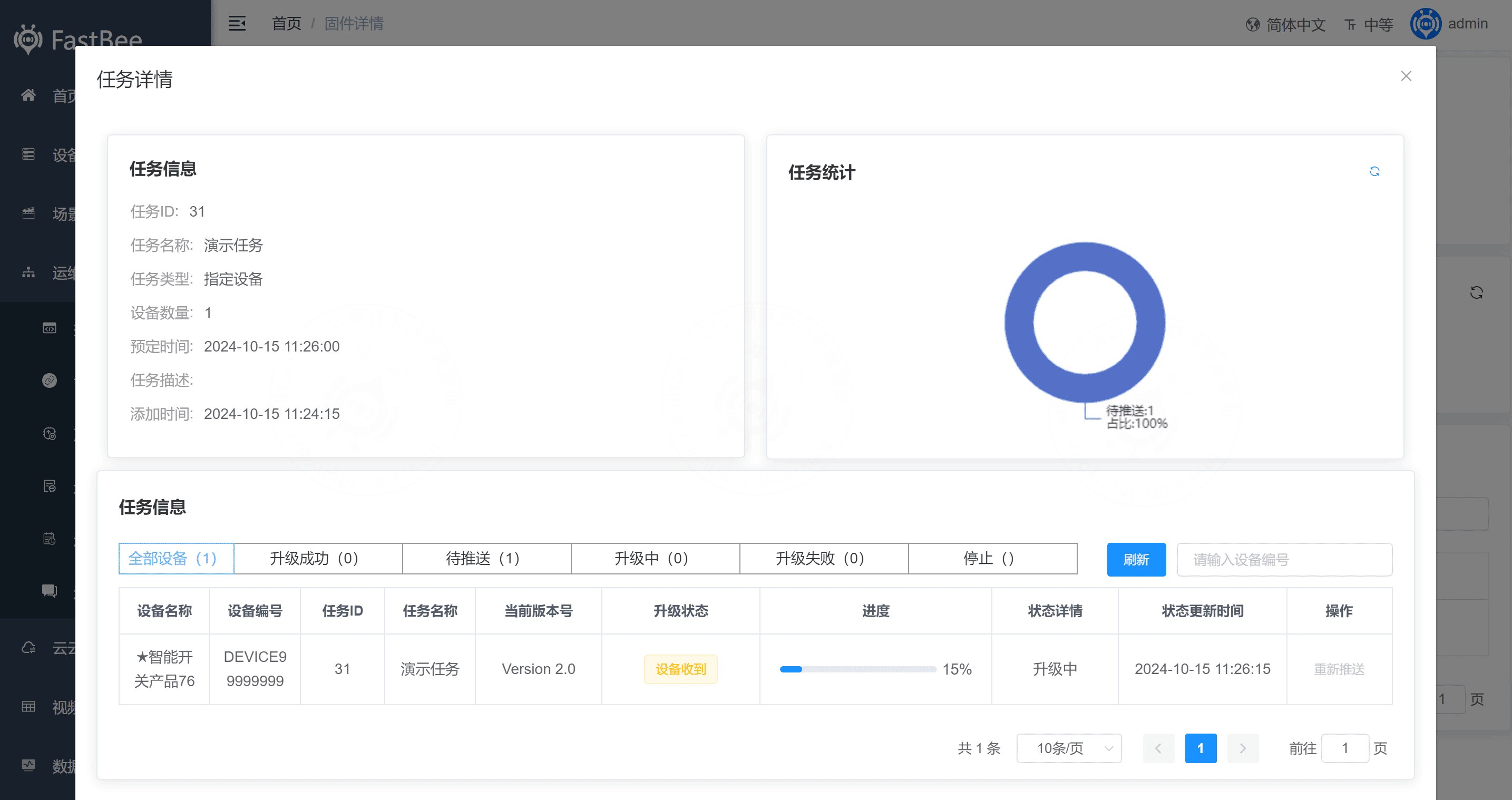
  Device upgrading:
 Device upgraded successfully: