

SCADA Quick Start
1. Purpose
This page guides users through creating a Web SCADA page, binding device thing-model variables, and verifying real-time display and control.
2. Build Flow
3. Prerequisites
| Condition | Description |
|---|---|
| Product exists | Template SCADA pages usually need a product. |
| Thing model is stable | Variable binding depends on thing-model identifiers. |
| Device has data | Preview can show real values only when data is reported. |
| Assets are ready | Background images, device icons, and process diagrams are prepared. |
| Permission is granted | The user has SCADA management and design permission. |
4. Create A SCADA Page
Path:
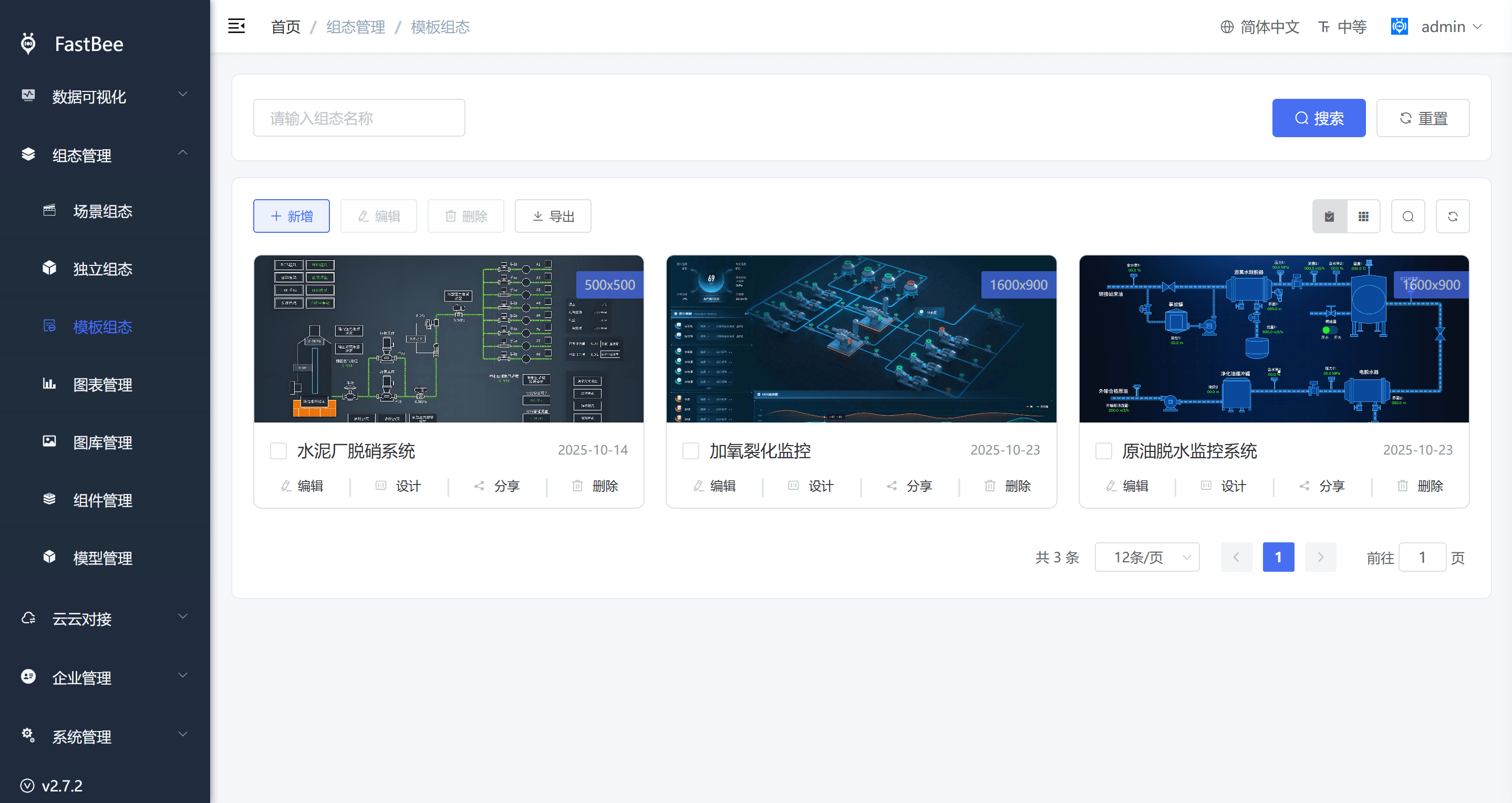
SCADA Management > Template / Scene / Independent SCADA > AddSCADA center example:
| Type | Scenario |
|---|---|
| Template SCADA | Multiple devices under the same product share one page. |
| Scene SCADA | Variables from scenes or multiple devices. |
| Independent SCADA | Standalone display page or big screen. |
5. Design The Page
Designer example:
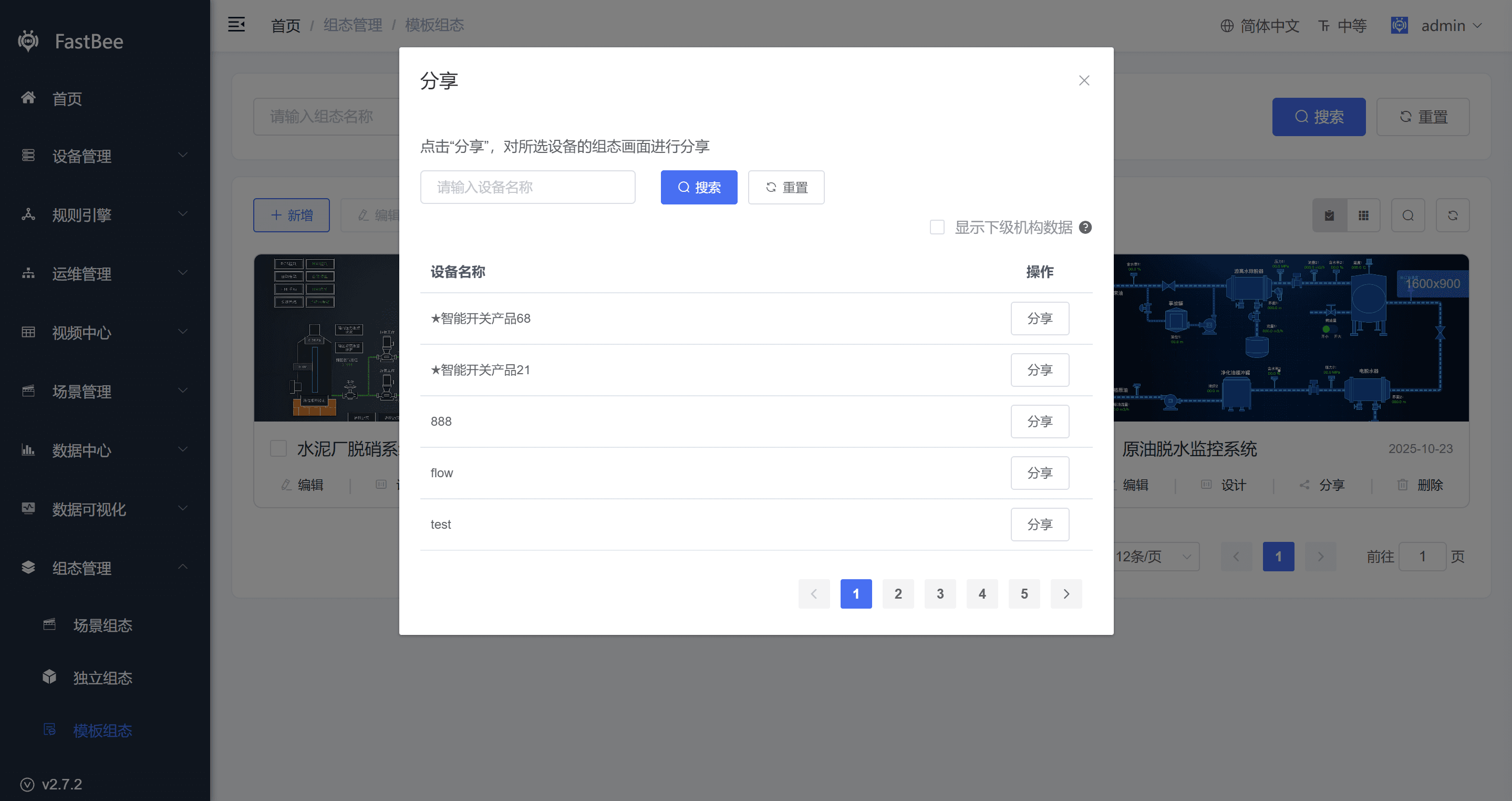
Recommended order:
- Set canvas size and background.
- Add title, regions, and static shapes.
- Add data display components.
- Add status and control components.
- Bind thing-model variables.
- Configure click events or linkage.
- Preview and adjust layout.
6. Variable Binding
| Check Item | Description |
|---|---|
| Variable source | Product, device, scene, or public API. |
| Identifier | Must match the thing-model id. |
| Data type | Boolean, enum, number, array, or object. |
| Refresh mode | Realtime, scheduled, or manual refresh. |
| Default value | Display value when the device is offline or no data exists. |
7. Preview And Publish
Before publishing, verify layout, variable values, offline default state, click events, command delivery, and share-link permission.
FAQ
Variable has no value
Check whether the device is online, whether the thing-model identifier matches, whether the device is reporting, and whether the SCADA variable source is selected incorrectly.
Preview scaling is abnormal
Check the canvas size, browser zoom, component lock state, and mobile adaptation approach.
Share link cannot be opened
Check whether sharing is enabled, whether the password is correct, whether the SCADA page has been deleted, and whether the access domain is publicly reachable.
Control button has no effect
Check whether the thing model is writable, whether the device is online, whether the command topic is correct, and whether the device side handles delivered commands.