

SCADA Management
Page Guide
提示
SCADA configuration lets users build monitoring and control pages with editor tools and reusable components. Users can drag scene materials, bind device variables, and display real-time device status without writing code.
Composition
FastBee SCADA includes template configuration, scene configuration, and independent configuration. Supporting modules include image library management, chart management, component management, and model management, making assets reusable, maintainable, extensible, and customizable.
SCADA Center
The SCADA center supports creating, editing, designing, running, sharing, and deleting configuration pages. Pages can be dynamic industrial diagrams or large-screen displays, and they can bind platform variables directly.
Template Configuration
Template configuration is designed for products. All devices under the same product can reuse the same page. Variables come from the product thing model, and values come from real-time reports of the current device.
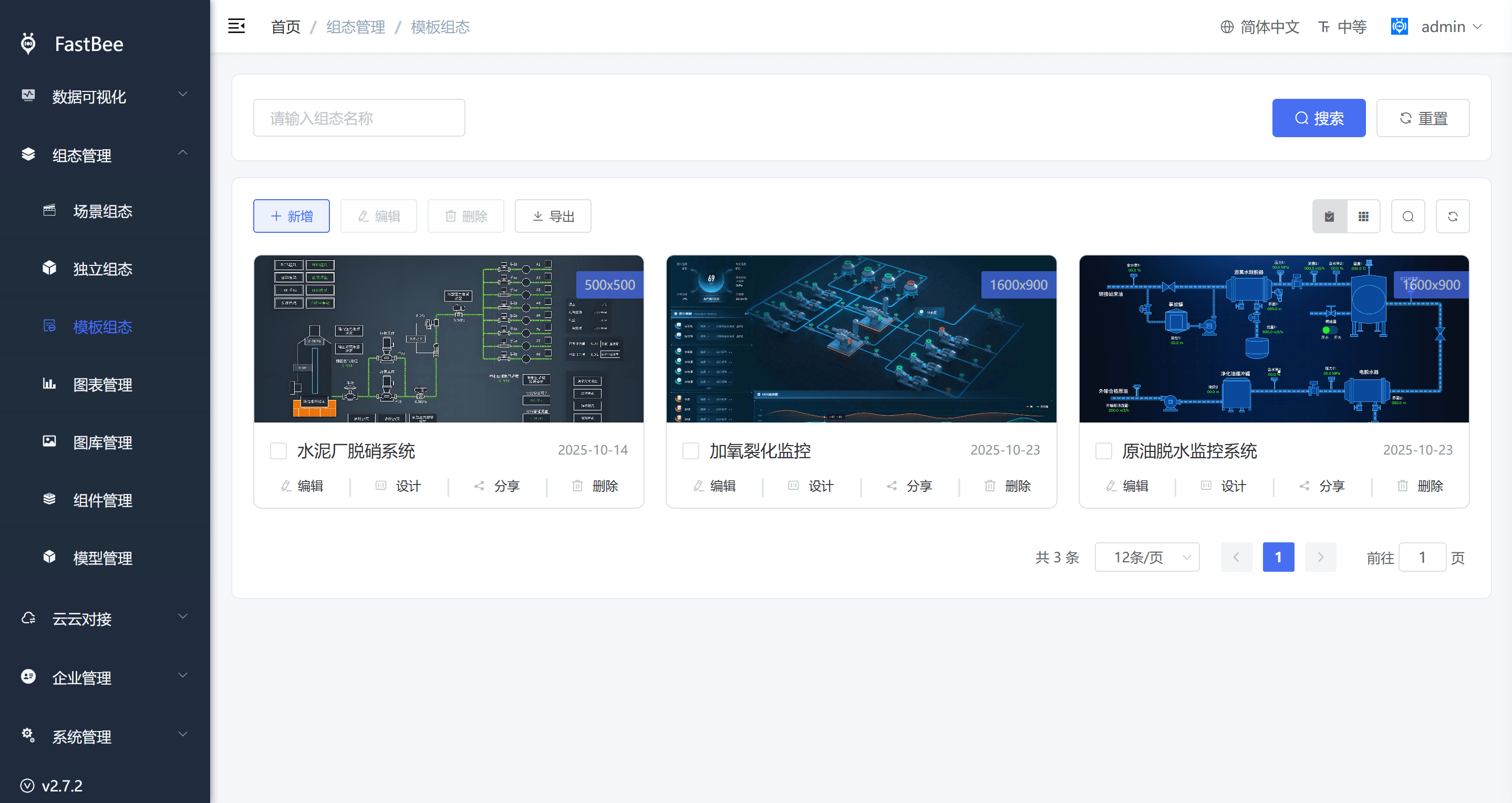
Common operations:
- Add configuration from the template list or from product management.
- Design the page from the template configuration list or product details.
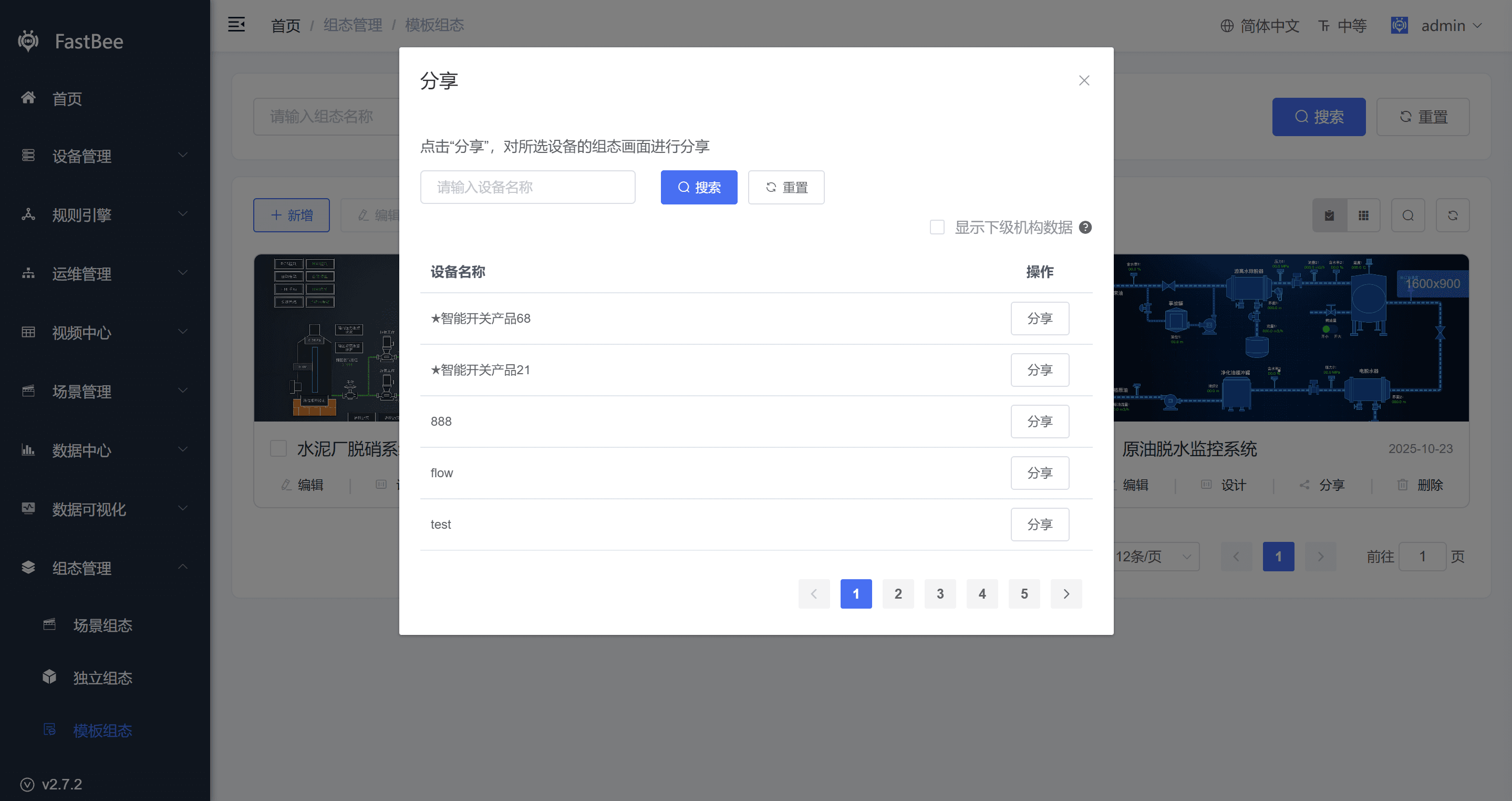
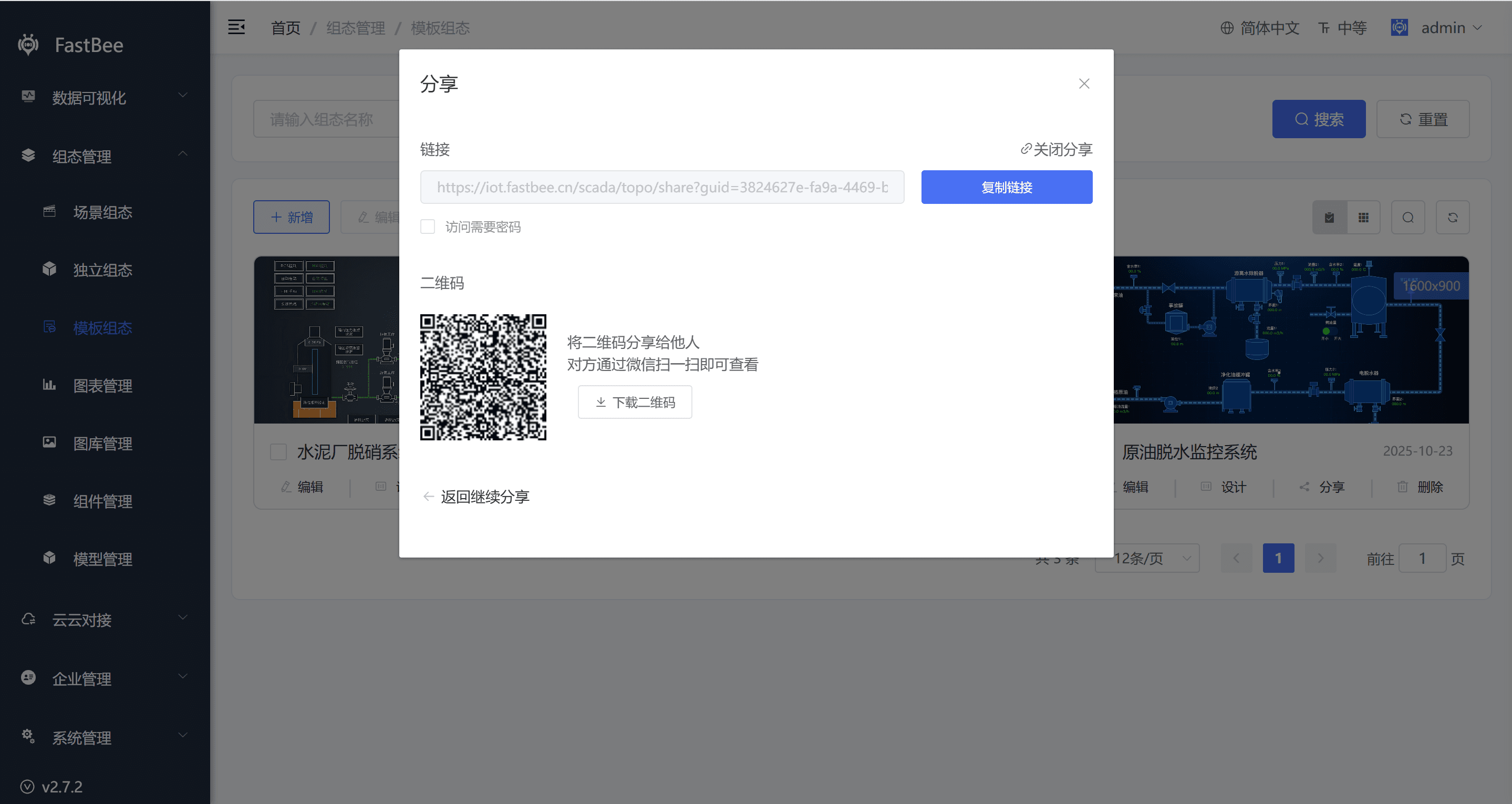
- Share the page by selecting devices and generating a share link or QR code.
- Delete the page when it is no longer needed. Existing share links and QR codes become invalid after deletion.
- View the page from device details under the bound product.
Scene Configuration
Scene configuration is designed for scenes. Variables come from all variables inside the scene, enabling visual management around a scene object.
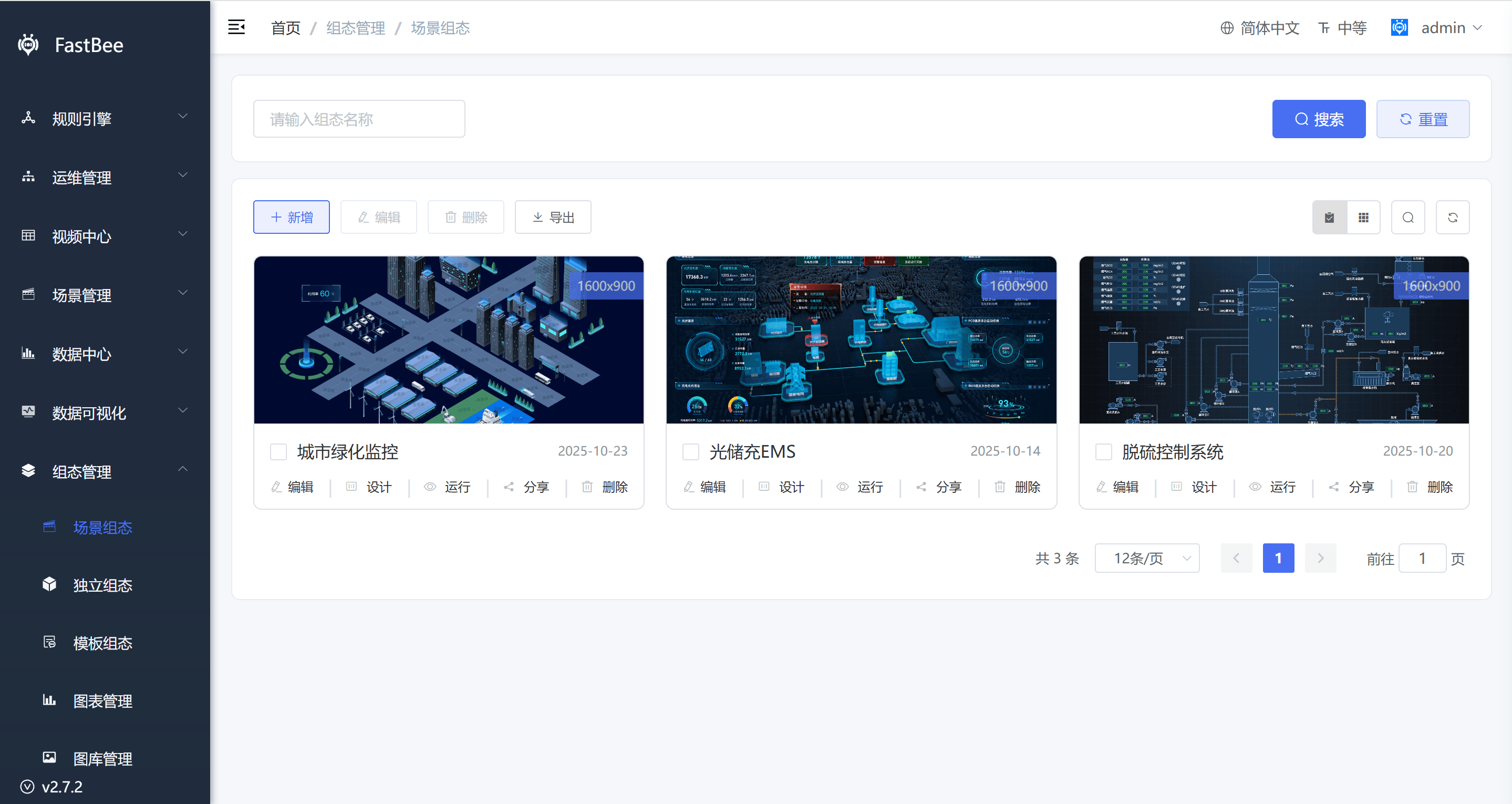
Common operations:
- Add configuration from the scene configuration list or scene list.
- Design the page after the scene configuration is created.
- Share the page with a link or QR code.
- Delete the page when the scene no longer needs a visual page.
Independent Configuration
Independent configuration can bind multiple devices, slave devices, or data points across different products. It is suitable for custom pages that need to combine data from different devices.
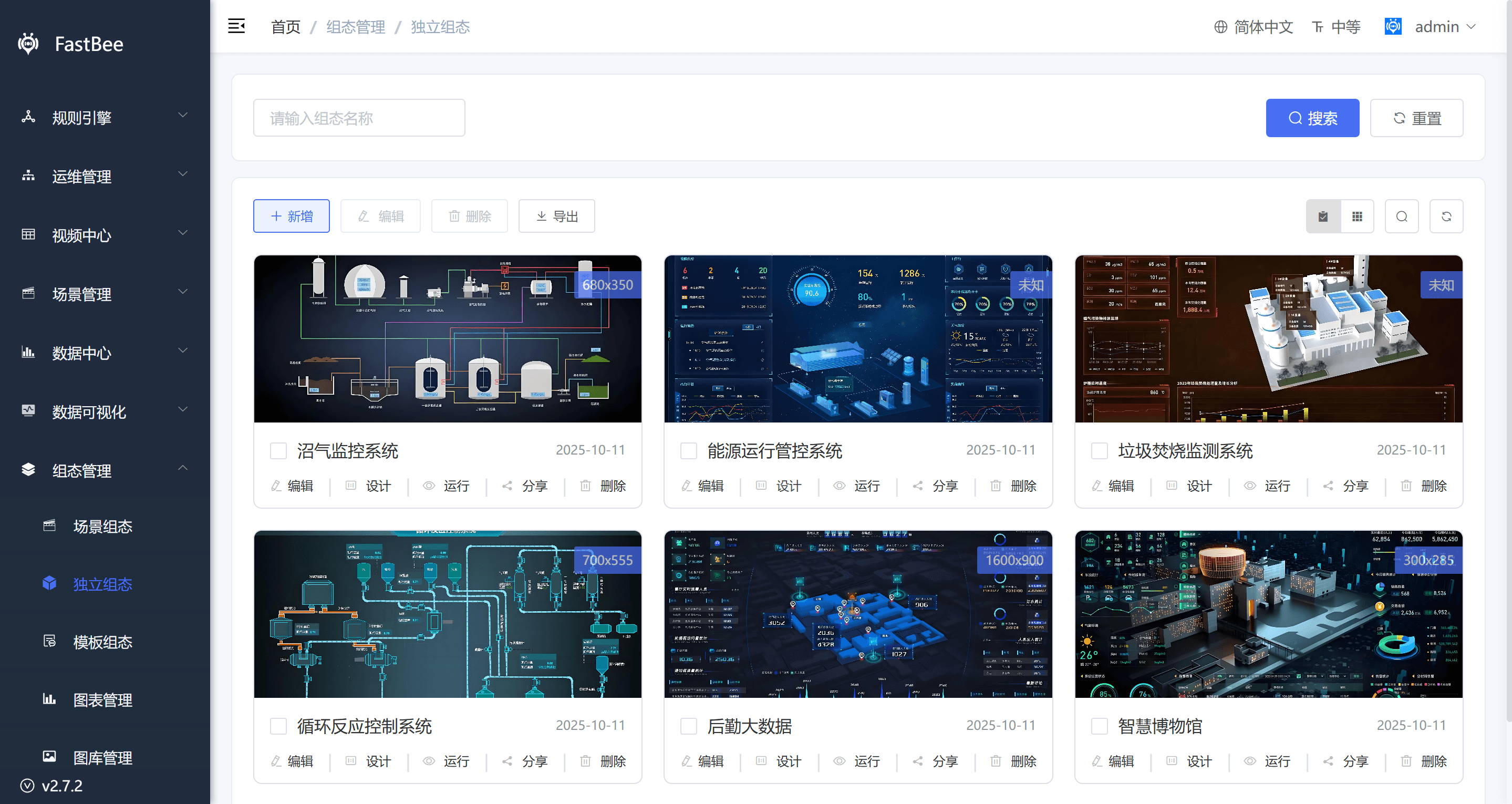
Common operations:
- Add an independent page.
- Design the page directly from the independent configuration list.
- Share the page with a link or QR code.
- Delete the page when it is no longer needed.
Image Library Management
Image library management is used to upload and manage pictures used by the SCADA editor. FastBee includes built-in materials such as buttons, indicators, pumps, tanks, motors, power symbols, valves, reactors, fans, pipes, buildings, boilers, heat-exchange stations, machinery, traffic, warning signs, people, weather, nature, panoramas, and 3D images.
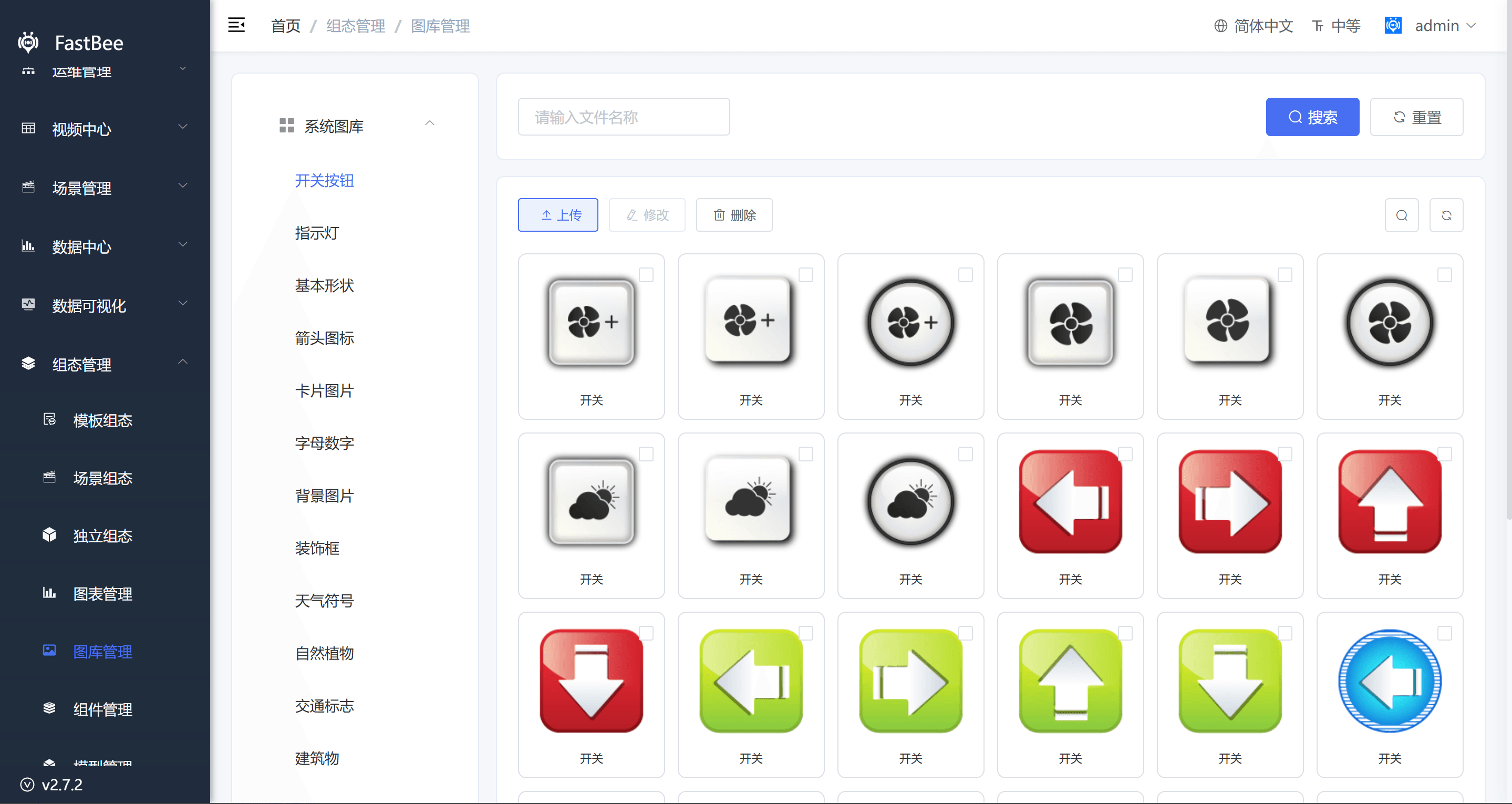
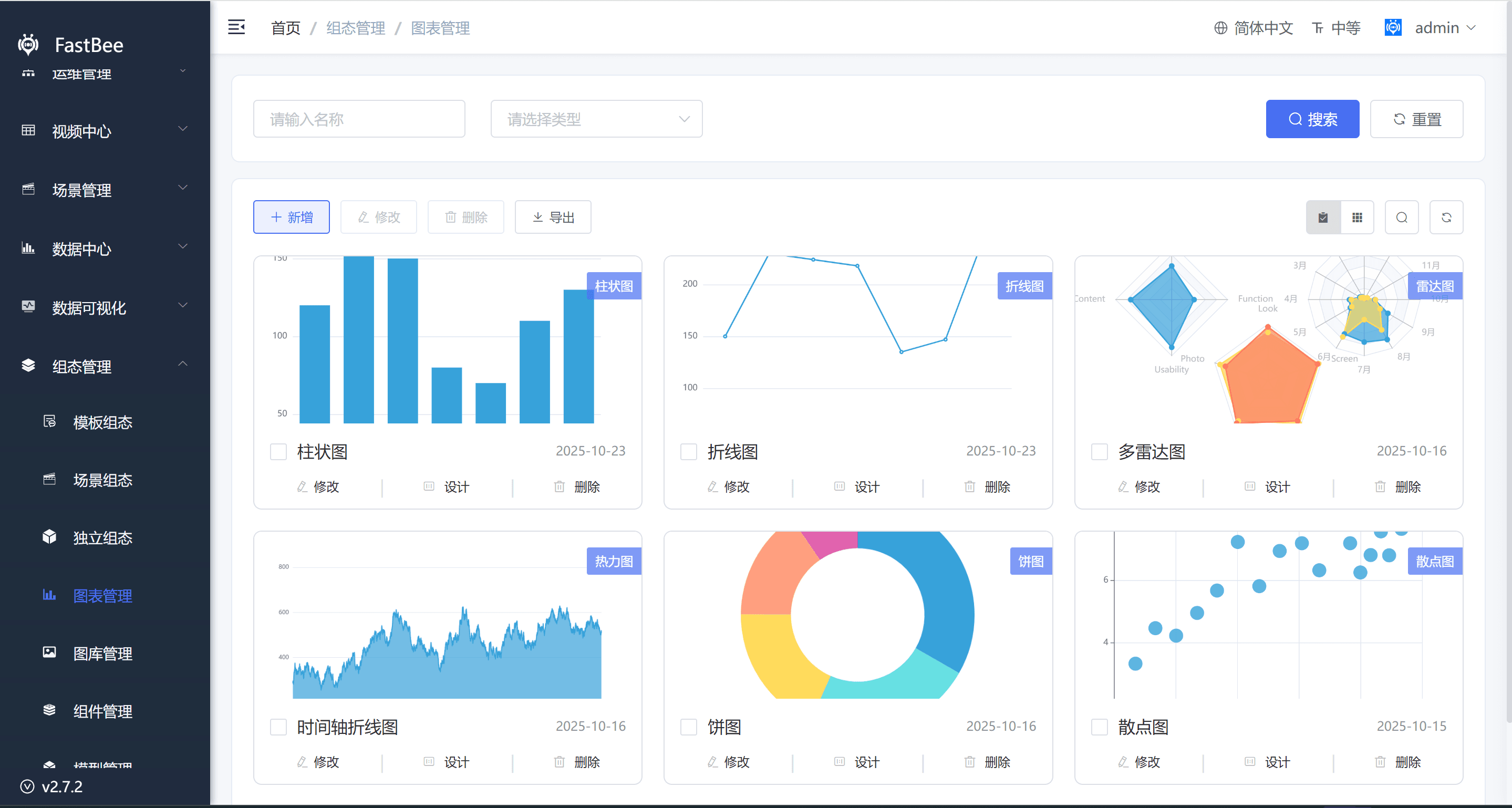
Chart Management
Chart management lets users define custom chart components. Custom charts are based on ECharts and can be added to the SCADA editor chart library.
Supported chart types include line charts, bar charts, pie charts, scatter charts, candlestick charts, radar charts, heatmaps, relationship graphs, liquid-fill charts, tree charts, sunburst charts, gauges, funnel charts, path charts, 3D bar charts, 3D maps, and word clouds.
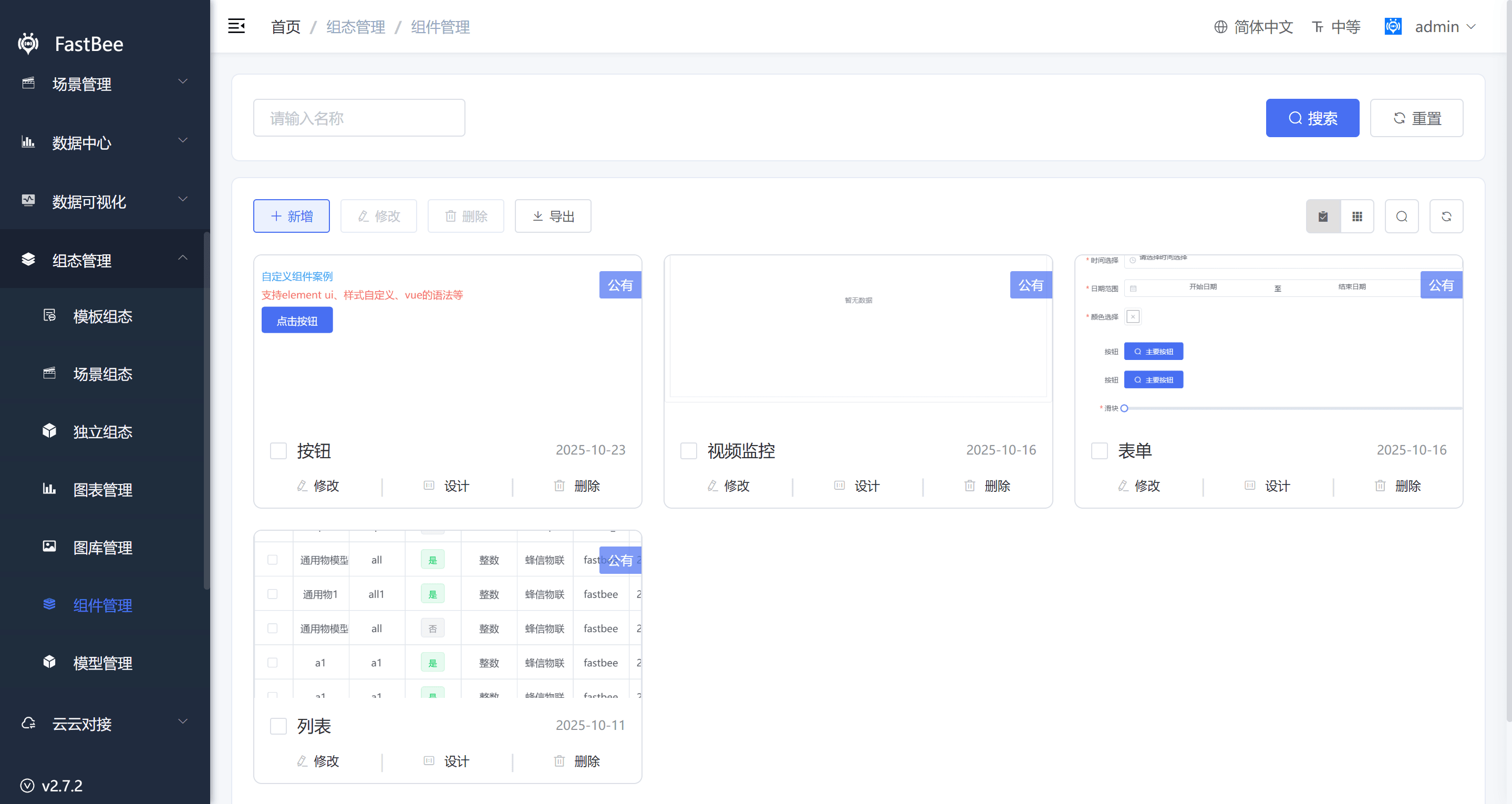
Component Management
Component management lets users define reusable custom components, which can then be used in the editor under the custom component area. Custom components support Vue and Element UI and can use HTTP requests for data.
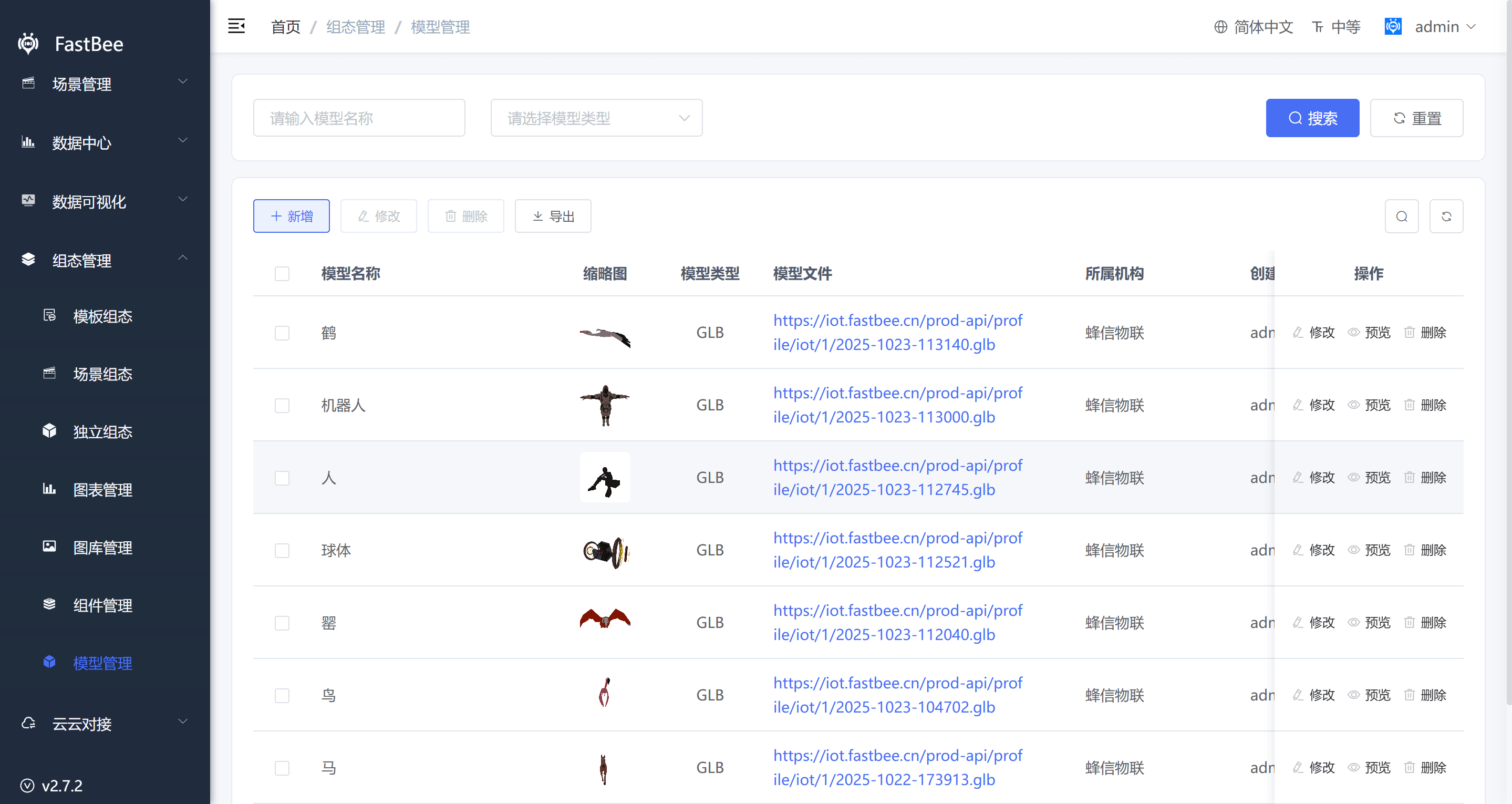
Model Management
Model management imports third-party 3D models into the system. Supported formats include FBX, GLB, GLTF, and OBJ. Additional formats can be extended in code.
Acceptance Checklist
| Item | Expected Result |
|---|---|
| SCADA type | Template, scene, and independent SCADA pages are selected correctly. |
| Variable binding | Variable source, thing-model identifier, and device or scene context are correct. |
| Real-time refresh | SCADA components refresh after the device reports. |
| Command delivery | Control components can deliver commands to the device and receive feedback. |
| Share access | Share links or QR codes are accessible and become invalid after sharing is disabled. |
| Permission isolation | Regular users can only view devices or scenes they are authorized for. |
| Resource loading | Images, charts, and 3D models load correctly at runtime. |
| Mobile display | Mobile layout is not overlapped or overflowing, and operations are usable. |
FAQ
No data displayed on the SCADA page
Check whether the product or scene is bound correctly, whether variables are enabled, whether the device is online, whether the device is reporting, and whether variable identifiers match the thing model.
Share link cannot be accessed
Check whether the SCADA page has been deleted, whether sharing is disabled, whether the share password is correct, and whether the access domain and Nginx forwarding are correct.
Control button has no effect
Check whether the thing model is writable, whether the device is online, whether the device side implements command handling, and whether the current user has control permission.
Image or model fails to load
Check whether the asset has been deleted, whether the path is correct, whether the file is too large, and whether cross-origin and static resource services are working.
Development Entry
| Type | Path Or API | Description |
|---|---|---|
| SCADA page | vue3/src/views/dragEditor | SCADA designer and runtime. |
| Component directory | vue3/src/views/dragEditor/components | Custom components and component library. |
| Product application configuration | vue3/src/views/iot/product | Product state mode and SCADA application. |
| Device detail | vue3/src/views/iot/device | Device SCADA application entry. |
| Scene page | vue3/src/views/scene/list | Scene SCADA entry. |
| Backend API | /goview/project, /goview/projectData | Visualization project and data APIs. |
| Device API | /iot/device, /iot/model | Device and thing-model data. |