

10-Minute Demo Quick Start
Page Guide
ScenarioUse this page when you need to prove that the FastBee platform can start, log in, and accept device traffic.
PrerequisitesDocker deployment or source deployment has been completed, and the platform address, account, database, Redis, and MQTT port are known.
GoalFinish login, service checks, MQTT connectivity, and basic platform acceptance before deeper configuration.
1. Quick Path
2. Open The Platform
Open the deployed platform address in a browser and log in with the administrator account.
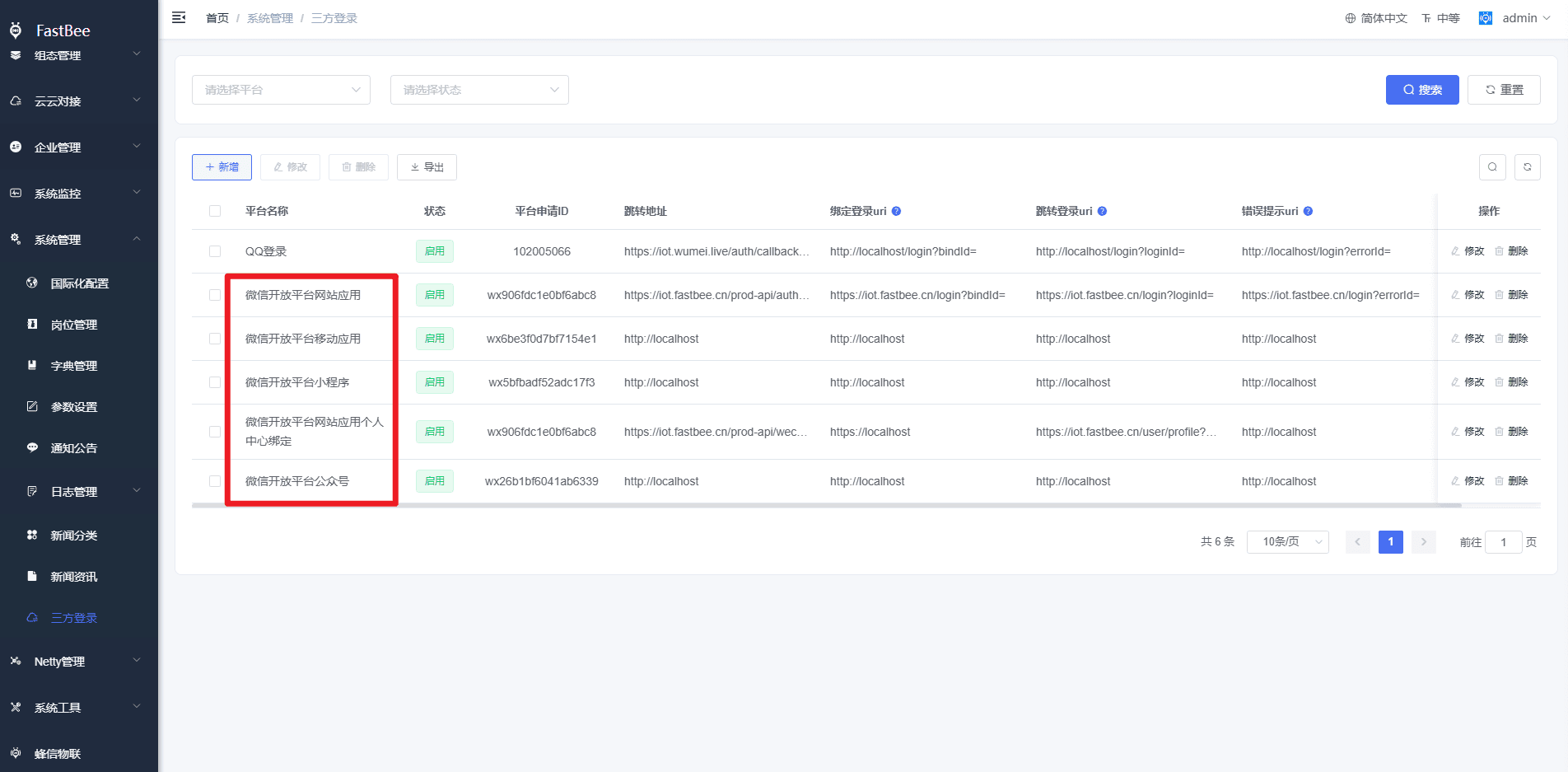
After login, confirm that the menu loads correctly and that Product Management, Device Management, Rule Engine, Web Configuration, and System Management are visible according to the role.
3. Service Checks
| Check Item | Expected Result |
|---|---|
| Backend service | Application logs show successful startup and no repeated exceptions. |
| Frontend service | The console can be opened and menus load normally. |
| MySQL | Business tables can be queried and no connection timeout occurs. |
| Redis | Login token, captcha, and cache operations are normal. |
| MQTT port | The broker port can be reached from the device or simulator network. |
| Optional services | TDengine, EMQX, and ZLMediaKit are checked only when enabled. |
4. MQTT Port Verification
Use telnet, Test-NetConnection, or MQTTX to confirm that the MQTT address and port are reachable. If the connection fails, check firewall rules, container port mapping, EMQX/FMQ configuration, and the broker address configured in the platform.
5. Acceptance Checklist
| Item | Pass Criteria |
|---|---|
| Login | Administrator can log in and open the console. |
| Product | A test product can be created and released. |
| Device | A test device can be created and has credentials. |
| MQTT | MQTTX can connect with the device credentials. |
| Data | Property reporting can be displayed in the device log. |
| Command | A platform command can be delivered and observed in MQTTX. |
6. FAQ
Page cannot be opened
Check first:
- Whether the server security group and firewall allow port
80. - Whether the Nginx container is running.
- Whether the frontend deployment directory exists.
- Whether the browser console shows static resource 404 errors.
Login fails
Check first:
- Whether the backend container has finished starting.
- Whether MySQL initialization is complete.
- Whether the Redis password matches the backend configuration.
- Whether the backend logs show captcha, token, database, or license-related errors.
Backend keeps restarting
Check first:
- Whether MySQL, Redis, TDengine, or IoTDB is reachable.
- Whether ports are occupied by other services on the host.
- Whether the commercial license certificate name and configuration are correct.
- Whether the server has insufficient memory.
MQTTX cannot connect
Check first:
- Whether port
1883is open. - Whether the EMQX console listener is working.
- Whether the product has been released.
- Whether the MQTT account, password, product ID, and device number match the platform.
- Whether the device auth code is enabled, and if enabled, whether the auth code is appended to the authentication password.