

Rule Engine Visualization
1. Rule Engine Visualization
1.1 Feature Overview
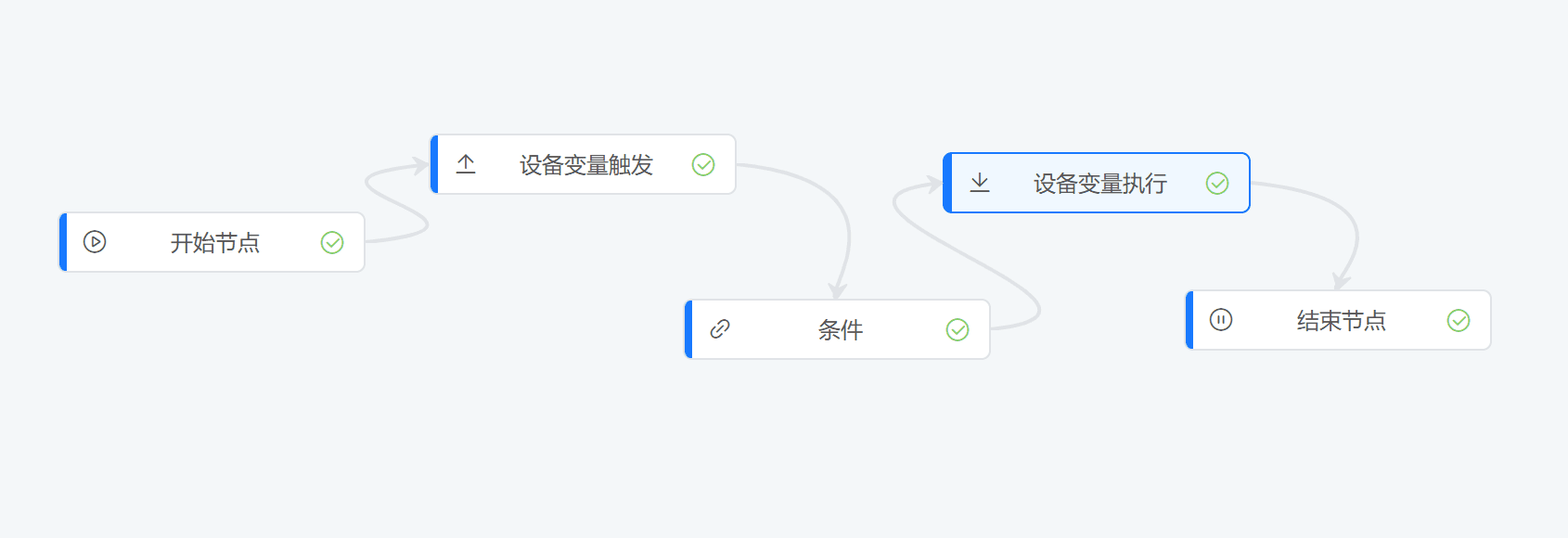
The rule engine is built on the LiteFlow framework. It constructs data flow logic in the form of nodes, and rules are designed by dragging and dropping nodes to implement device data processing, automatic control, alarm triggering, and other features. Scene linkage and rule scripts are being gradually integrated. The LiteFlow framework, together with the frontend interface developed by FastBee, allows users to easily build business logic and implement complex data interaction and control flows. In this framework, everything is based on nodes and lines:
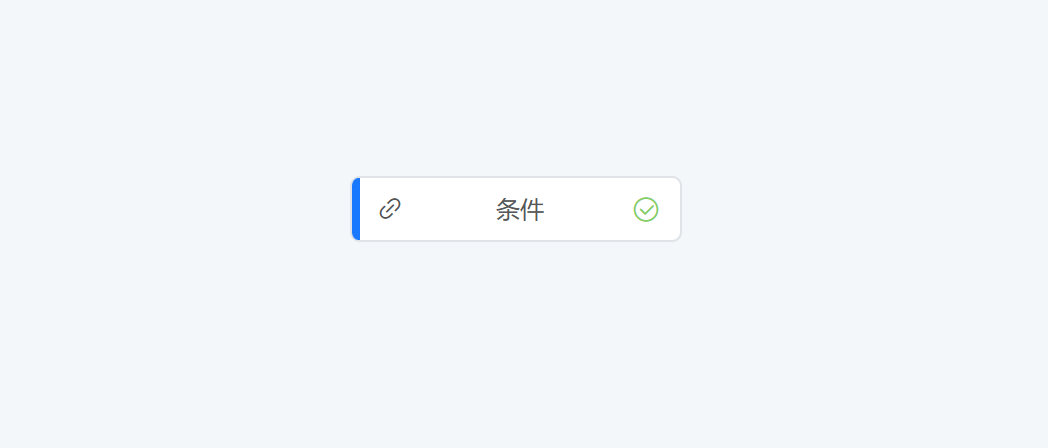
- Nodes: the basic components for building a flow. Each node has a specific function, such as a device variable trigger node, a device variable execution node, a condition node, and so on.
- Lines: the bridges that connect nodes according to specific logic, forming a complete automation process through the connections.
1.2 Feature Distribution
To facilitate rule management, we separate the console management from the editor. In the rule engine module, rule creation and basic property maintenance are completed in the console, while the deployment of flow nodes and flows is completed in the rule editor.
- Create and maintain basic rule engine information in the rule list
- Create nodes and complete the flow logic in the rule editor
1.3 Rule Properties
- Rule name
- Number of nodes
- Rule status
- Rule description
- Update time
1.4 Operation Flow
- Rule list: create a rule
- Click Rule Design to jump into the "Rule Editor"
- Editor: drag and drop nodes. Generally, completing the data flow of one scenario requires at least five nodes: a "start node", a "trigger node", a "function node", an "output node", and an "end node", used to start, trigger, process data, output, and end the flow respectively
- Save: click the "Save" button in the upper right corner to save the current data
- Publish: click the "Publish" button in the upper right corner to activate the flow
1.5 Rule Editor
The rule editor is an important tool for implementing rule engine flows. For detailed operations, refer to Getting Started - Rule Editor.